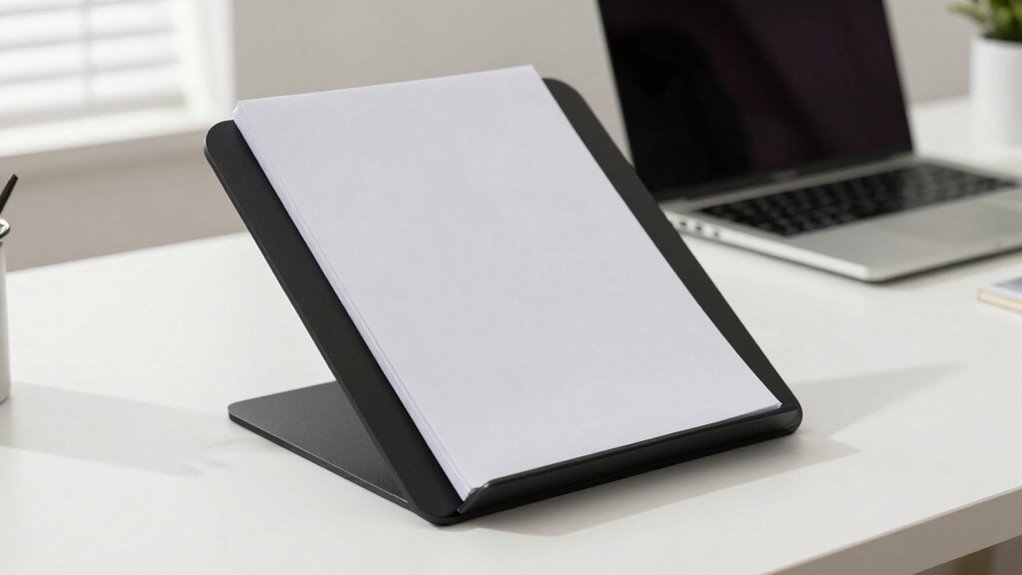

Using a document holder stand in your digital workspace helps you maintain better ergonomics by reducing neck strain and promoting good posture. It keeps documents at eye level, so you don’t waste time searching or flipping through papers, boosting your efficiency. It also minimizes discomfort and fatigue during long work hours. With adjustable features, you can customize your setup for maximum comfort. Keep going to discover how this simple tool can transform your work experience for the better.
Key Takeaways
- Enhances ergonomic posture, reducing neck strain during prolonged digital work sessions.
- Keeps important documents at eye level, improving visibility and reducing eye and visual fatigue.
- Promotes workspace organization, minimizing clutter and increasing overall efficiency.
- Encourages better work habits by supporting disciplined and accessible document management.
- Offers adjustable features for personalized comfort and optimal lighting conditions.
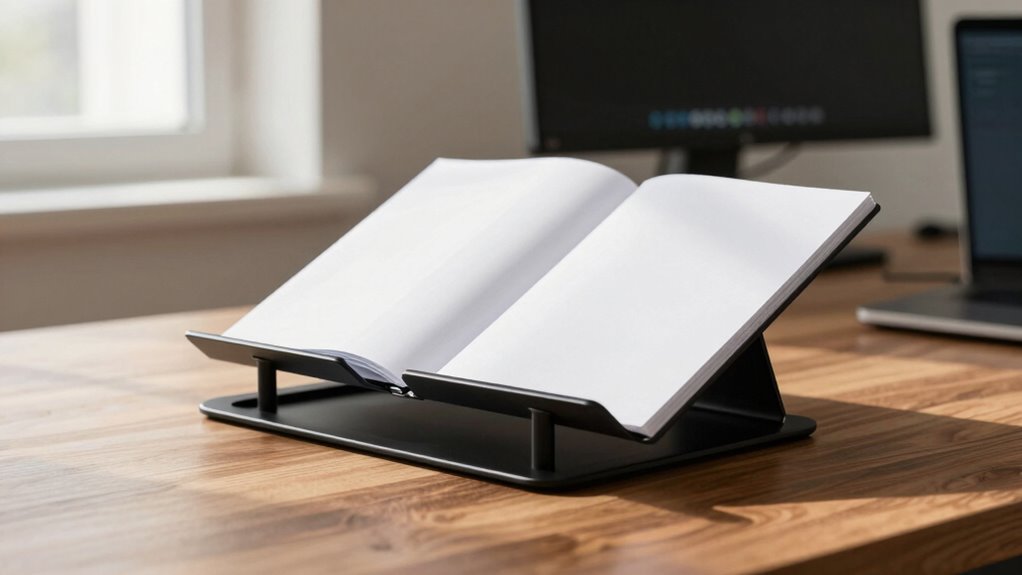
Have you ever overlooked the importance of a sturdy document holder stand? It might seem like a small accessory, but its impact on your daily work routine is significant. When you use a well-designed stand, you’re not just keeping your papers organized—you’re actively improving your ergonomic benefits. Properly positioned documents reduce the need to tilt your head or strain your neck when referring to printed materials, which can help prevent discomfort and long-term musculoskeletal issues. This adjustment might seem minor, but it can make a noticeable difference in how comfortable you feel during extended periods of work.
A good document holder stand keeps your workspace tidy and minimizes clutter, but more importantly, it supports your productivity enhancement. When your documents are in clear view at eye level, you waste less time searching for papers or flipping through stacks of documents. This efficiency allows you to focus on your tasks rather than on managing your workspace. The ease of access means you’re less likely to interrupt your workflow, leading to quicker decision-making and smoother task execution. Plus, by reducing disruptions caused by clutter or misplaced papers, you can maintain concentration for longer stretches of time, ultimately helping you accomplish more in less time.
Investing in a sturdy stand also encourages better habits. It prompts you to keep your documents organized and within easy reach, which reinforces a disciplined approach to your work environment. When your materials are properly displayed, you’re less likely to make unnecessary movements or adopt awkward postures that could cause strain. The ergonomic benefits extend beyond comfort; they contribute to your overall health and well-being, reducing fatigue and the risk of repetitive strain injuries. As research shows, proper workspace setup can significantly improve your overall productivity and comfort over time. Additionally, a well-placed stand can help prevent poor posture, which is a common cause of discomfort during long work sessions. Proper positioning of your materials can also promote the use of natural lighting, minimizing eye strain and enhancing focus. Incorporating adjustable features can further optimize your workspace for individual comfort, ensuring that you maintain an ergonomic posture regardless of your specific needs. Furthermore, selecting the right stand can also help mitigate visual fatigue by reducing glare and reflections on printed documents.

Desktop Document Holder Stand with 7 Adjustable Positions, Black Metal File Organizer Management Copyholder for Typing Speech Reading A4 Letter Music Book Tablet Office, with Paper Clip and Line Guide
- Adjustable Height and Angle: 7 positions for ergonomic reading
- Enhanced Reading Guidance: Line guide and page clip included
- Sturdy and Stable Design: Supports various document sizes
As an affiliate, we earn on qualifying purchases.
As an affiliate, we earn on qualifying purchases.
Frequently Asked Questions
Can a Document Holder Improve Overall Workspace Organization?
Yes, a document holder can improve your overall workspace organization. It provides ergonomic benefits by positioning papers at eye level, reducing neck strain and improving comfort. Plus, it helps keep your desk clutter-free by consolidating documents, making it easier to find what you need quickly. With less clutter and better ergonomics, you can work more efficiently, stay focused, and maintain a neat, professional workspace.
What Materials Are Best for Durable Document Holder Stands?
Like the timeless strength of steel, durable materials for document holder stands include stainless steel, reinforced plastic, and high-quality aluminum. These materials excel in material durability, resisting wear and tear over time. Their sleek design aesthetics also complement modern workspaces, providing a professional look. Choosing sturdy, stylish options guarantees your stand remains reliable and visually appealing, supporting your workflow efficiently and lasting through daily use.
Do Document Stands Support Ergonomic Health for All Users?
Yes, document stands support ergonomic health for all users by promoting proper posture and reducing strain during work. They offer ergonomic benefits like adjustable heights and angles, which enhance user comfort and minimize neck and eye strain. By keeping documents at eye level and within easy reach, you can work more efficiently and comfortably, preventing potential musculoskeletal issues and ensuring a healthier, more productive workspace.
Are There Portable Options for Mobile or Remote Work?
Yes, there are portable options for mobile or remote work, making virtual collaboration easier. You can find lightweight, foldable document holders that fit into your bag and support your workspace on the go. These stands work well with cloud storage, allowing you to access and share documents seamlessly during virtual meetings. Their portability guarantees you stay ergonomic and productive, whether working from a coffee shop, home, or on the move.
How Do I Choose the Right Size for My Needs?
Imagine your workspace as a tailored suit—fit matters. To choose the right size, consider your size considerations and personal preferences, ensuring the stand complements your desk and viewing habits. If you work with large documents or need flexibility, opt for a bigger stand. For quick reference or minimal space, a smaller size works. Prioritize comfort and ease of use to find the perfect fit, making your workspace truly yours.
Conclusion
Using a document holder stand isn’t just a convenience—it’s a game-changer. It helps reduce neck strain, improves posture, and boosts your efficiency. Did you know that poor ergonomics can decrease productivity by up to 15%? Investing in a stand still keeps your workspace healthier and more comfortable, making it easier to stay focused and work longer without discomfort. So, don’t overlook this simple upgrade; your body and your work will thank you.