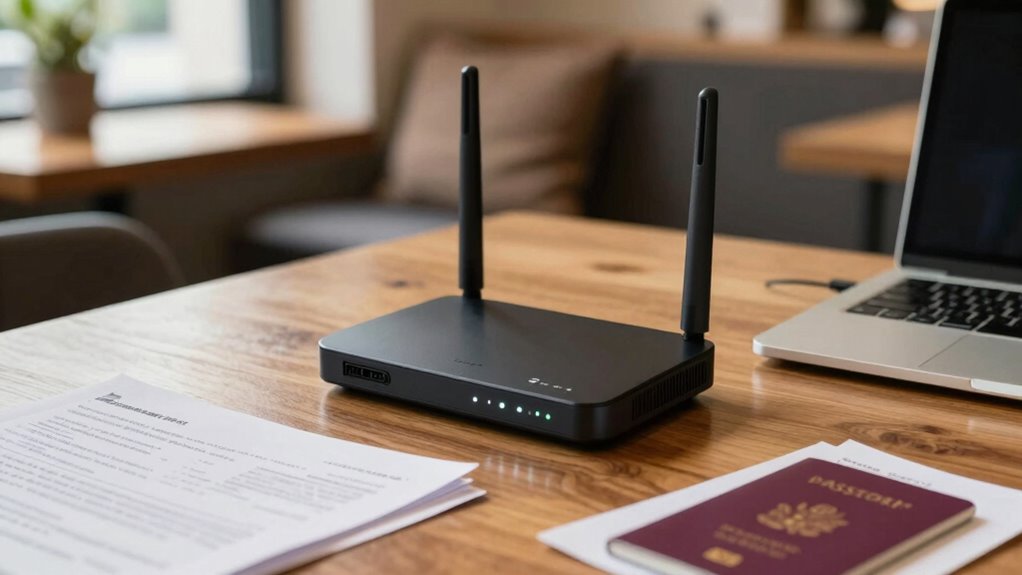

As a remote worker, upgrading your travel router’s security is vital to protect your sensitive data on public Wi-Fi. Look for features like WPA3 encryption, built-in VPN support, firewalls, and regular firmware updates to guarantee your network stays safe. Strong passwords and multi-factor authentication add extra protection. Staying secure while working remotely is easier when your router has these features. Continue to explore how these upgrades can keep your digital life safe.
Key Takeaways
- Upgrading to a travel router with built-in VPN support ensures encrypted, private connections on public Wi-Fi networks.
- Modern security features like WPA3 and firewalls protect remote workers from cyber threats while on the move.
- Regular firmware updates and strong passwords enhance overall device security against vulnerabilities.
- Advanced routers enable remote workers to securely access geo-restricted content and prevent activity tracking.
- Robust security in travel routers provides peace of mind, allowing focus on work without cyber threat concerns.
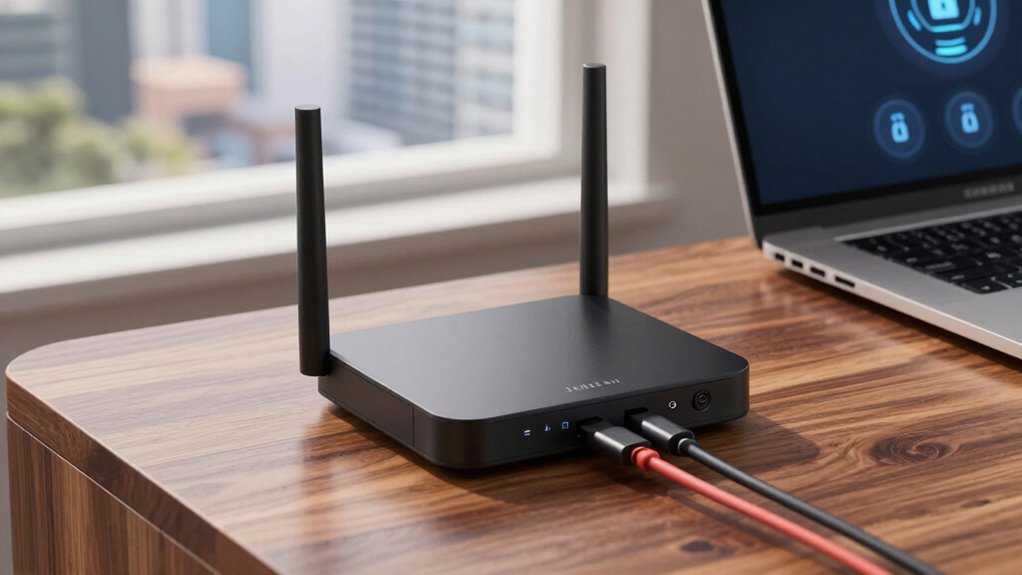
When you’re frequently on the go, ensuring your travel router is secure becomes essential to protect your personal data and connected devices. Traveling often means relying on public Wi-Fi networks, which are notoriously insecure and open to cyber threats. Hackers can easily intercept unencrypted connections, putting your sensitive information—like passwords, emails, and financial details—at risk. That’s why upgrading your travel router’s security features is more important than ever. A modern travel router with enhanced security options can create a private, encrypted network, safeguarding your data from prying eyes. This way, you can work efficiently without constantly worrying about potential breaches when connecting to cafes, airports, or hotel Wi-Fi.
Secure your travel with an encrypted router to protect your data on public Wi-Fi networks.
Another critical aspect of a secure travel router is VPN compatibility. When you’re on the move, using a VPN (Virtual Private Network) provides an extra layer of encryption, ensuring your online activity remains private. Not all routers support VPNs directly, which can be frustrating if you’re looking for seamless security. A travel router with built-in VPN compatibility allows you to connect easily to your preferred VPN service, encrypting all traffic passing through the device. This setup means you don’t have to configure each individual device—smartphones, tablets, laptops—separately. Instead, your entire network benefits from VPN protection, reducing setup time and increasing security. With VPN compatibility, you can access geographically restricted content, browse securely on public Wi-Fi, and prevent your activity from being tracked.
Beyond VPN support, look for features like WPA3 encryption, which offers stronger security protocols than older standards. This encryption protects your devices from unauthorized access even in crowded, unsecured networks. Many upgraded travel routers also include firewalls and intrusion detection systems that actively monitor and block suspicious activity, adding another layer of defense. Additionally, frequent firmware updates are vital—they patch vulnerabilities and keep your device resilient against emerging threats. Choose a router that receives regular updates from the manufacturer, so your security stays current. Incorporating security best practices, such as changing default passwords and enabling multi-factor authentication, further enhances your protection. Including encryption protocols that are up-to-date is crucial for maintaining your data security. Using a comprehensive security approach ensures you’re covering all bases when it comes to protecting your digital presence. Moreover, understanding cybersecurity fundamentals can help you make smarter choices about your device’s security settings.
In essence, an upgraded travel router with robust security features is a smart investment for remote workers. It allows you to connect confidently on public Wi-Fi, knowing your data is encrypted and protected. The added VPN compatibility ensures your browsing remains private, no matter where you are. By focusing on these key features, you’re not just upgrading your device—you’re actively safeguarding your digital life on the road. With the right security measures in place, you can work more efficiently and worry less about cyber threats lurking in the background.

GL.iNet GL-MT3000 Beryl AX Wi-Fi 6 Travel Router, 2.5G WAN, VPN, OpenWrt
- Dual Band Wi-Fi 6: Speeds up to 574Mbps (2.4G) and 2402Mbps (5G)
- Multi-Gigabit Ports: 2.5G WAN and 1G LAN ports
- USB 3.0 Port: Connect external devices easily
As an affiliate, we earn on qualifying purchases.
As an affiliate, we earn on qualifying purchases.
Frequently Asked Questions
How Often Should I Update My Travel Router’s Firmware?
You should update your travel router’s firmware at least once a month to guarantee peak security. Regular firmware updates help fix known vulnerabilities identified during routine router vulnerability assessments. Keep an eye out for manufacturer notifications, and don’t wait until you notice issues. Consistent updates minimize risks, protect your data, and keep your connection secure while you’re on the go. Staying proactive is key to maintaining a safe, reliable network.
Can a Travel Router Prevent All Types of Cyberattacks?
A stitch in time saves nine, and your travel router isn’t a silver bullet against all cyberattacks. While it can bolster your defenses, it can’t prevent all travel router vulnerabilities or cyberattack prevention on its own. Staying updated, using strong passwords, and employing additional security measures are essential. Relying solely on a travel router leaves gaps; you need a layered approach to truly protect your data.
What Are the Best Practices for Creating Secure Wi-Fi Passwords?
You should create secure Wi-Fi passwords by emphasizing password complexity, combining uppercase and lowercase letters, numbers, and symbols. Avoid common words or easily guessable info. Enable multi-factor authentication whenever possible for added security. Regularly update your passwords and avoid reusing them across different networks. These practices help protect your network from unauthorized access and guarantee your data remains safe, especially when working remotely or connecting via travel routers.
How Do I Know if My Travel Router Is Compromised?
If your travel router’s been compromised, you’ll notice strange device behavior, unexpected network activity, or your security alerts going off like fireworks. To confirm, check if device encryption is disabled or if unauthorized devices are connected. Implement network segmentation to isolate your main devices, making it harder for hackers to access everything. Regular firmware updates and strong passwords are essential. Trust your instincts—if something feels off, investigate immediately!
Are There Any Hidden Security Risks With Public Wi-Fi Networks?
Public Wi-Fi vulnerabilities pose hidden network threats you might not see. These networks often lack strong security, making it easy for hackers to intercept your data or inject malware. Always be cautious, avoid accessing sensitive info, and use a VPN for encryption. Public Wi-Fi vulnerabilities can expose your personal information, so understanding these hidden network threats helps you stay protected when connecting on the go.
Conclusion
By embracing these security upgrades for your travel router, you gently fortify your digital sanctuary on the go. It’s a subtle shift that keeps your data safe without complicating your journey. As remote work continues to weave into your travels, staying a step ahead with smarter security measures ensures your connection remains seamless and secure. Think of it as a quiet shield, allowing you to focus on your adventures while your tech stays protected in the background.