
TL;DR

Get business pricing on office and shipping supplies
- Business-only prices and quantity discounts
- Tax-exempt purchasing
- Multiple users, one account, clear invoices
You can turn one video into a full publishing kit—covering social clips, blog drafts, newsletters, and media assets—using a local workflow that keeps your content off the cloud. This approach boosts control, speeds up production, and simplifies distribution.
Imagine finishing a video and having a toolkit ready—ready to publish, promote, and monetize. No waiting for uploads, no cloud subscriptions. Just a single file, and your entire publishing universe appears. This isn’t sci-fi—it’s the promise of a local-first workflow that transforms how creators handle content.
In this article, you’ll see how one video can spawn a full set of assets—social clips, blog posts, newsletters, even print-ready media—all without your files leaving your machine. If you’re tired of cloud dependence and want more control, stick around.
Key Takeaways
- A local-first workflow lets you generate a full publishing kit from a single video, keeping your files private and under your control.
- Automation tools can analyze your video’s audio and visuals, creating social clips, blog drafts, and media assets instantly.
- Your publishing kit should include multiple formats—images, videos, text—to maximize your reach across platforms and media types.
- Comparison with cloud workflows shows that local processing offers faster turnaround, better privacy, and ownership.
- Properly preparing assets with correct resolution and formats ensures professional quality for both print and digital distribution.
As an affiliate, we earn on qualifying purchases.
What Does ‘Without the Cloud’ Actually Mean for Creators?
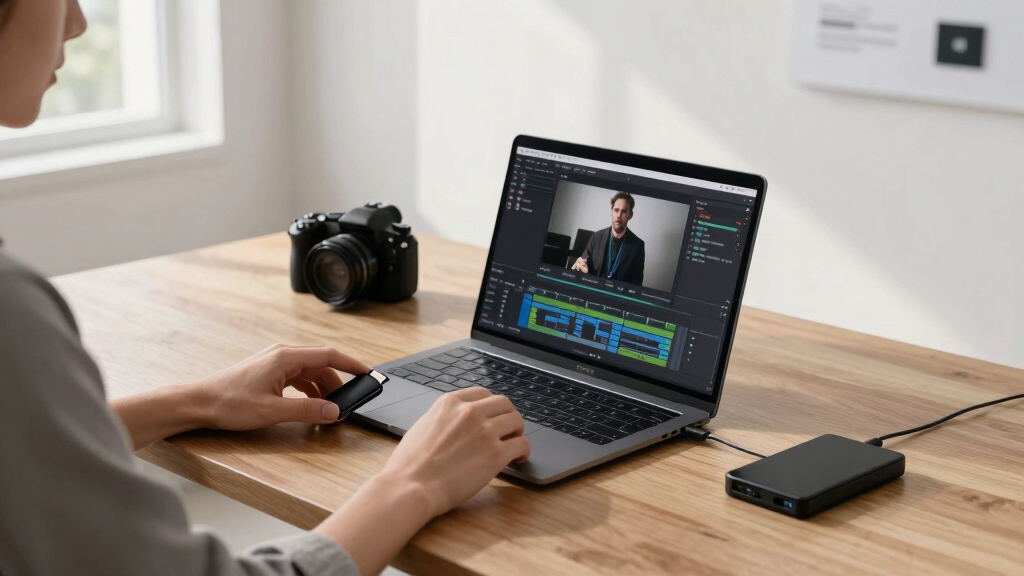
‘Without the cloud’ means all your editing, processing, and asset creation happens on your local machine—no reliance on online servers or subscriptions. For example, instead of uploading videos to a third-party platform to generate clips or transcriptions, you use tools that run entirely offline.
This approach keeps your data private, ensures faster turnaround, and gives you full control over every asset. Think of it like working with a digital Swiss Army knife—all functions available instantly, with no internet hiccups.
Recent advances make this possible. Tools like ChannelHelm run locally, analyzing videos, generating assets, and packaging everything neatly—without cloud dependencies. This matters because it shifts the power back to creators, allowing them to manage their content securely and efficiently. The tradeoff, however, is that local tools often require more initial setup and understanding of workflows, but the long-term benefits of privacy and control are significant.

How a Single Video Can Become Every Asset You Need
Transforming one video into a publishing kit involves multiple steps—each automatable but still editable. This process matters because it allows creators to maximize the value of each recording, turning a single piece of content into a multi-channel presence. For more tips on content repurposing, see this guide on creating a full publishing kit from a single video.
By analyzing the video’s audio, visuals, and key moments, automation tools can generate drafts for social media, blog posts, and media kits. The tradeoff involves balancing automation with manual refinement—automated processes speed up production but still require oversight to ensure quality and alignment with your branding. This approach is powerful because it enables rapid iteration, customization, and scalability, giving creators the ability to respond quickly to trends or opportunities without being bogged down by repetitive tasks.
Imagine scanning your raw footage, then clicking a button to get a ready-to-publish social post, a blog outline, and a press-ready image. That’s the power of a unified, local workflow—saving time and maintaining full creative control while expanding your content reach.

The Publishing Kit: What Files and Assets Are Included?
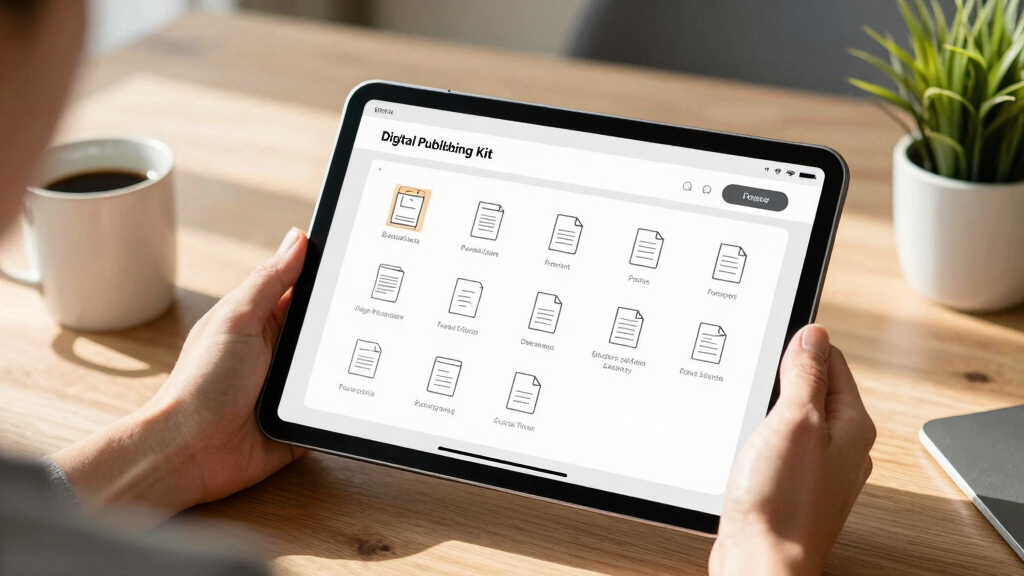
A publishing kit is like a media arsenal—ready for any platform or purpose. It includes high-res and web-friendly images, optimized video clips, styled titles, and formatted text. To learn more about assembling effective media assets, visit this resource on publishing kits.
All these assets are generated automatically from your video, focusing on key moments and themes. The challenge lies in maintaining quality—automated tools can produce many assets quickly, but ensuring they meet professional standards requires careful calibration of resolution, styling, and formatting. This is important because high-quality assets reflect your brand and credibility, influencing how your audience perceives your message. The tradeoff is that automation might sometimes produce assets that need manual adjustment to meet specific standards, but the overall efficiency gain outweighs this minor extra step.
Comparison Table: Cloud-Based vs. Local-First Publishing Workflows
| Feature | Cloud-Based Workflow | Local-First Workflow |
|---|---|---|
| Control over data | Dependent on online services; data stored in cloud | All assets stored locally, full ownership |
| Speed | Variable, depends on upload/download speeds | Instant processing, no delays |
| Privacy | Subject to platform policies and data sharing | Complete privacy, no external servers |
| Automation | Limited unless platform supports it | Full automation possible with local tools |
| Cost | Subscription fees, data storage costs | One-time purchase or open-source tools |
Choosing a local-first approach means more control, faster turnaround, and fewer ongoing costs—especially for creators who prioritize ownership and privacy. For more insights on local workflows, see this guide on saving money and maintaining control.

Step-by-Step: Turning a Video Into a Full Publishing Package
Here’s how you can go from raw footage to a ready-to-publish kit—step by step. For a detailed walkthrough, check out this step-by-step guide.
- Drop or paste: Load your video into the tool. It automatically detects the source and begins analyzing, saving you time and reducing manual input. To explore more about tools that facilitate this process, visit this resource on content creation tools.
- Understand: Transcribe, detect scenes, read on-screen text, and identify key moments—all locally. This analysis is critical because it forms the foundation for accurate asset creation; errors here can propagate through your assets, so thorough local processing ensures data privacy and control over sensitive content.
- Draft assets: Titles, captions, social clips, blog outlines, and images are generated based on the analysis. Automation accelerates production, but manual review is essential to ensure tone, branding, and accuracy align with your goals.
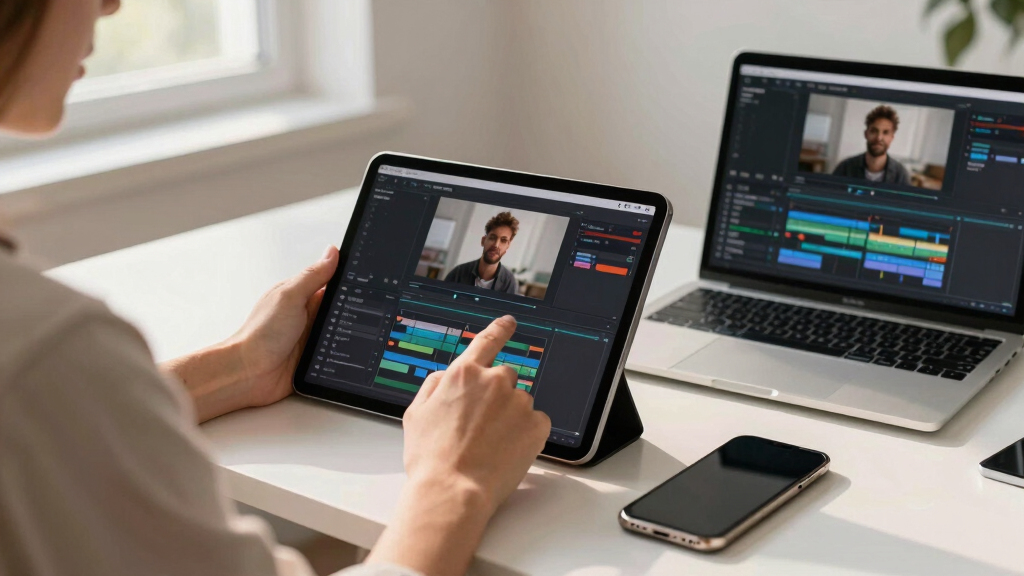
- Review: Use the integrated studio to refine each asset—change titles, swap images, or trim clips. This step guarantees that automated outputs meet your standards and allows for creative adjustments that automation alone cannot provide.
- Approve and distribute: Finalize everything and push assets directly to your website, social media, or print. This integrated process reduces time-to-publish and maintains full control over distribution channels, ensuring your content is consistent and professional across all platforms.
This process can be completed in under an hour with automation, giving you a full publishing kit you control completely. The key is understanding that each step, while automated, benefits from human oversight to ensure quality and branding consistency—this tradeoff between speed and precision is where local workflows shine.
Real-World Example: From a 15-Minute Interview to a Media Campaign
Say you record a 15-minute interview with a thought leader. Using a local-first workflow, you can generate:
- A set of 5 social clips highlighting key quotes
- An SEO-optimized blog draft that summarizes the main ideas
- A media kit with high-res images and a press one-sheet
- Vertical snippets for TikTok and Reels
- A newsletter feature with embedded clips and links
All this happens on your own machine, with files stored securely and ready for immediate publishing. This setup not only accelerates your content cycle but also enhances your control over the entire process. You can quickly adapt assets for different audiences or channels, ensuring a cohesive and timely campaign. The main implication is that such workflows democratize high-quality media production, making it accessible even for solo creators or small teams, without sacrificing professionalism or security.

How to Make Sure Your Assets Are Print-Ready and Media-Perfect
Ensuring your assets meet professional standards involves knowing the right specs and understanding their importance. For print, use images at 300 DPI and CMYK color profiles because these settings ensure color accuracy and print quality—crucial for high-stakes presentations or publications where detail matters. For digital assets, 72 DPI RGB images are sufficient and optimized for screen display, which helps keep file sizes manageable and loading times fast. For example, a media kit cover should be a vector graphic or high-res JPEG at 3000×3000 pixels; this ensures it remains sharp regardless of size adjustments.
When generating assets, specify your resolution needs. Tools like [ChannelHelm](https://channelhelm.com/) automatically produce multiple sizes, but it’s vital to double-check image quality before final use. This step prevents pixelation or blurriness that can undermine your professional image. Remember, a well-prepared media kit with correctly formatted assets can significantly influence your credibility with journalists, clients, and partners. The tradeoff here is that automated tools may produce many sizes, but manual verification ensures that each asset maintains its intended quality and impact.

Maximize Your Reach: Distribute Without Relying on the Cloud
With a local publishing kit, you can push assets directly to social platforms, websites, or print services without the bottlenecks of upload speeds or platform restrictions. This capability is especially valuable when time is critical, such as during a product launch or crisis communication. For instance, batching multiple high-resolution images and videos for your website or sending large files directly to a local printer bypasses cloud upload limits and reduces dependency on third-party services. This approach allows for rapid deployment, ensuring your content reaches your audience quickly and securely.
This method is ideal for small teams or solo creators who prioritize control and security. You avoid risks associated with platform bans, data breaches, or losing access due to account issues. Furthermore, owning your assets means you can adapt and re-distribute content on your terms—whether through physical print, direct email campaigns, or local distribution channels—without waiting for cloud-based approvals or uploads. The tradeoff is that managing local distribution may require some technical know-how, but the benefits in speed, privacy, and independence often outweigh this barrier.
Frequently Asked Questions
What does ‘without the cloud’ actually mean?
It means all your video analysis, asset creation, and publishing happen on your local machine—no data stored or processed on online servers. You keep full control and privacy, and avoid dependency on subscription-based cloud tools.
Can this replace a traditional media kit or publishing assistant?
Yes, a local workflow can generate comprehensive media kits, social assets, and content drafts. It automates much of the heavy lifting while still giving you room to customize and refine—saving time and maintaining ownership.
What files should be included in the output package?
A complete publishing kit typically includes high-res and web-ready images, video clips, formatted text, and metadata like titles and tags. For print, ensure resolution is 300 DPI; for digital, optimize for web use.
How much of this is automated versus manually edited?
The analysis and asset generation are automated, but you retain full editing control. You can tweak titles, swap images, trim clips, and adjust formats before finalizing and publishing.
All of the above. Whether you’re publishing a book, marketing a course, or creating content for social media, a local-first system streamlines production and keeps your assets under your control.
Conclusion
Owning your content doesn’t mean sacrificing speed or professionalism. With a local-first workflow, you turn one video into an entire publishing universe—fast, secure, and completely in your control. The future of publishing isn’t in the cloud; it’s in your hands.
Start experimenting with local automation tools, and see how much quicker and more personal your publishing process can become. Your audience will never know you didn’t do it all in a cloud-free zone.

Fall Picks
fall essentials
As an affiliate, we earn on qualifying purchases.