
To build template variations without creating design debt, start with a solid design system that sets clear standards for colors, typography, and components. Use modular, reusable components with multiple variations documented thoroughly. Automate updates via design tokens to guarantee consistency across templates. Balance flexibility with controlled boundaries, allowing customization without compromising your visual language. Regularly review and update your templates to prevent divergence and maintain coherence, helping you stay sustainable long-term—exploring these strategies further will help you master this process.

Get business pricing on office and shipping supplies
- Business-only prices and quantity discounts
- Tax-exempt purchasing
- Multiple users, one account, clear invoices
Key Takeaways
- Develop a comprehensive design system with clear standards for colors, typography, and components to maintain consistency across variations.
- Use modular, reusable components with documented variations to minimize fragmentation and facilitate scalable updates.
- Implement design tokens and automation tools to ensure uniformity and streamline updates across all templates.
- Balance flexibility and consistency by setting controlled boundaries for customization within a strategic framework.
- Regularly review and update templates to prevent divergence, managing variations proactively to reduce technical debt.

Have you ever struggled to create multiple template variations without sacrificing consistency or piling up technical debt? If so, you’re not alone. Managing numerous templates can quickly become a balancing act between maintaining cohesive design and offering enough user flexibility. The key is to develop a system that supports both, ensuring that each variation feels familiar yet adaptable to different needs. Achieving this requires a thoughtful approach to design consistency—keeping core elements uniform across templates—while allowing enough flexibility for users to customize their experience without breaking the overall aesthetic or functionality.
Balancing design consistency and user flexibility prevents technical debt and ensures cohesive, adaptable templates.
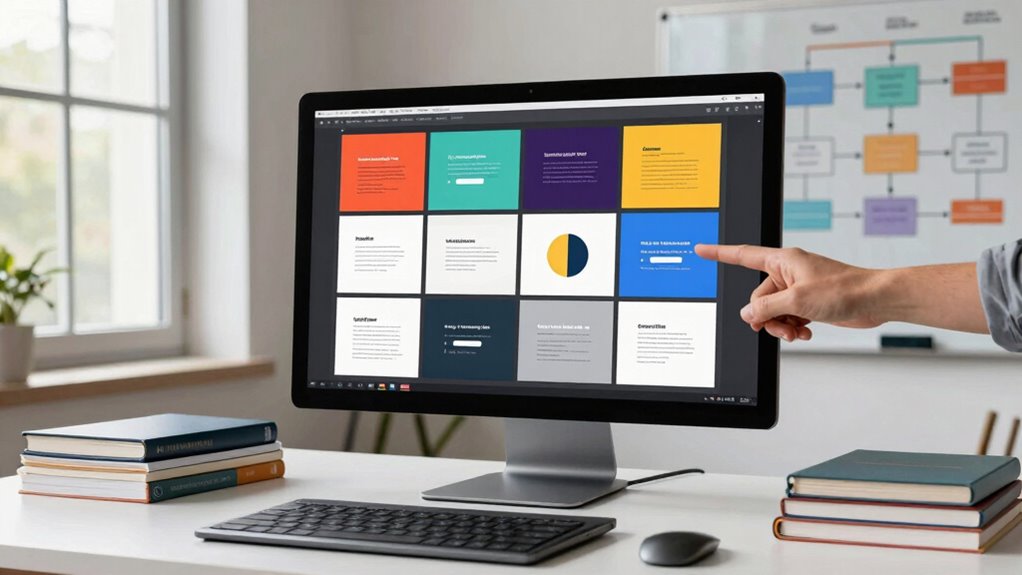
To start, establish a solid foundation with a design system or style guide. This acts as the blueprint for all your templates, defining colors, typography, spacing, and component behavior. When your templates adhere to these standards, consistency naturally follows. However, don’t make the mistake of overly rigid rules that stifle user flexibility. Instead, incorporate modular components that can be reused across templates but are also designed to be adaptable. For example, use interchangeable header styles or adjustable layout grids. This approach ensures that variations remain cohesive while enabling users to tailor templates to their specific needs. Additionally, understanding design tokens can help streamline the process of maintaining uniformity across multiple variations.
Another important aspect is creating a flexible component library with clear boundaries. Components should be built with scalability in mind, allowing for variations within a controlled framework. For instance, a button component might have multiple size and color options, but all variations should align with your core design principles. This way, you avoid creating a fragmented look while giving users the freedom to choose what suits their context. Additionally, document these variations thoroughly. Clear guidelines help maintain consistency, especially when multiple teams or individuals work on templates, reducing the risk of technical debt from inconsistent implementations.
Automate where possible. Use design tokens and frameworks that support dynamic styling, so updates to your core design automatically propagate across all templates. This minimizes the risk of divergence and simplifies maintenance. Regular audits of your template ecosystem can also catch inconsistencies early, ensuring that new variations stay aligned with your established standards. Also, establishing a consistent process for reviewing and updating templates can help sustain long-term coherence. Remember, the goal is to strike a balance: offer enough customization for user flexibility without compromising the integrity of your visual language.
In the end, building template variations without creating design debt involves a combination of strategic planning, disciplined implementation, and ongoing management. By focusing on design consistency as a foundation and embedding flexibility within a structured system, you empower users to create diverse yet cohesive templates. This approach not only saves time and reduces technical debt but also enhances the user experience, making your templates both reliable and adaptable.
Popular right now

De'Longhi La Specialista Touch Espresso Machine with Coffee Grinder

Ninja DZ801 DualZone 6-in-1 Air Fryer, 8 Qt, Grey

Dreame X60 Max Ultra Complete Robot Vacuum and Mop
As an affiliate, we earn on qualifying purchases.
Frequently Asked Questions
How Do I Prioritize Template Variations for Different User Segments?
You should prioritize template variations based on user engagement data, focusing on segments with the highest interaction. Use visual hierarchy to guide your design choices, ensuring that key actions stand out for each segment. Start with variations that address the most critical needs, then iterate for other groups. This approach helps you optimize for engagement without creating unnecessary design debt, keeping your templates both effective and adaptable.
What Tools Are Best for Managing Multiple Template Versions?
Managing multiple template versions is like juggling flaming torches—you need the right tools to keep everything safe and controlled. Use version control systems like Git or Figma’s version history to track changes efficiently, ensuring you can revert if needed. Complement this with thorough design documentation to maintain consistency across variations. These tools help you stay organized, prevent design debt, and make updates seamless, even with numerous template versions in play.
How Can I Ensure Consistency Across All Template Variations?
You can guarantee consistency across all template variations by strictly adhering to your brand’s style guidelines and maintaining a centralized asset library. Regularly review templates against these guidelines, and use design tokens or shared components to keep elements uniform. Automate checks where possible, and involve your team in periodic audits. This way, you preserve brand consistency, minimize discrepancies, and make updates seamless across all templates.
What Are Common Pitfalls When Scaling Template Variations?
When scaling template variations, you might face pitfalls like losing design consistency and poor version control. To avoid this, make sure you maintain strict style guides and component libraries, so variations stay aligned with your brand. Also, implement robust version control systems to track changes and prevent inconsistencies. Regularly review your templates, and involve your team in updates, so everyone stays on the same page and design quality remains high.
How Often Should I Review and Update Template Variations?
You should review and update your template variations quarterly, as this helps maintain template consistency and address evolving user needs. Research shows that regular updates boost user satisfaction by 20%. By actively seeking user feedback, you identify pain points and opportunities for improvement. This ongoing process guarantees your templates stay fresh, relevant, and aligned with your brand, reducing the risk of design debt and enhancing overall user experience.
Conclusion
By following these strategies, you’ll create template variations that are flexible, scalable, and easy to update, all without piling up design debt. Remember, organizations that prioritize design consistency and strategic planning are 33% more likely to see higher customer satisfaction. Keeping your templates adaptable now means avoiding costly overhauls later. Stay proactive, think ahead, and your design system will serve you well for years to come.