
To build a reusable email header that stays useful, focus on a clean, consistent design aligned with your brand, using adaptable elements like placeholders and personalization options like recipient names or locations. Use a modular layout for easy updates and guarantee your design works across email clients and devices. Regularly test, update, and optimize your templates to keep them current. If you keep going, you’ll discover how to make your headers both versatile and engaging for all campaigns.

Get business pricing on office and shipping supplies
- Business-only prices and quantity discounts
- Tax-exempt purchasing
- Multiple users, one account, clear invoices
Key Takeaways
- Design a flexible, modular template with customizable elements like logos, text, and calls-to-action for easy updates.
- Use consistent layout and branding to ensure recognition and trust across campaigns.
- Optimize for responsiveness and compatibility across all email clients and devices.
- Incorporate personalization options such as recipient names or location-specific info.
- Regularly test, update, and refine the header to maintain relevance and visual consistency over time.
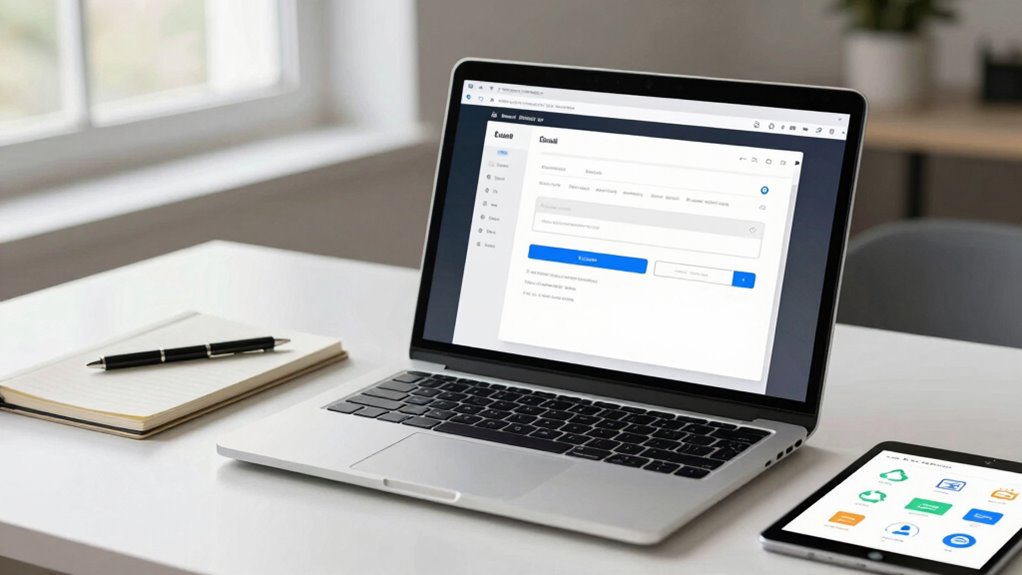
Have you ever wondered how to streamline your email design process and guarantee consistency across campaigns? Building a reusable email header is a smart way to do just that. A well-crafted header not only saves you time but also ensures your emails look professional and cohesive. To make your headers truly effective, focus on creating a versatile template that can adapt to different campaigns without losing its core identity.
Create a versatile, reusable email header to save time and ensure brand consistency across campaigns.
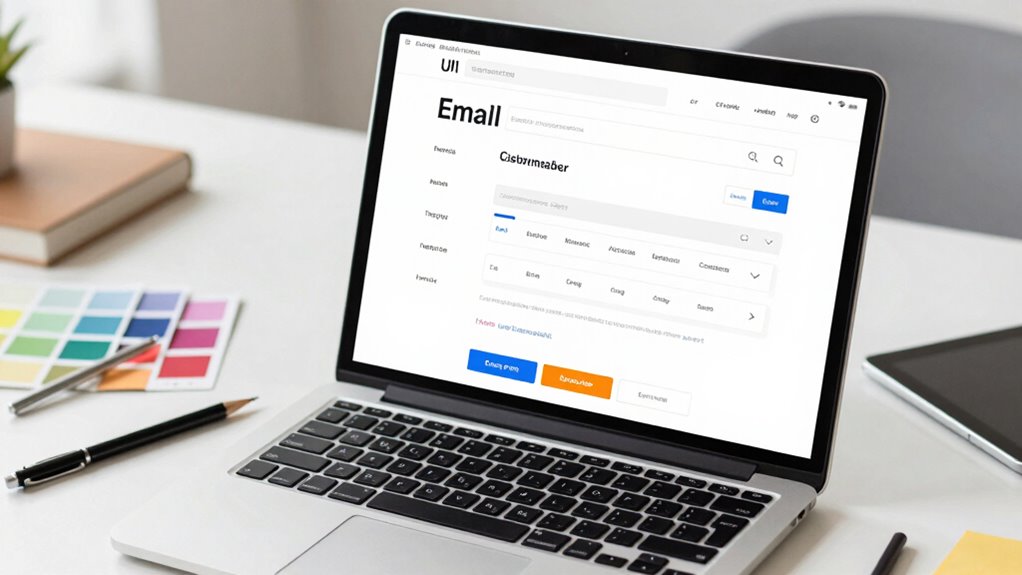
Start by choosing a clean, simple design that aligns with your brand. Stick to your brand colors, fonts, and logo placement to maintain design consistency across all communications. When designing your header, consider incorporating elements that can be easily customized, such as placeholder text or adjustable calls-to-action. This flexibility allows you to personalize your emails quickly without redesigning the entire header each time. Personalization tips like adding recipient names or location-specific info can be integrated into the header, making your emails feel tailored and engaging.
Next, develop a set of guidelines for your header’s layout. Consistent placement of your logo, navigation links, and contact details helps your audience recognize your brand instantly. Using a grid system or a modular design approach ensures that all elements are aligned and proportioned correctly, regardless of the content you add later. This emphasis on design consistency not only makes your emails look polished but also builds familiarity and trust with your audience over time. Additionally, understanding filter sizing/flow is crucial to ensure your header elements display correctly across various email clients. Incorporating responsive design principles can further enhance the adaptability of your header across devices. Furthermore, staying informed about AI ethics can help you create email templates that respect user privacy and data security, fostering trust with your recipients. Recognizing the importance of content adaptability ensures your headers remain flexible and effective over time. Being aware of email client display differences can also help you optimize your design for diverse platforms.
When creating your reusable header, opt for scalable, lightweight images and fonts. This ensures your emails load quickly and display properly across various devices and email clients. Save your header as a template in your email marketing platform, making it easy to insert into new campaigns. Keep your template updated periodically to reflect any branding changes or updates to your visual identity. This proactive approach guarantees that your headers stay relevant and effective.
Finally, test your reusable header across different email clients and devices. Make sure it renders correctly everywhere and that personalization elements display as intended. Regular testing helps you spot any issues early, so you can fix them before your emails reach your audience. Building a reusable email header is an investment in your brand’s consistency and efficiency. With thoughtful design and strategic customization, you’ll create a versatile asset that elevates your email marketing efforts while saving you valuable time.
Popular right now

Shark PowerDetect Corded Stick Vacuum with HEPA Filtration, Purple (HZ4001AMZ)

Bose QuietComfort Wireless Earbuds with Active Noise Cancellation, Dewdrop Mint

Samsung 75-Inch M80H Series Mini LED 4K Smart TV (2026)
As an affiliate, we earn on qualifying purchases.
Frequently Asked Questions
How Can I Ensure My Email Header Is Mobile-Friendly?
To guarantee your email header is mobile-friendly, focus on responsive layouts that adapt to different screen sizes. Use CSS media queries to adjust elements for smaller displays, and choose fonts that are scalable to maintain readability. Keep your header simple and uncluttered, with clear calls-to-action. Test your email on various devices to confirm it looks good everywhere, ensuring your message stays effective across all platforms.
What Design Tools Are Best for Creating Reusable Headers?
You should use design tools like Canva, Figma, or Adobe XD to create reusable headers. These tools let you experiment with typography choices and refine your color palette selection easily. They also offer templates and design systems that guarantee consistency across headers. By using these tools, you can quickly update elements, maintain branding, and guarantee your headers stay fresh, professional, and adaptable for different campaigns.
How Often Should I Update My Email Header?
You should update your email header whenever your brand’s Header branding or Logo placement changes—so pretty often, actually. Ironically, sticking with the same header can become stale, but too many updates risk confusion. Keep your design fresh enough to reflect your latest branding, yet consistent enough for recognition. Regular tweaks help your header remain useful, ensuring it stays aligned with your brand’s evolving identity without losing its familiarity.
Can I Automate Header Customization for Different Campaigns?
Yes, you can automate header customization for different campaigns by leveraging personalization strategies and dynamic content integration. Use email marketing platforms that support dynamic headers, allowing you to tailor your message based on recipient data. This way, you can automatically insert personalized elements like names or campaign-specific info, ensuring your email header stays relevant and engaging across all campaigns without manual updates.
What Are Common Mistakes to Avoid in Header Design?
Avoid common mistakes in header design like clutter, which is like a storm cloud blocking clarity. Prioritize branding consistency by using consistent colors and logos, and establish a clear visual hierarchy to guide the reader’s eye. Don’t overuse fonts or images, as it can confuse recipients. Keep your header simple and focused, ensuring your message stands out without overwhelming, like a lighthouse guiding ships safely to shore.
Conclusion
Creating a reusable email header isn’t just about saving time; it’s about consistency and professionalism that builds trust with your audience. While some might think a simple header suffices, investing in a flexible, well-designed one proves its worth over time. The truth? A thoughtfully crafted header can boost your brand recognition and engagement, making your emails more effective. So, don’t underestimate its power—your future self will thank you for the effort.