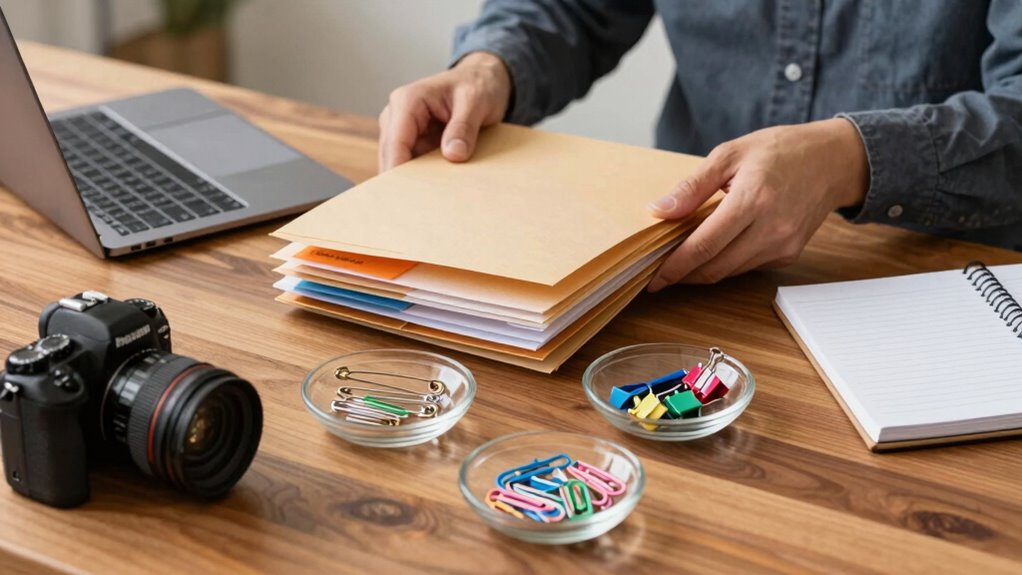

To handle attachments without confusion, always organize files logically and use clear, consistent naming conventions. Compress related files into a single ZIP folder and upload them to secure cloud storage, sharing only links with the right permissions. Avoid sending multiple separate files and double-check access settings. Regularly clean your storage to prevent clutter. Keep these practices in mind, and you’ll find that sharing and managing attachments becomes much smoother. If you keep exploring, you’ll discover even more effective strategies.

Get business pricing on office and shipping supplies
- Business-only prices and quantity discounts
- Tax-exempt purchasing
- Multiple users, one account, clear invoices
Key Takeaways
- Compress related files into a single ZIP folder to streamline sharing and reduce confusion.
- Use clear, consistent file naming conventions with dates or keywords for easy identification.
- Upload attachments to secure cloud storage and share direct links instead of multiple files.
- Verify recipient permissions before sharing to prevent access issues and misunderstandings.
- Regularly organize and clean your storage to prevent outdated files from causing confusion.
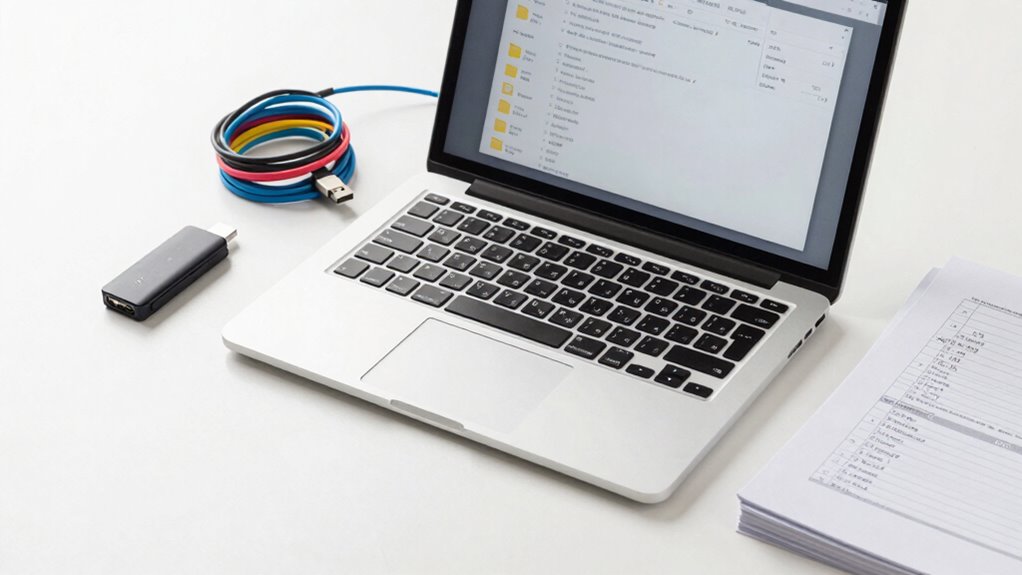
Handling attachments can often feel overwhelming, especially when you’re unsure about how to open, organize, or share them effectively. In today’s digital world, attachments are a common part of communication, but managing them without creating confusion requires a strategic approach. The first step is to prioritize email security. Attachments can sometimes carry malware or unwanted viruses, so it’s essential to verify the sender’s credibility before opening any files. Use tools that scan attachments automatically, and avoid downloading attachments from unknown or suspicious sources. This proactive step helps protect your device and sensitive information from cyber threats. Once you’ve confirmed the safety of an attachment, your focus should shift to efficient storage organization. Keeping your files in a cluttered, scattered manner makes it harder to find what you need later. Instead, create a logical folder structure on your device or cloud storage that categorizes files by project, date, or type. For example, having separate folders for invoices, reports, or client communications simplifies retrieval and reduces the risk of misplacing important documents. Consistency is key—develop a naming convention for saved files that makes them easy to identify at a glance, such as including dates or descriptive keywords. When it comes to sharing attachments, clarity is vital. Avoid sending multiple files individually, which can lead to confusion and missed information. Instead, compress related files into a single ZIP folder or upload them to a secure cloud service and share the link. Always double-check that the recipient has the appropriate permissions to view or download the files. This prevents access issues or accidental deletions. Managing your attachments also involves regular cleanup. Delete outdated or irrelevant files from your storage to prevent clutter from building up over time. This habit reduces the chance of opening the wrong version of a document later. Additionally, consider using email management tools that integrate with your storage system, making it easier to keep track of attachments and their corresponding conversations. Staying organized minimizes stress and saves time, enabling you to handle attachments confidently without confusion. Regularly reviewing your file organization system can ensure it remains effective and adapts to new needs. Incorporating best practices for digital organization from reputable sources can further streamline your workflow, as it provides proven methods to enhance efficiency. Moreover, exploring water safety tips can help you stay prepared for unexpected water-related emergencies, especially when engaging with aquatic environments. It’s also advisable to stay informed about cybersecurity threats to be aware of evolving risks and how to counteract them. Remember, the key is to set up a system that emphasizes email security, consistent storage organization, and clear sharing practices. When you follow these steps, you’ll find it easier to manage attachments effectively, reducing the risk of security breaches and ensuring your files are always accessible and well-organized. Taking these small, deliberate actions will help you avoid unnecessary chaos and keep your digital workspace tidy and secure.
Popular right now

De'Longhi Rivelia Automatic Espresso Machine with Milk Frother

Dyson Car+Boat Cordless Handheld Vacuum

Samsung 85-Inch QN70H Neo QLED 4K Smart TV (2026)
As an affiliate, we earn on qualifying purchases.
Frequently Asked Questions
What Are Common Mistakes When Sending Email Attachments?
You often make mistakes with email attachments by neglecting proper attachment etiquette, like forgetting to double-check if you’ve included the right files. This can also harm email clarity, especially if you don’t specify what the attachment contains. To avoid confusion, always mention the attachment in your message, confirm the files are named clearly, and verify they open correctly before hitting send. This keeps your communication professional and easy to understand.
How Can I Verify if an Attachment Was Successfully Received?
You can verify if an attachment was successfully received by requesting an attachment confirmation or read receipt. Send a polite follow-up email asking the recipient if they received and could open the attachment. Using read receipts helps you confirm the email was opened, but they aren’t always dependable. Combining both methods ensures you get a clearer picture of whether your attachment reached its destination and was accessible.
Are There Best Practices for Naming Attachment Files?
You should adopt clear file naming conventions to guarantee effective attachment organization. Use descriptive, consistent names that include dates, project titles, or version numbers. Avoid vague terms like “document” or “file.” Keep names concise but informative, and consider using underscores or hyphens for readability. This way, you make it easier for recipients to identify and locate attachments quickly, reducing confusion and streamlining your communication process.
How to Handle Large Attachments to Avoid Delivery Issues?
Think of large attachments as overflowing buckets—too much can cause delivery crashes. To avoid this, compress files to shrink their size and stay within email file size limits. Use attachment compression tools to streamline your files, ensuring they’re light enough to pass through the digital pipeline without clogging the system. Keeping your attachments lean prevents delivery issues, making sure your message arrives safely and efficiently.
What Security Measures Should I Take With Email Attachments?
You should encrypt your attachments to protect sensitive information from unauthorized access. Use strong encryption methods like password protection or secure file encryption tools. Also, implement attachment tracking to monitor when and if recipients open your files, ensuring accountability and security. Always verify the recipient’s email address before sending, and avoid sharing confidential data through unencrypted or unsecured channels. These measures help keep your email attachments safe and your communication transparent.
Conclusion
By keeping your attachments organized and clearly labeled, you’ll steer clear of confusion like a captain steering calm seas. Remember, a tidy system acts as your lighthouse, guiding you smoothly through your tasks. When you handle attachments with care and clarity, you prevent chaos from sinking your productivity. So, stay proactive, stay organized, and let your files sail effortlessly—turning potential storms into a calm, productive voyage.