
It’s widely understood that distributing ‘save the date’ emails is a standard procedure. However, are you aware that incorporating certain features can enhance your email’s appeal and boost the number of guests who attend?
Crafting a compelling save the date email requires more than just a date and time; it's about creating anticipation and setting the tone for the event. From essential details to eye-catching designs, there are several key factors to consider when composing an effective save the date email.
Let's explore the essential components that will make your save the date email memorable and impactful.
Key Takeaways
- Clearly state the date and location of the event to ensure guests are informed.
- Use a digital invitation service or create a custom email template to efficiently send save the date emails.
- Save the date email templates offer time-saving benefits, consistent branding, and easy customization.
- Follow a step-by-step guide to collect guest email addresses, craft a compelling subject line, and test the email before sending.
What to Include in a Save the Date Email
Let's include the essential details that will set the tone for our wedding in the Save the Date email. The Save the Date email is the first official announcement of our wedding, so we want to ensure it captures the excitement and anticipation of the event.
First and foremost, we should clearly state the date of the wedding and the location. This sets the stage for our guests to start planning.
We can also include a link to our wedding website where guests can find more information about the event, such as the schedule, accommodation options, and any travel details they may need.
It's important to use a compelling subject line that will grab the attention of our guests and entice them to open the email.
Additionally, we can let our guests know that a formal invitation will follow, giving them something to look forward to.
Including any important venue, hotel, or travel information in the Save the Date email can also be helpful for our guests as they begin to make arrangements.
Three Methods to Send Email Save the Dates
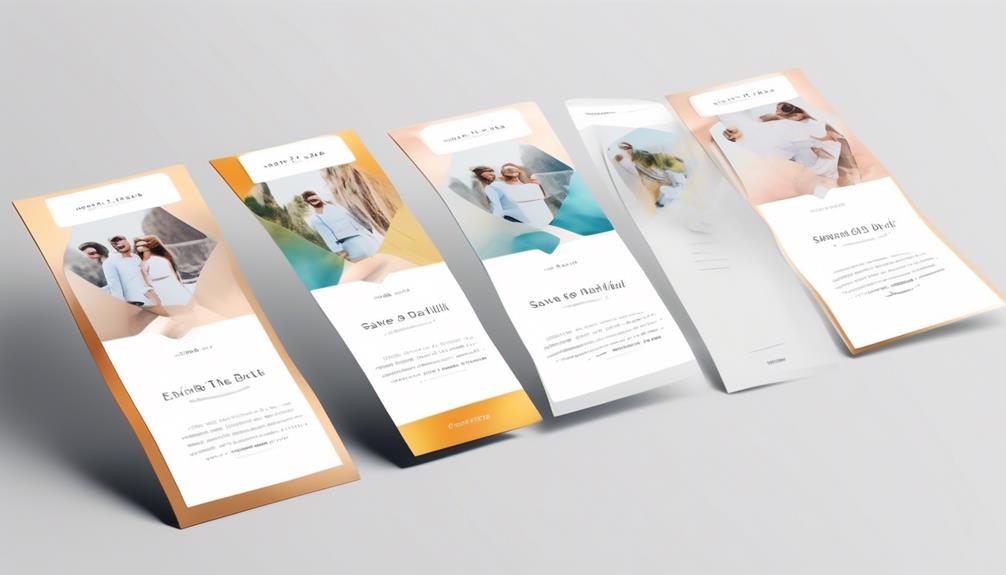
When considering how to send save the date emails, one can choose from various methods, including using a digital invitation service, sending a mass email, or creating a custom email template.
Using a digital invitation service like Paperless Post, Zola, or Greenvelope offers pre-designed templates tailored for save the date invitations. These services also allow for customization, ensuring that your save the date emails reflect your personal style.
Another method is sending a mass email to your guests, using the BCC feature to maintain privacy. This approach is efficient for reaching a large number of recipients at once.
Alternatively, crafting the perfect save the date message can involve creating a custom email template and sending individual emails. This method allows for a personalized touch, making each recipient feel special.
When deciding how to send a save the date, it's essential to consider the time and effort required for each method, as well as the level of personalization desired. Whichever method you choose, the goal is to ensure that your save the date emails effectively convey the important details and mark the date on your guests' calendars.
Save the Date Email Templates
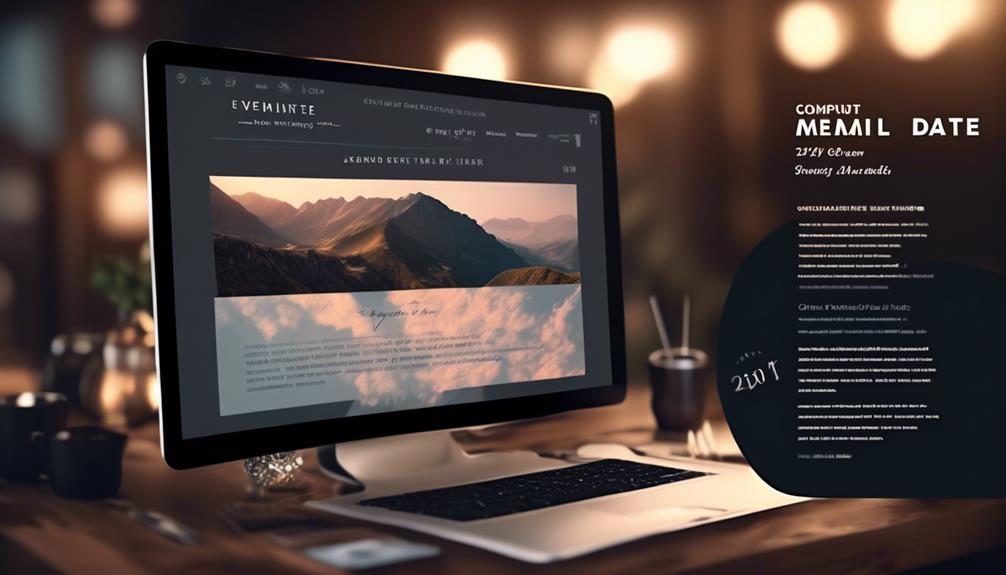
After exploring the various methods for sending save the date emails, it is important to consider the benefits of using save the date email templates. Save the date templates offer a convenient and efficient way to create professional-looking emails for various occasions, such as Wedding Save The Date announcements, upcoming events, or when planning a destination wedding. They can save time and effort, especially when dealing with a long guest list. Here's a comparison of the benefits of using save the date email templates:
| Benefits of Save the Date Email Templates | Description |
|---|---|
| Time-saving | Easily create and send multiple emails using mail merge. |
| Consistent branding | Ensure a cohesive look that matches your Wedding website or event theme. |
| Easy customization | Tailor the template to fit the specific event and audience. |
| Improved organization | Keep track of who has received the save-the-date emails. |
Save the date email templates provide a streamlined approach to sending save the dates emails, allowing for personalized and visually appealing messages while simplifying the process for the sender.
Step-by-Step Guide to Sending Save the Date Emails

To start sending save the date emails, we need to carefully collect and organize guest email addresses. This is essential for ensuring that the right people receive the important details about the upcoming event.
Once the email addresses are gathered, it's time to craft a compelling subject line for the save the date email. This is the first thing recipients will see, so it needs to grab their attention and entice them to open the email.
When it comes to the email body, it's important to make sure it looks both visually appealing and provides all the necessary information. Use templates to streamline the process and maintain consistency. Write concise, informative content, and consider adding visuals and multimedia elements to enhance the email.
Additionally, including 'add to calendar' links can help guests easily save the date. Always test and proofread the email before sending to ensure it's error-free and delivers the intended message.
With enough lead time, you can create the perfect save the date email and let your guests know about the exciting event taking place. We look forward to seeing the positive responses from the recipients!
Save the Date Emails Time to Get Started

Let's dive into the process of initiating Save the Date emails for your event.
It's time to get started on sending a save the date email campaign. The first step is to craft an engaging date email subject line that grabs your recipients' attention.
Once you have their interest, it's essential to provide all the necessary information in the email to ensure they clear their calendars and start looking forward to your event. Whether it's a surprise party, tying the knot, or any other special occasion, make sure to include the date, location, and a teaser to entice them to mark their calendars.
Collecting and organizing guest email addresses and mailing addresses is crucial for a successful email campaign. Craft a clear and compelling message that conveys the excitement of the upcoming event, and consider adding visuals to make the email more appealing.
Before hitting send, make sure to test the email to ensure it displays correctly and is mobile-friendly.
With these steps, you'll be on your way to creating an effective Save the Date email that gets your guests excited and ready to attend your special event.
Frequently Asked Questions
How Do You Write a Good Save the Date Email?
We believe a good save the date email should be clear, concise, and engaging.
It should include essential details like the event date, location, and a brief note on what to expect.
Adding a personal touch can make it more memorable for recipients.
Utilizing an eye-catching subject line and visually appealing design can also enhance its impact.
What Do You Say When Sending a Save the Date?
We say when sending a save the date by expressing our excitement and anticipation for the upcoming wedding.
It's essential to convey key details like the location, date, and wedding website link.
We also mention that a formal invitation will follow and encourage recipients to mark their calendars.
Keeping the message concise yet warm is crucial to convey the significance of the event and ensure guests are prepared.
How Do You Mail Save the Dates?
We mail save the dates by addressing and stamping envelopes with the recipients' names and addresses, then dropping them in the mail. It's important to ensure the addresses are accurate and legible to avoid any delivery issues.
Additionally, consider using a service that tracks mail delivery to confirm when the save the dates are received. This can help ensure guests have ample time to plan for the event.
How Do You Write a Save the Date Invitation for an Event?
When writing a save the date invitation for an event, we focus on capturing attention and building excitement. Our message should be concise yet compelling, conveying essential details like date, location, and a hint of the event's vibe.
Using vibrant language and evocative imagery, we paint a vivid picture of what's to come. Crafting an invitation that feels personal and sets the tone for the event is key to leaving a lasting impression.
Conclusion
So, as we can see, sending save the date emails 3-6 months before an event is crucial for increasing attendance and ensuring guests can plan ahead.
In fact, studies show that sending save the date emails can increase event attendance by up to 30%!
So, don't wait any longer – start crafting your save the date emails now and watch your event attendance soar.