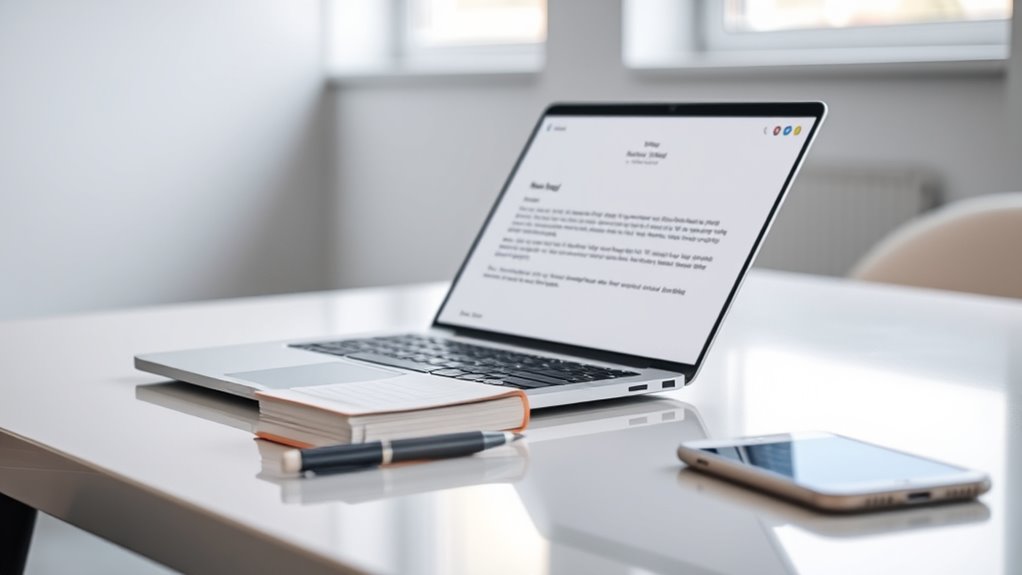
To reduce no-shows, craft clear, friendly appointment reminder emails that include essential details like date, time, location, and any prep instructions. Personalize your message with the recipient’s name and specific preferences to boost engagement. Send reminders 24 to 48 hours ahead, and include an easy way for clients to confirm or reschedule, such as a clickable link. For more effective strategies, keep exploring tips that foster trust and proactive communication.
Key Takeaways
- Send personalized reminders 24-48 hours before the appointment with clear details and friendly language.
- Clearly communicate rescheduling policies and encourage proactive contact for changes.
- Include simple, prominent call-to-action buttons for confirmation or rescheduling.
- Keep messages concise, highlighting key info like date, time, location, and prep instructions.
- Foster trust and engagement by using warm tone and addressing client preferences.
Have you ever forgotten an appointment because you didn’t receive a reminder? It’s a common issue that can lead to missed opportunities, lost revenue, and frustration on both sides. Crafting an effective appointment reminder email is essential to keep clients engaged and reduce no-shows. To do this successfully, you need to pay attention to your rescheduling policies and incorporate personalized messaging that resonates with each recipient. When your policies are clear and flexible, clients feel more comfortable adjusting their appointments if needed, rather than ignoring them altogether. Mentioning your rescheduling policies upfront in the reminder helps set expectations and encourages proactive communication. For example, include a sentence like, “If you need to reschedule, please let us know at least 24 hours in advance, and we’ll gladly accommodate you.” This transparency builds trust and shows you value their time, making it easier for clients to reach out if conflicts arise. Implementing clear communication about your policies can significantly improve appointment adherence and foster stronger client relationships.
Personalized messaging plays a vital role in reducing no-shows because it makes your reminders feel relevant and considerate. Instead of a generic, impersonal notification, tailor your email to the individual. Use their name, reference their specific appointment details, and, if possible, include any preferences they’ve shared before. For instance, if a client prefers morning appointments, highlight that option in your reminder. Personal touches demonstrate that you care about their experience, which encourages them to prioritize their appointment. Additionally, consider adding a friendly, warm tone to your message—something as simple as wishing them well or expressing excitement about seeing them can boost engagement.
The timing of your reminder email is equally important. Send it at a strategic moment—perhaps 24 to 48 hours before the appointment—to give clients enough notice but also keep the event fresh in their minds. A well-timed reminder reduces the chance of clients forgetting or double-booking themselves. Make sure your message is clear and concise, emphasizing the appointment details: date, time, location, and any preparation needed. Use active voice to keep the tone upbeat and direct, encouraging clients to confirm or reschedule if necessary. Including a simple call-to-action, like a button or link to confirm or reschedule, makes it easy for clients to respond, which can markedly decrease no-shows.
Frequently Asked Questions
How Early Should I Send the Appointment Reminder Email?
You should send the appointment reminder email about 24 to 48 hours before the scheduled time. This timing strategy guarantees your clients receive a gentle nudge without feeling overwhelmed. Ideal reminder timing balances keeping the appointment fresh in their mind and avoiding last-minute cancellations. Adjust based on your industry and client preferences, but generally, sending within this window helps reduce no-shows and keeps your schedule on track.
Should I Include Directions or Parking Information in the Email?
Include directions clarity and parking details in your appointment reminder email to make certain your clients arrive stress-free and on time. Clear directions help prevent confusion, while parking details inform them about available spots or nearby options. This proactive approach reduces late arrivals and no-shows, showing that you care about their experience. By providing these details upfront, you make it easier for clients to find your location, increasing appointment attendance and satisfaction.
Can I Customize the Reminder for Different Client Segments?
Yes, you can customize your reminders for different client segments using personalization strategies. Tailor your segment-specific messaging to address each group’s unique needs, preferences, or concerns. For example, send a friendly reminder with detailed directions to new clients, while for returning clients, emphasize convenient parking or special offers. This personalized approach improves engagement, reduces no-shows, and makes clients feel valued, increasing the likelihood they’ll attend their appointments.
What Tone of Language Is Most Effective in Reminder Emails?
Think of your reminder email as a warm handshake—friendly yet professional. You should use a professional tone combined with friendly language to make clients feel valued and comfortable. Avoid overly casual or robotic language; instead, aim for a balance that’s approachable but respectful. This approach encourages clients to prioritize their appointment without feeling pressured, ultimately reducing no-shows and strengthening your relationship.
How Can I Track if Clients Actually Open and Read the Reminder?
You can track if clients open and read your reminder emails by using email open tracking and read receipt tools. These tools insert a tiny invisible pixel into your email, which notifies you when the recipient opens it. Make sure your email platform supports these features, or use third-party services like Mailchimp or HubSpot. This way, you can easily monitor engagement and improve your reminder strategies effectively.
Conclusion
Sending a friendly reminder helps guarantee your clients don’t miss out on valuable time together. A gentle nudge can serve as a helpful reminder, reducing the chances of unforeseen conflicts or oversights. By crafting a warm and considerate message, you encourage your clients to prioritize your appointment without feeling pressured. Ultimately, a thoughtful reminder creates a smoother experience for everyone, allowing you to focus on providing the best service without unnecessary gaps or rescheduling hassles.