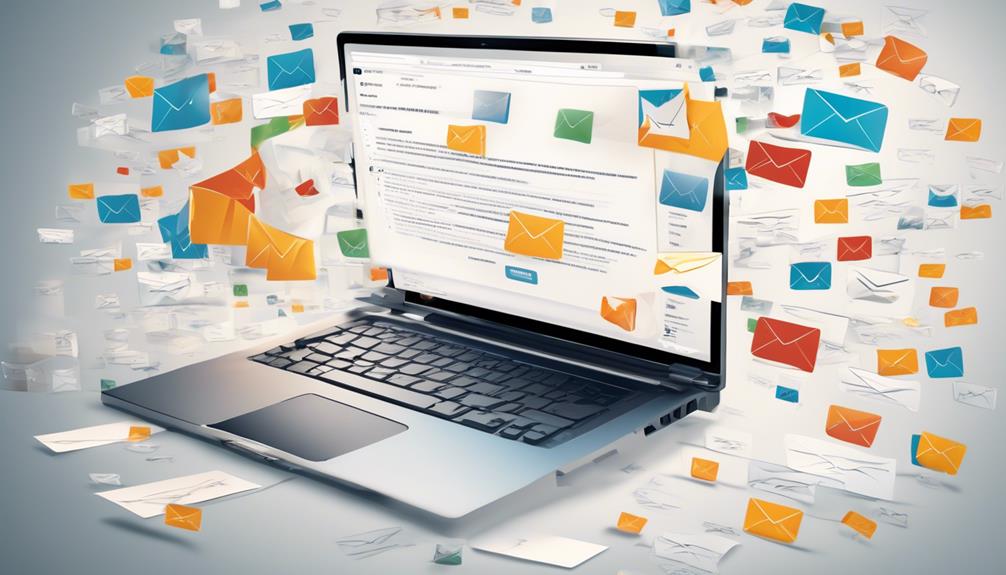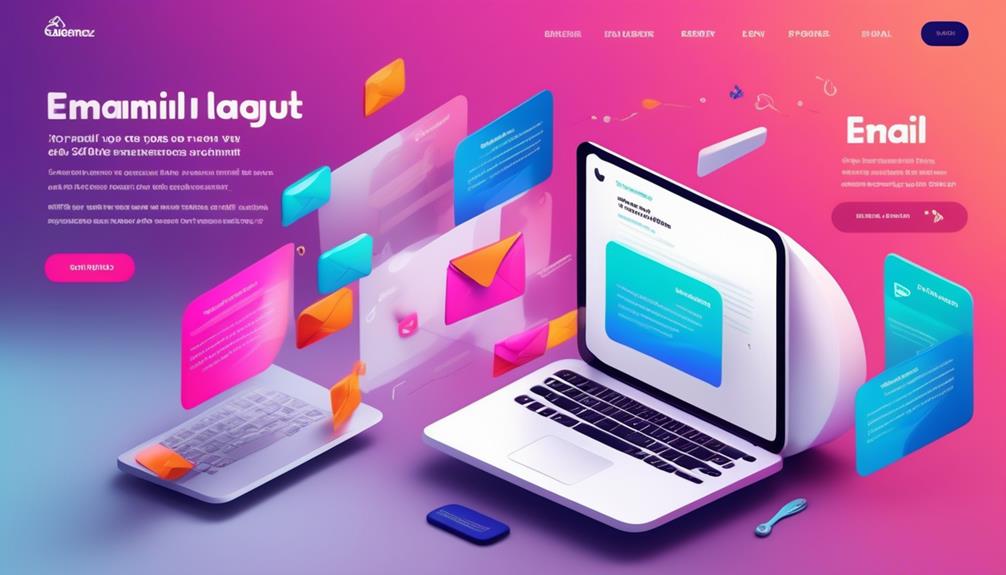

To guarantee your email looks good across all devices, clients, and modes—including dark mode—you should test your designs thoroughly using tools that simulate different platforms. Check how your email appears on popular clients like Gmail, Outlook, and Apple Mail, and preview how it renders in various screen sizes. Pay special attention to dark mode compatibility to prevent color issues and unreadable content. Keep exploring further tips to refine your email testing process and attain ideal results.
Key Takeaways
- Use comprehensive testing tools to preview emails across multiple clients and devices, ensuring consistent rendering.
- Test in both light and dark modes to verify color schemes, contrast, and overall readability.
- Check accessibility features like alt text and contrast ratios to ensure inclusivity across platforms.
- Be aware of client-specific quirks and CSS support differences that may alter email layout.
- Conduct thorough testing before deployment to identify and fix issues, maximizing engagement and professionalism.
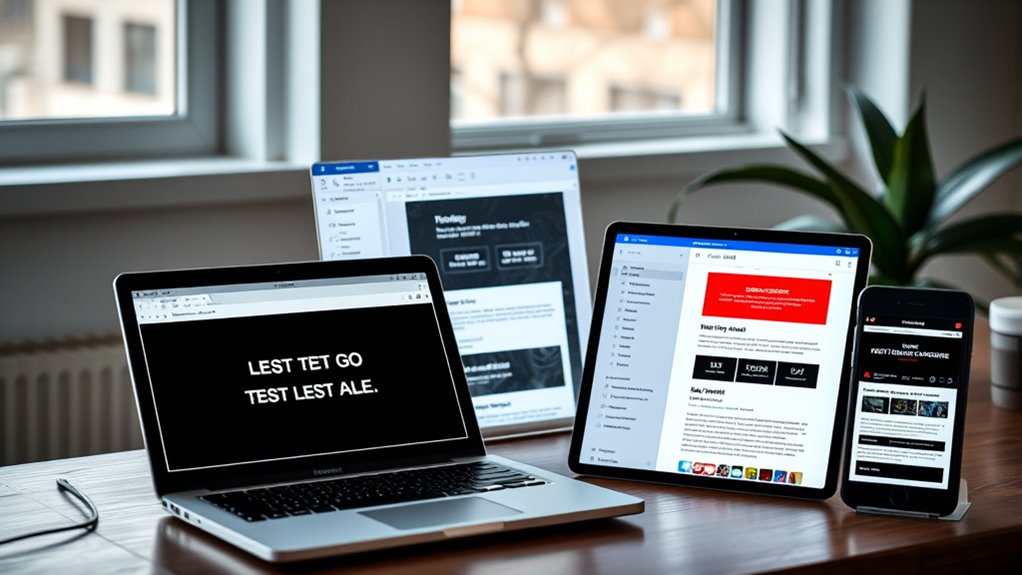
Have you ever wondered if your email design effectively captures your audience’s attention? When you send out an email, it’s essential that it looks good and functions well across all devices and email clients. Testing your email designs across various platforms ensures your message is delivered clearly, no matter where your recipients view it. One key area to focus on is responsive layouts. These adapt your email’s structure and content to fit different screen sizes, from large desktops to tiny smartphones. Without responsive design, your email could appear broken or difficult to read on mobile devices, leading to frustration and lost engagement. You want your email to look professional and be easy to navigate, whether it’s opened on a tablet or a smartwatch.
Responsive email design ensures your message looks great on all devices, boosting engagement and professionalism.
Alongside responsive layouts, accessibility features are equally important. Accessibility ensures that everyone, including people with disabilities, can access and interact with your emails. Simple features like sufficient contrast, readable font sizes, and descriptive alt text for images make a significant difference. When testing your emails, don’t overlook these elements. Some email clients may strip or alter certain accessibility features, so you need to verify that your design maintains its integrity across platforms. Tools that simulate how your email looks with accessibility features can help you identify and fix issues before your campaign goes live. Additionally, understanding content rendering differences among email clients can help you better anticipate how your messages will appear to diverse audiences.
Dark mode has become increasingly popular, and many email clients now support it. Testing your email in dark mode is essential because it can drastically change how your email appears. Colors that look vibrant in light mode may blend into the background or become unreadable in dark mode. By previewing your email in both modes, you can adjust your color schemes, ensuring your branding remains consistent and your content stays legible. This step also helps you spot any elements that might become invisible or distracting when switched to dark mode.
Furthermore, testing across different email clients—such as Gmail, Outlook, Apple Mail, and others—is critical because each renders emails differently. Some might not support certain CSS styles or might rearrange content unexpectedly. Using tools that aggregate these tests saves you time and gives you a thorough view of how your email performs across the board. Remember, a well-tested email not only looks good but also enhances user experience and boosts your overall campaign effectiveness. In the end, meticulous testing across clients and devices ensures your message reaches your audience exactly as intended, maximizing engagement and delivering your brand’s message with clarity and professionalism.

SEJJ Wireless Headset with Mic for Work, BlackBlue
【Clear Voice Calls | Wireless AI Noise Cancelling Headset】
As an affiliate, we earn on qualifying purchases.
Frequently Asked Questions
How Can I Optimize Email Load Times Across Devices?
To optimize email load times across devices, focus on image optimization by compressing images without sacrificing quality, which reduces load times. Additionally, leverage server caching to store email assets, so they load faster upon repeat opens. Use lightweight coding practices and avoid unnecessary scripts or heavy media. These strategies guarantee your emails load quickly, providing a better user experience regardless of device or connection speed.
What Tools Are Best for Testing Email Accessibility?
Don’t put all your eggs in one basket when testing email accessibility. Use tools like Litmus and Email on Acid to check alt text and color contrast across various clients and devices. These platforms highlight issues with screen readers and visual accessibility, ensuring your emails are inclusive. They also simulate dark mode, so you catch potential problems before your audience does, making your email campaigns more effective and user-friendly.
How Do I Handle Font Consistency in Different Clients?
To handle font consistency in different clients, you should specify web safe fonts like Arial, Times New Roman, or Verdana in your CSS. Include font fallback options in your font-family property to guarantee a seamless display if your primary font isn’t supported. Testing across email clients helps identify issues, and using web safe fonts assures a consistent look, maintaining your brand’s professionalism and readability.
Can I Automate Cross-Client Email Testing Workflows?
Yes, you can automate cross-client email testing workflows to guarantee email client compatibility. Using tools like Litmus or Email on Acid, you set up automation workflows that run tests across various email clients and devices whenever you send a campaign. This streamlines your process, saves time, and helps catch display issues early. Automating these workflows ensures your emails look great everywhere without manual testing, boosting your efficiency and campaign success.
How Do I Troubleshoot Rendering Issues in Older Email Clients?
Suppose your email looks fine in modern clients but shows broken layouts in Outlook 2010. To troubleshoot, you check HTML rendering and CSS compatibility issues, focusing on outdated code or unsupported styles. Use tools like Email on Acid to preview in older clients, then simplify your HTML and inline CSS. Testing and adjusting your code guarantees consistent appearance across all email clients, especially those with limited HTML rendering capabilities.

LEVN Wireless Headset with Mic for Work, Wireless Headset (Charging Base, Noise Cancelling & Mute Button), Long Battery Life, Bluetooth Headsets for Home/Office/Call Center/Laptop/Teams/Zoom, Black
AI Noise Cancellation & One-Tap Privacy: Engineered for the modern professional, the LEVN wireless headset features advanced ENC...
As an affiliate, we earn on qualifying purchases.
Conclusion
Ultimately, testing your email designs across clients and devices reveals the unpredictable nature of technology. While dark mode offers sleek aesthetics, it can obscure essential details, reminding you that innovation isn’t always flawless. By embracing these challenges, you guarantee your message remains clear and impactful, regardless of how it’s viewed. In this dance between design and device, your adaptability becomes your greatest strength, turning potential obstacles into opportunities for perfection.

Mopchnic Bluetooth Headset, Wireless Headphone with AI Noise-Canceling Microphone On Ear Wireless Headset with USB Dongle for Computer Office
【BLUETOOTH UNIVERSAL COMPATIBLE】The Mopchnic wireless headset adapts the latest Bluetooth version 5.0, which provides more stable connection and...
As an affiliate, we earn on qualifying purchases.

Wireless Headset with Mic for Work(Upgrade Volume Knob & Charging Indicator), Bluetooth Headset with Microphone for PC, with Noise Cancelling/Mute/USB for Call Center/Office/Home/Computer/Teams/Zoom
Professional Noise Cancellation for Clear Calls—Featuring advanced ENC technology, this wireless headset effectively eliminates distracting background noise—whether in...
As an affiliate, we earn on qualifying purchases.