Preview text plays a crucial role in encouraging you to open emails by offering a sneak peek of the message inside. It complements the subject line, creating curiosity or highlighting benefits that catch your attention amid crowded inboxes. Well-crafted preview text can also improve inbox placement and reduce spam filters. By making small adjustments to what you see first, you boost engagement—if you keep exploring, you’ll discover how to maximize its impact effectively.
Key Takeaways
- Preview text acts as a secondary hook, providing additional context to persuade recipients to open the email.
- Well-crafted preview snippets can improve inbox placement by reducing the likelihood of spam filtering.
- It enhances the overall message, reinforcing the subject line and sparking curiosity for higher open rates.
- Concise, relevant preview text aligns with the subject line and highlights key benefits or value.
- Optimized preview text increases engagement, positively influences sender reputation, and boosts campaign success.
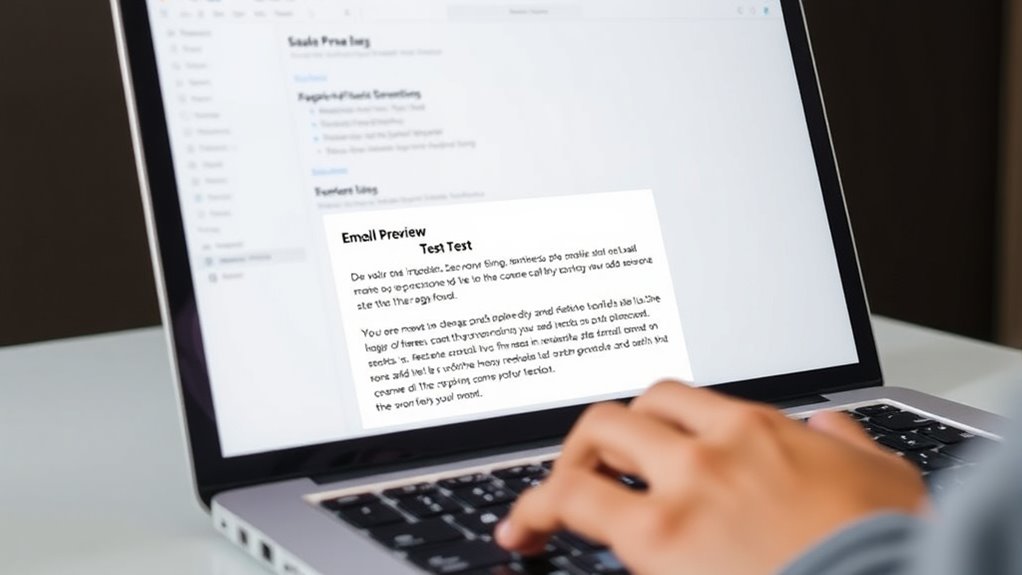
Ever wonder why some emails immediately catch your eye while others go unnoticed? The secret often lies in the preview text, a small but powerful element that can make or break your email’s success. When your message lands in someone’s inbox, the preview text appears alongside or below the subject line, offering a sneak peek into what’s inside. This snippet can considerably influence email engagement by enticing recipients to open your email, but it also affects inbox placement. If your preview text is compelling and relevant, it increases the chances that your email will be opened rather than ignored or marked as spam.
The role of preview text is especially critical because it acts as a second chance to grab attention after the subject line. While your subject line might be catchy, it’s the preview text that provides additional context or sparks curiosity. Think of it as a teaser that complements the subject line, giving recipients a reason to open your email now instead of later—or never. When crafted well, preview text can improve your email engagement by making your message stand out in a crowded inbox, especially when recipients see multiple emails vying for their attention.
It’s important to remember that inbox placement is influenced not just by your sender reputation, but also by how recipients perceive your emails from the moment they arrive. If your preview text looks spammy, generic, or irrelevant, it could trigger spam filters or cause recipients to ignore your email altogether. Conversely, personalized, relevant preview text signals to both the recipient and inbox algorithms that your email is worth reading. This enhances your chances of landing in the primary inbox rather than the promotions or spam folder, boosting your overall inbox placement.
To optimize your preview text, keep it concise and aligned with your subject line. Use it to highlight key benefits, create curiosity, or provide additional context that reinforces your message. Avoid generic phrases or filler words that don’t add value. Remember, your goal is to give recipients a reason to open your email immediately. When your preview text is engaging and relevant, it enhances email engagement by encouraging opens and interactions, which in turn can positively influence your sender reputation and inbox placement.
In short, the preview text isn’t just a minor detail; it’s a strategic tool that can dramatically improve your email marketing results. By carefully crafting this small snippet, you set the stage for higher engagement, better inbox placement, and a more successful email campaign overall.

Canon EOS R100 Mirrorless Camera RF-S18-45mm F4.5-6.3 is STM Lens Kit, 24.1 Megapixel CMOS (APS-C) Sensor, 4K Video, RF Mount, Black
Stellar Image Quality: Canon EOS R100 4K digital camera with 24.1 megapixel CMOS (APS-C) sensor for superb image...
As an affiliate, we earn on qualifying purchases.
Frequently Asked Questions
How Does Preview Text Influence Email Open Rates?
Preview text directly impacts your email open rates by complementing your subject line, making recipients more curious or compelled to open. When you optimize your subject line and use personalization strategies, the preview text reinforces your message, catching their eye. Effective preview text acts as a teaser, increasing engagement and encouraging recipients to open your email, ultimately boosting your overall campaign success.
Can Preview Text Improve Email Engagement?
Research suggests that well-crafted preview text can markedly boost email engagement. When you optimize your subject line and incorporate personalization strategies, preview text complements these efforts by providing a compelling reason to open your email. It acts as a mini-headline, enticing recipients to read further. By focusing on subject line optimization and personalisation strategies, you help ensure your preview text captures attention and increases the chances of recipients engaging with your message.
What Are Best Practices for Writing Effective Preview Text?
To write effective preview text, you should incorporate personalization strategies that address your audience’s interests and needs. Keep it concise and compelling to spark curiosity. Use visual enhancements like emojis or formatting to grab attention, but don’t overdo it. Make sure your preview text complements the subject line and provides a clear hint of the email’s content, encouraging recipients to open and engage with your message.
How Does Preview Text Vary Across Different Email Clients?
You’ll notice that email client variations affect how preview text appears, with some clients truncating it or displaying it differently. To guarantee your message remains clear across platforms, you should focus on preview text customization, tailoring it to fit within the visible space of each client. Testing your emails on multiple clients helps you optimize your preview text, making sure your message captures attention regardless of the device or platform used.
Is There an Optimal Length for Preview Text?
The ideal length for preview text is around 40-90 characters, balancing visual hierarchy and font readability. Keep it concise so it captures attention without overwhelming the recipient. A clear, engaging preview helps guide the eye and complements your email subject line, making your message more inviting. Use proper line breaks and font size to ensure readability across devices, maximizing the impact of your preview text.
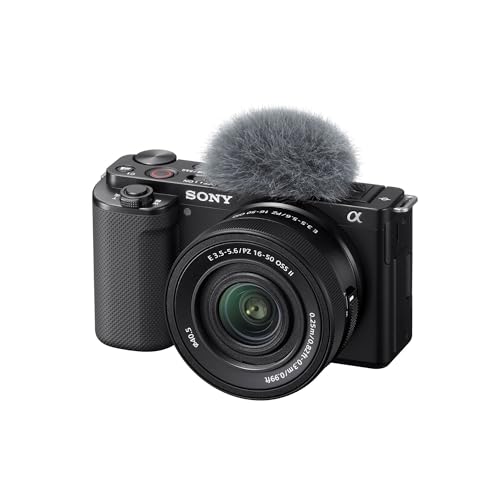
Sony Alpha ZV-E10 - APS-C Interchangeable Lens Mirrorless Vlog Camera Kit - Black, ZVE10KB
24.2MP APS-C Exmor CMOS Sensor and fast BIONZ X processor
As an affiliate, we earn on qualifying purchases.
Conclusion
Don’t underestimate the power of preview text—it can make or break your email’s success. Even if you think your subject line is enough, a compelling preview can entice recipients to open and read your message. Instead of assuming they’ll open it without extra encouragement, use preview text to spark curiosity and convey value. This small detail can appreciably boost your open rates and engagement, so don’t overlook its potential to transform your email campaigns.

Sony Alpha ZVE10 II - APS-C Interchangeable Lens Mirrorless Content Creators’ Camera - Black - with Lens
Exmor R CMOS sensor: The ZV-E10 II features Sony's most advanced sensor technology in an APS-C back-illuminated Exmor...
As an affiliate, we earn on qualifying purchases.

Canon EOS R50 V Mirrorless Camera with RF-S14-30mm F4-6.3 is STM PZ Lens, APS-C Sensor, 24.2 Megapixels, Ultra-Wide Zoom, Fast Autofocus, Vlogging and Live Streaming Kit for Content Creators, Black
Enjoy interchangeable lens video shooting with the first EOS V series camera body.
As an affiliate, we earn on qualifying purchases.