To save time in post-production, develop a disciplined memory card organization habit by labeling each card with clear details like date and project info, and storing them in designated spots. Transfer files immediately into organized folders with consistent names, ensuring easy access later. Keep gear tidy and categorize accessories systematically. This routine minimizes confusion, prevents data mishaps, and speeds up editing. Keep practicing these habits, and you’ll discover even more strategies to streamline your workflow and cut post-production time.
Key Takeaways
- Develop a consistent labeling system with date, project, and location details for quick identification.
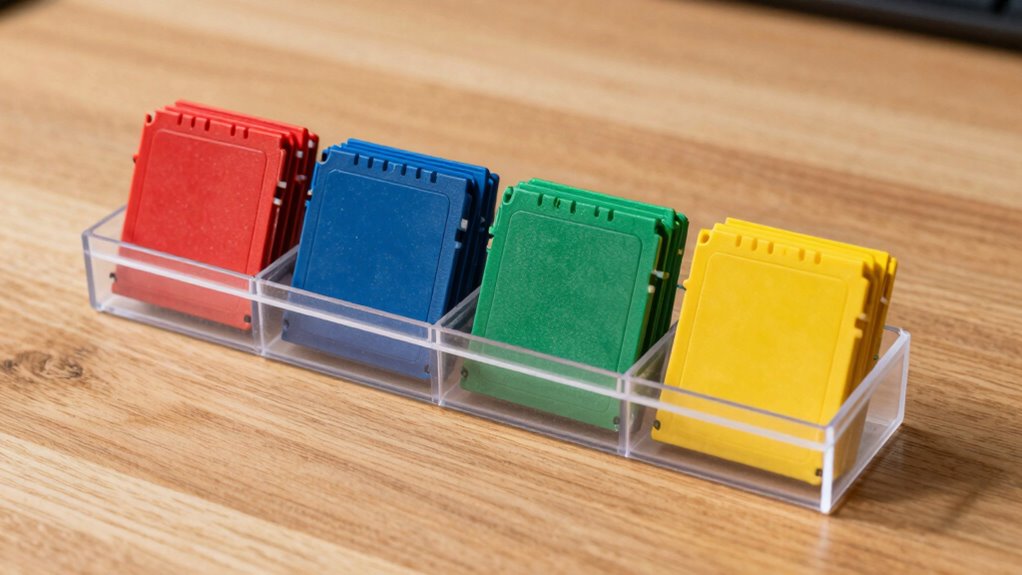
- Store memory cards in dedicated, clearly marked compartments to prevent misplacement and damage.
- Transfer footage immediately into organized project folders with standardized naming conventions.
- Establish a routine of returning memory cards and gear to designated storage spots after each shoot.
- Integrate organized storage and labeling practices into your editing workflow to streamline post-production.
Keeping your memory cards organized might seem like a small task, but it can considerably boost your efficiency and save you time in the long run. When you’re juggling multiple shoots, having a tidy system for your camera gear and memory cards keeps everything accessible and prevents unnecessary delays. You’ll find it easier to locate the right card quickly, especially when deadlines are tight or you’re working on back-to-back projects. This simple habit minimizes the risk of mixing up cards or overwriting important footage, which can be costly and frustrating.
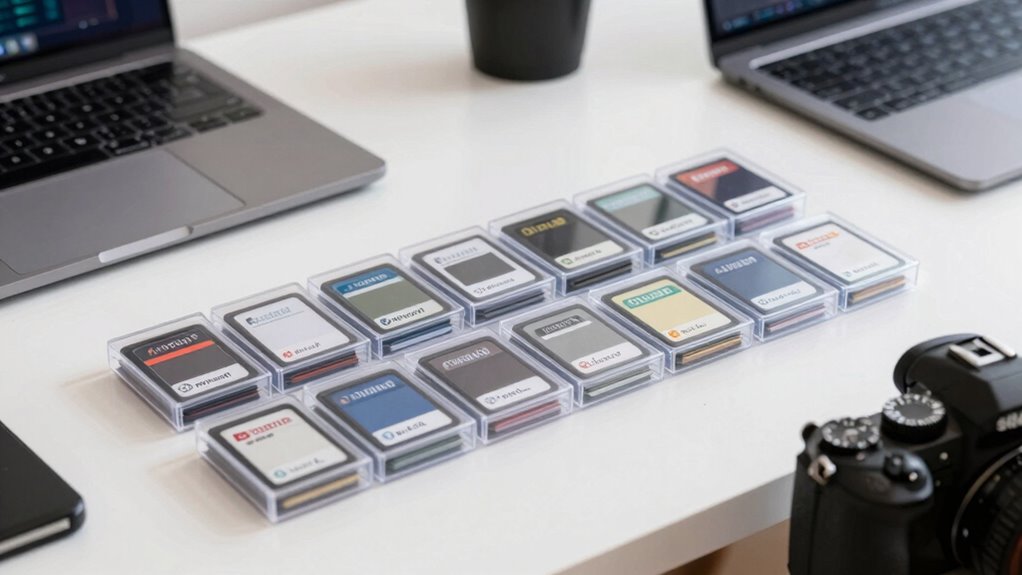
A key part of this habit is establishing a consistent system for labeling and storing your memory cards. Use clear labels that include details like the date, shoot location, or project name. This way, when you transfer files into your editing software, you can easily identify which footage belongs to which project without digging through folders or guessing. When you connect your memory cards to your computer, well-organized labels save you from wasting time trying to find specific clips, especially during the editing process. It’s a small effort upfront that pays off markedly during post-production.
Another essential element is creating a dedicated space for your camera gear and memory cards. Designate a drawer, box, or container where each card has a specific spot. When you’re done shooting, you can quickly return the cards to their designated places, reducing the chances of losing or misplacing them. This organized approach extends to your camera gear as well, ensuring batteries, lenses, and accessories are kept together and ready for the next shoot. When it’s time to edit, your workflow becomes smoother because everything you need is stored systematically, allowing you to focus on the creative side rather than hunting down files. Additionally, utilizing landscaping techniques in your storage setup can help visually organize your gear more effectively. Implementing a good organization system can also help prevent accidental damage or loss of your valuable equipment, especially when combined with long-term content management strategies. Moreover, understanding the contrast ratio of your equipment can help you optimize your storage and display setup for consistent viewing conditions.
Integrating your memory card management with your editing software is another smart move. Transfer files promptly into project folders, maintaining the same naming conventions. This consistency helps you track your footage effortlessly and prevents confusion during editing. When you’re ready to color grade or add effects, you won’t waste minutes searching for the right clips because everything is already sorted and labeled. Over time, this disciplined approach reduces clutter, minimizes errors, and accelerates your post-production process.
In essence, developing a habit of organizing your memory cards and camera gear isn’t just about tidiness. It’s a strategic move that streamlines your entire workflow, saves you time during editing, and helps you deliver polished work faster. When you stay disciplined about your organization, you’ll find that post-production becomes less stressful and more efficient, letting you focus on what you do best—creating great visuals.
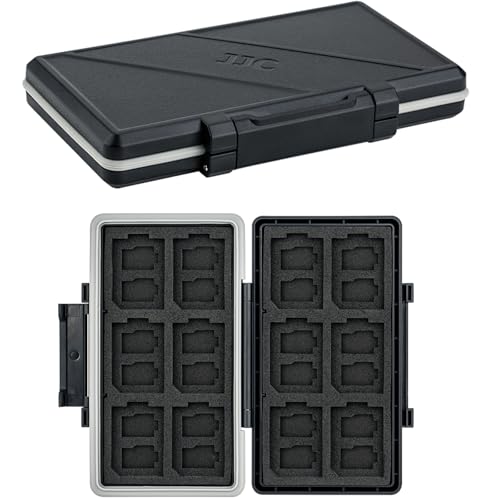
36 Slots Memory Card Case Water-Resistant Anti-Shock Memory Card Wallet for 24 Micro SD SDXC SDHC TF Cards and 12 SD SDXC SDHC Cards
- High Capacity Storage: Holds 12 SD and 24 Micro SD cards
- Water-Resistant & Anti-Shock: Durable ABS with silicone sealing ring
- Ergonomic Locking System: Secure and easy to open lock mechanism
As an affiliate, we earn on qualifying purchases.
As an affiliate, we earn on qualifying purchases.
Frequently Asked Questions
What Materials Are Best for Building a Memory Card Organizer?
You should choose durable materials like hard plastic or aluminum for building a memory card organizer, ensuring it withstands daily wear and tear. These materials offer excellent durability and longevity. Opt for a design that allows custom compartments, so you can organize different card sizes efficiently. This combination keeps your memory cards protected, easily accessible, and well-organized, ultimately saving you time during post-production and ensuring your gear stays in top condition.
How Often Should I Clean or Update My Memory Card Organization System?
Did you know that photographers spend up to 30% of their editing time searching for files? You should clean or update your memory card organization system every few months. Use clear memory card labels and maintain a digital cataloging system to keep track of your files efficiently. Regular updates prevent confusion, reduce search time, and keep your workflow smooth, letting you focus on capturing great shots instead of hunting for files.
Can a Memory Card Organizer Prevent Data Corruption?
A memory card organizer can help prevent data corruption by promoting proper card handling and reducing physical damage, but it doesn’t guarantee protection. Using an organizer guarantees better card compatibility, minimizing risks during data recovery or transfer processes. Proper organization also makes it easier to identify faulty cards early, reducing the chance of data loss. So, while helpful, always back up data and handle cards carefully for maximum protection.
What Are the Signs My Memory Cards Need Replacing?
You notice frequent read/write errors or corrupted files, signaling your memory cards might need replacing. For instance, a photographer discovered her cards repeatedly failed during a shoot, risking lost images. Using clear memory card labels helps track usage, while robust data backup strategies prevent data loss. When errors increase or files become inaccessible despite backups, it’s time to replace your memory cards for reliable storage.
How Do I Organize Multiple Projects on a Single Memory Card?
To organize multiple projects on one memory card, use clear file naming conventions and folder hierarchy. Create separate folders for each project, and label files with descriptive names including dates or shot types. This system helps you quickly locate files and keeps everything neat. Regularly transferring files to your computer also prevents clutter and reduces the risk of losing data, making your post-production process smoother and more efficient.
Conclusion
By adopting the memory card organizer habit, you’re not just saving time—you’re creating a smoother, more efficient workflow that lets your creativity flow freely. Think of it as the compass guiding your post-production journey, preventing chaos from steering you off course. When your memory cards are organized, you’ll find your footage faster, editing becomes a breeze, and your projects shine brighter. Embrace this habit, and watch your productivity soar like a kite in the sky—unstoppable and soaring high.