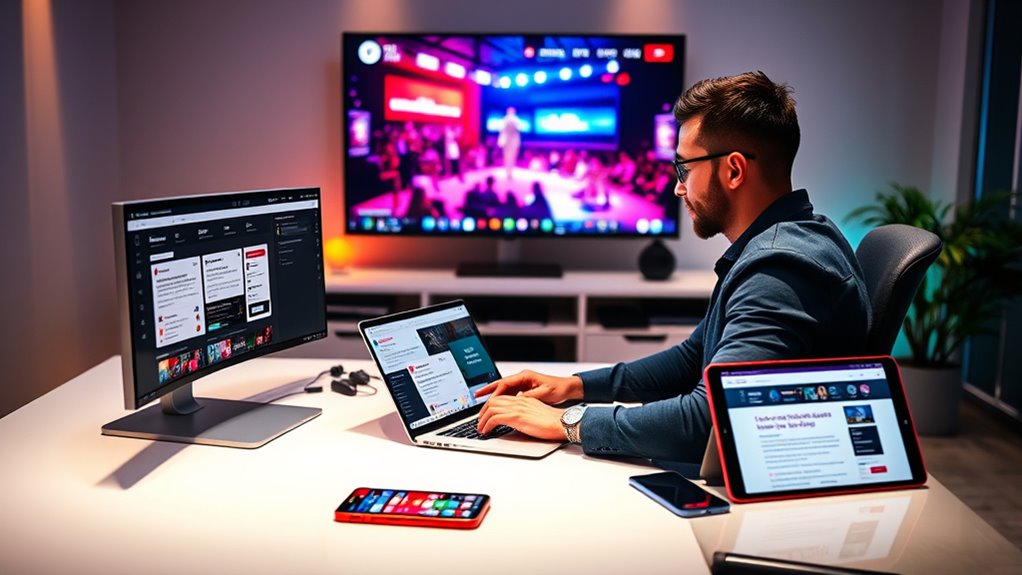

To effectively announce your live streaming events via email and social channels, craft eye-catching visuals and compelling messages that build excitement. Use clear calls to action like “Join us live” or “Don’t miss out.” Promote your event well in advance and consider teasing key highlights to boost anticipation. Monitor engagement and respond promptly during the stream to enhance interaction. Keep exploring these strategies to maximize the impact of your live announcements.
Listen free for 30 days with Audible
Thousands of audiobooks and originals — cancel anytime.
As an affiliate, we earn on qualifying purchases.
Key Takeaways
- Promote the live stream in advance through engaging email campaigns and social media posts to maximize audience awareness.
- Use eye-catching visuals, countdowns, and teasers in emails and social channels to build anticipation.
- Include direct links to the live stream in all communications for easy access and immediate viewer engagement.
- Encourage audience interaction via social polls, questions, and prompts to increase participation during the announcement.
- Send reminder emails and social updates closer to the event to boost attendance and maintain excitement.
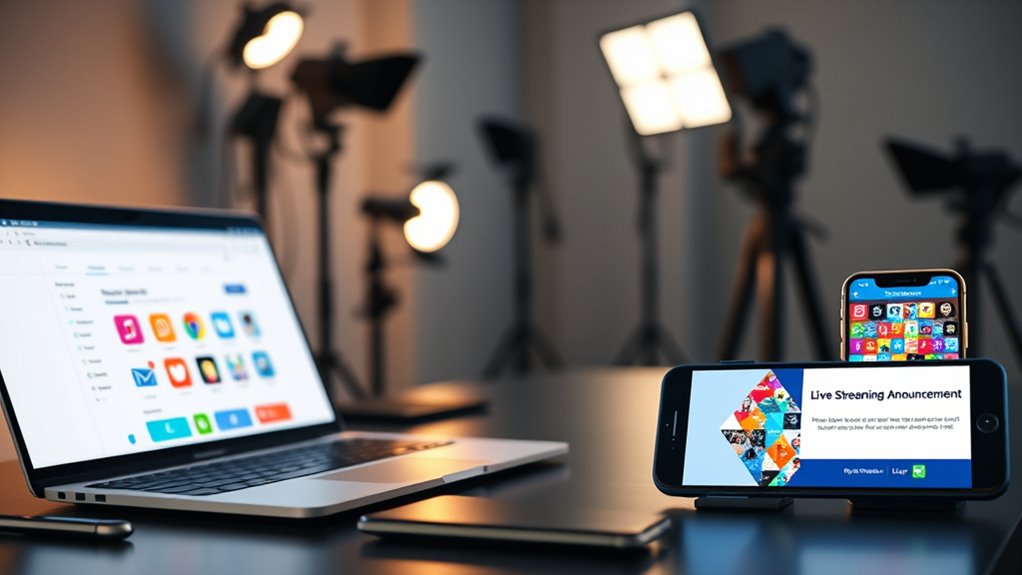
Have you ever wondered how brands and creators generate buzz with real-time updates? The secret often lies in effective live streaming announcements, which can captivate audiences and boost engagement profoundly. To pull this off successfully, you need a solid plan that combines strategic engagement tactics with a reliable technical setup. Engagement strategies are vital—think about how you can make your audience feel involved and excited right from the start. This could mean teasing a big reveal beforehand, encouraging viewers to ask questions, or using polls during the stream to keep viewers engaged. The more interactive your live announcement, the more likely your audience will stay tuned and share the experience.
However, none of this works without a proper technical setup. Ensuring your equipment and software are ready to handle a live broadcast is essential. You should invest in a good-quality camera, microphone, and stable internet connection to avoid interruptions or poor video and audio quality that can turn viewers away. Test everything before the actual stream, and have backup options ready in case something goes wrong. Many creators use streaming platforms like YouTube Live, Facebook Live, or Instagram Live, which are user-friendly and integrate well with social channels. Additionally, you might consider using streaming software such as OBS Studio or Streamlabs, which allow you to add overlays, branding, and other visual elements that make your announcement more professional and engaging.
Timing is another key element to think about in your technical setup. Choose a time when your audience is most active, and promote the upcoming live event in advance through email and social channels. Send out reminders and create anticipation to maximize live viewership. During the stream, keep a close eye on your technical equipment—monitor chat for questions or comments, and be ready to troubleshoot any issues swiftly. Remember, a seamless experience encourages viewers to stay longer and participate more actively. Additionally, understanding wave and wind conditions can help you choose the best environment for your live stream, ensuring a smooth and disturbance-free broadcast.
Frequently Asked Questions
How Can I Measure the Effectiveness of My Streaming Announcement?
To measure the effectiveness of your streaming announcement, focus on engagement metrics like views, clicks, and shares, which show audience interest. Use conversion tracking to see if viewers take desired actions, such as signing up or purchasing. Analyzing these data points helps you understand what works, allowing you to optimize future announcements. Regularly review these metrics to gauge success and refine your strategy for better results.
What Are the Best Times to Send Streaming Notifications?
The best times to send streaming notifications depend on your audience’s habits and time zones. Aim for ideal timing by sending messages during peak engagement hours, typically mid-morning or early evening. You should also consider days when your audience is more receptive, like weekdays. By timing your notifications wisely, you boost audience engagement and guarantee your announcement captures maximum attention, leading to higher viewership and interaction.
How Do I Personalize Announcements for Different Audience Segments?
You can effectively personalize announcements by leveraging audience segmentation, which enhances engagement through targeted messaging. Research shows that segmented audiences respond better to relevant content, increasing interaction rates. To do this, analyze your audience’s preferences, behaviors, and demographics, then tailor your messages accordingly. Incorporate personalized messaging that resonates with each segment, making your streaming announcements more compelling and increasing the likelihood of viewer participation.
What Legal Considerations Should I Be Aware of When Streaming Live?
When streaming live, you should prioritize copyright compliance by ensuring you have permission for all content you share. Additionally, be aware of privacy regulations; avoid sharing personal data without consent. Always inform viewers about data collection and how their information will be used. By adhering to copyright laws and privacy rules, you protect yourself legally and build trust with your audience, ensuring a smooth, compliant live streaming experience.
How Can I Handle Technical Issues During the Live Stream?
Think of your live stream as a ship sailing through unpredictable waters. When technical issues threaten to sink you, stay calm and act swiftly. Use technical troubleshooting to identify problems quickly, and rely on backup systems as your lifeboats. Always test equipment beforehand, keep backup devices handy, and have a plan ready. Staying prepared guarantees you can navigate any storm and keep your audience engaged.
Conclusion
By effectively announcing your live streams through email and social channels, you create anticipation and boost engagement. Think of it as planting seeds; the more you promote, the more your audience grows enthusiastic to join. If you believe in the power of consistent communication, you’ll see your viewership flourish. Just like a well-timed announcement, the right message can turn casual viewers into loyal followers, proving that strategic promotion truly makes a difference.
NFL season / tailgating Picks
team gear
As an affiliate, we earn on qualifying purchases.