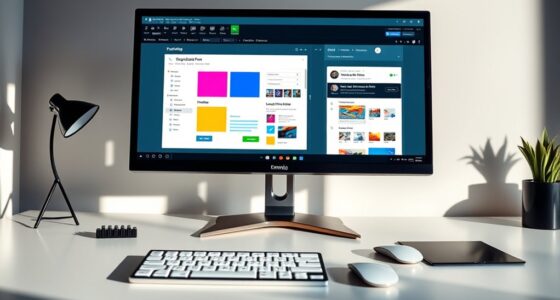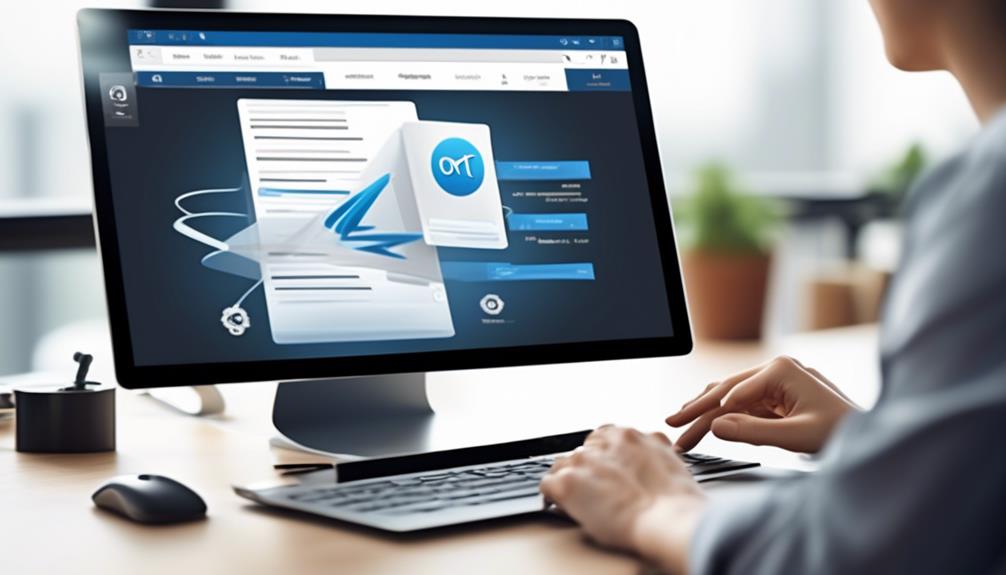
Drag-and-drop editors let you build professional, customized emails easily without coding. You can select from a variety of pre-designed layouts, then personalize them with simple drag-and-drop actions. The intuitive interface makes arranging images, text, and buttons straightforward, ensuring your emails look polished and brand-consistent. These tools are designed for users of all skill levels, making email creation faster and more enjoyable. Keep exploring to discover how these editors can transform your email marketing workflow.
Key Takeaways
- Drag-and-drop editors simplify email design by allowing users to visually assemble layouts without coding skills.
- They offer customizable templates and intuitive interfaces for quick, personalized email creation.
- These tools support responsive, smooth interactions with visual cues to ensure precise element placement.
- Designed for accessibility, they enable users of all skill levels to produce professional-quality emails efficiently.
- Their user-friendly workflow minimizes learning curves and streamlines the entire email building process.
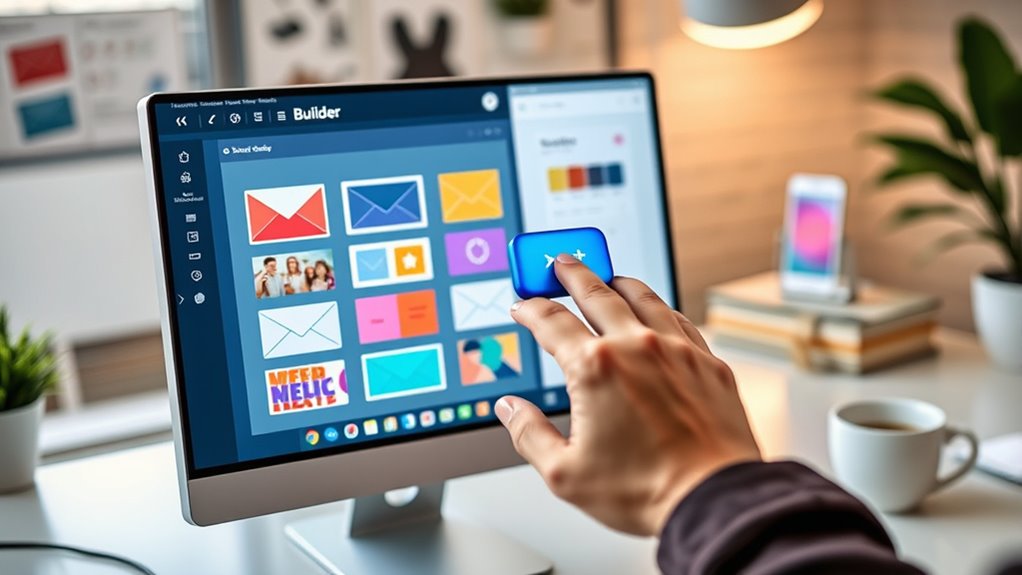
Have you ever wondered how website builders and design tools let you create complex layouts with just a few clicks? The secret lies in drag-and-drop editors, which simplify the design process by allowing you to build visually appealing emails without writing a single line of code. When you start using these tools, you’ll notice how intuitive and straightforward they are, making the entire process accessible even if you lack technical skills. One of the main advantages is the ease of template customization; you can select a pre-designed layout and tweak it to match your brand or message effortlessly. This flexibility means you don’t have to settle for generic templates—you can make your emails unique and aligned with your style.
User interface design plays an essential role in making drag-and-drop editors effective. These tools are crafted with simplicity in mind, providing a clean, organized workspace where all your elements—images, text blocks, buttons—are readily accessible. As you click and drag components onto your canvas, you’ll appreciate how responsive and smooth the interactions are, making it feel natural to arrange your email layout. The interface often includes visual cues, like snapping grids or alignment guides, helping you position elements precisely without frustration. Such thoughtful design reduces the learning curve and enables you to focus on creating content rather than wrestling with confusing menus or complex settings. Additionally, the user interface design of these editors ensures that even beginners can produce professional results quickly.

Elgato Prompter – Teleprompter with Built-in Screen for YouTube, Twitch, Zoom and More, 1080 pixels, Supports DSLR/Webcam/Smartphone, Drag & Drop Monitor Display, Works with Mac/PC & Stream Deck
Built-in display, Drag-and-drop: No extra tablets or smartphone screens required. Move any window or app onto Prompter’s display,...
As an affiliate, we earn on qualifying purchases.
Frequently Asked Questions
Can Drag-And-Drop Editors Customize Advanced Email Scripting?
Yes, drag-and-drop editors can customize advanced email scripting by incorporating interactive elements and dynamic content. You can easily add features like countdown timers, image carousels, and personalized greetings without coding. These editors allow you to visually design complex elements that respond to recipient data, making your emails more engaging. While they might have some limitations compared to coding, many now support a wide range of advanced customization options to enhance your campaigns.
Are There Limitations on Design Creativity With These Editors?
Did you know that 65% of marketers find design limitations frustrating? With drag-and-drop editors, you might face some creative constraints, but many tools offer impressive template flexibility. While they simplify building emails, they can restrict highly customized designs, especially for advanced features. Still, you can often work around these limits by customizing templates or using HTML blocks, ensuring your creativity isn’t entirely boxed in.
How Secure Are Emails Created With Drag-And-Drop Tools?
Emails created with drag-and-drop tools are generally secure, but you should stay aware of privacy concerns. These editors often use cloud storage, which could expose sensitive data if not properly protected. Additionally, accessibility challenges might arise if designs aren’t optimized for all users. To guarantee security, verify the platform’s encryption standards, and always review your email content for privacy compliance before sending.
Do These Editors Integrate With All Email Marketing Platforms?
Most drag-and-drop editors offer good platform compatibility, but you might face some integration challenges with certain email marketing platforms. It’s crucial to check if the editor supports your specific platform to guarantee seamless functionality. While many tools integrate easily with popular platforms like Mailchimp or Constant Contact, some less common systems may require extra steps or custom solutions, so always verify compatibility before committing.
Can I Export My Email Designs for Offline Editing?
You can usually export your email designs for offline editing, giving you the flexibility to tweak details like email personalization and layout outside the editor. Imagine holding a beautifully crafted template in your hands, ready to be customized further. Many editors support exporting in formats like HTML, so you can refine your design anytime, ensuring your message stays impactful and aligned with your brand’s voice.

NEEWER Basics X12B Aluminum Alloy Teleprompter 12" for iPad Tablet DSLR Camera, Bluetooth, No Assembly, Remote & App Control, Compatible with iOS Android, Black, for Streaming
【Introducing NEEWER BASICS】 Simple and practical, NEEWER BASICS is an economical product line that focuses on essential functions...
As an affiliate, we earn on qualifying purchases.
Conclusion
With drag-and-drop editors, you craft emails effortlessly, guiding your message seamlessly from idea to inbox. You build with precision, customize with ease, and send with confidence. You design visually, edit instantly, and deploy quickly—all without code. These tools transform your workflow into a smooth journey, where creativity flows, obstacles fade, and success is within reach. Embrace the simplicity, harness the power, and watch your emails come to life — simple, swift, and stunning.

Geimrsy i2/12-inch professional teleprompter, tempered optical glass, all-metal structure, equipped with remote control and dedicated app, compatible with a wide range of devices
Teleprompter adopts the design of liftable structure, according to the different devices and shooting needs to flexibly adjust...
As an affiliate, we earn on qualifying purchases.
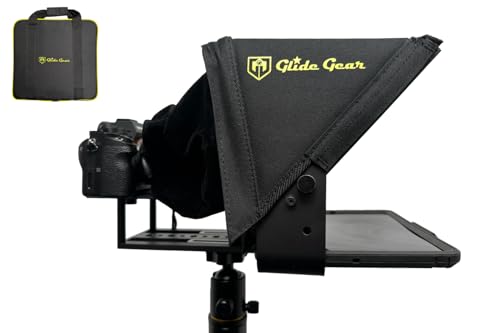
Glide Gear TMP 100 Teleprompter – DSLR, Tablet, Smartphone – 12" Glass, Carry Case, No Assembly
WIDE DEVICE COMPATIBILITY: The TMP 100 Teleprompter is Designed to Accommodate Smartphones and Tablets up to 10.5"x 8",...
As an affiliate, we earn on qualifying purchases.