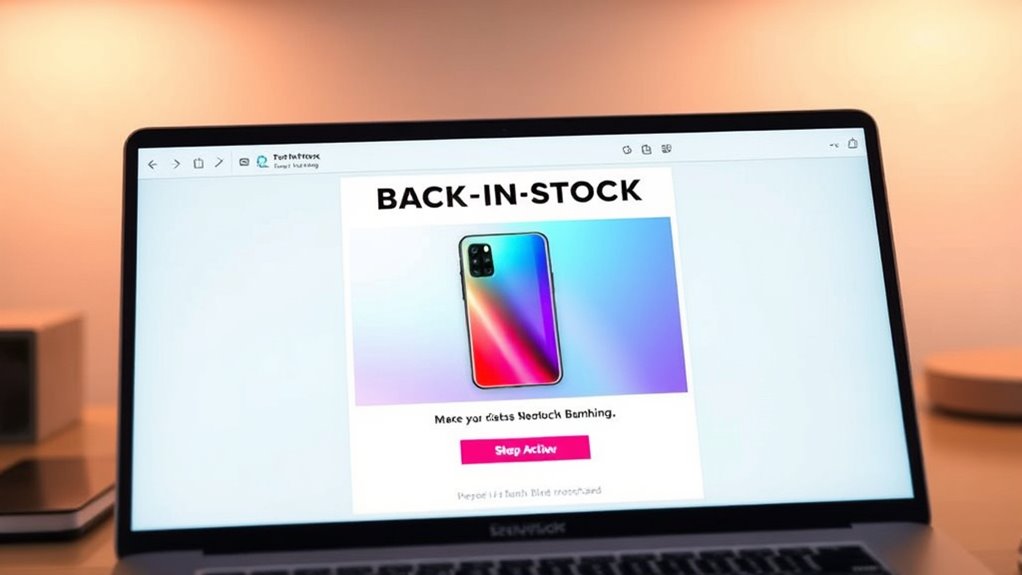

To craft a back-in-stock notification email that sparks quick purchases, focus on personalized, timely messages that grab attention immediately. Use a compelling subject line like “Your Favorite Product Is Back!” and include prominent call-to-action buttons such as “Buy Now.” Keep the email short, emphasizing product popularity and creating a sense of urgency. Segment your audience based on browsing behavior for relevant updates. If you continue exploring, you’ll discover more tips to maximize engagement and conversions.

Get business pricing on office and shipping supplies
- Business-only prices and quantity discounts
- Tax-exempt purchasing
- Multiple users, one account, clear invoices
Key Takeaways
- Use compelling subject lines like “Your Favorite Product Is Back in Stock!” to grab attention quickly.
- Personalize the message with the recipient’s name and relevant product details to increase engagement.
- Include a clear, prominent call-to-action such as “Buy Now” to prompt immediate purchases.
- Highlight product demand or popularity to create urgency and boost desirability.
- Automate the email delivery immediately after restocking to maintain relevance and encourage quick action.
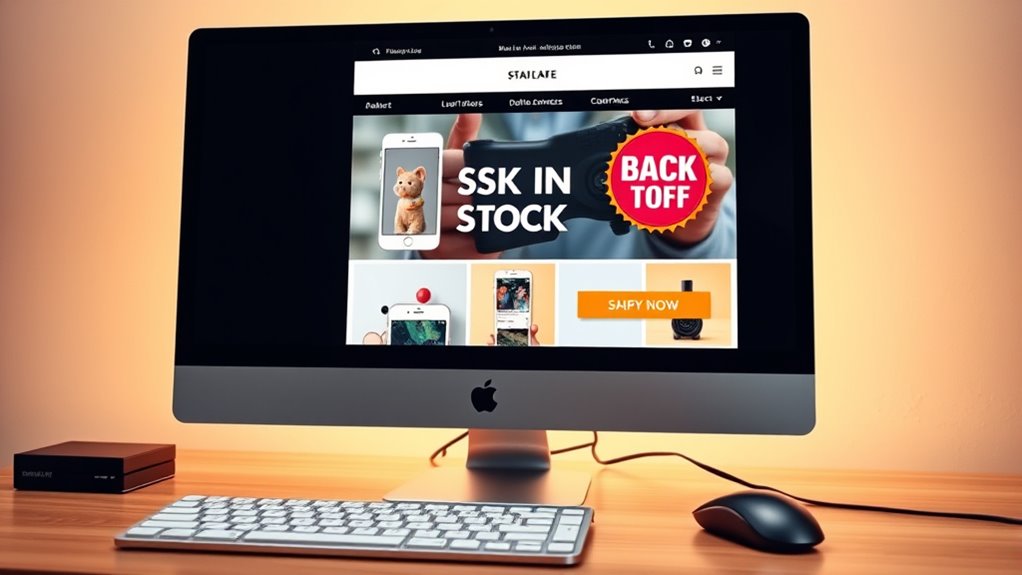
A well-crafted back-in-stock notification email can considerably boost your sales by promptly informing customers when their favorite products become available again. To do this effectively, you need to focus on strategic customer segmentation and email personalization. By segmenting your audience based on their browsing or purchase history, you can tailor messages that resonate specifically with each group. For instance, if a customer previously viewed or added a specific product to their cart, targeting them with a personalized email that highlights that exact item increases the chances they’ll return to buy. This approach ensures your message feels relevant and timely, making customers more likely to act quickly.
Personalize your back-in-stock emails by segmenting customers and highlighting products they care about to boost conversions.
When creating your back-in-stock emails, personalization is key. Use the recipient’s name and reference the product they’re interested in to make the message feel handcrafted just for them. Include dynamic content that showcases the product image, its features, and even a brief note on why it’s popular or in high demand. These small touches reinforce the idea that you understand their preferences and enhance their shopping experience. Personalization also extends to timing—sending the notification at the right moment, such as shortly after the product restocks, ensures your message is fresh and relevant.
Design your email with clarity and urgency in mind. Use clear, compelling subject lines like “Your Favorite Product Is Back in Stock!” or “Good News! The Item You Want Is Available Again.” These headlines grab attention immediately and create a sense of urgency that prompts quick action. In the email body, include a prominent call-to-action button, such as “Buy Now” or “Shop Restocked Items,” which directs customers straight to the product page. Keep the email concise, focusing on the core message and minimizing unnecessary information that could distract or delay the purchase decision.
Additionally, leverage automation to send these notifications automatically once stock is replenished. This ensures customers receive timely updates without manual effort. When your back-in-stock emails are personalized, segmented correctly, and sent promptly, you markedly increase the likelihood of quick conversions. Customers appreciate relevant, targeted notifications that save them time and make shopping easier. By combining customer segmentation with email personalization, you not only boost sales but also strengthen customer loyalty because they’ll see that you understand and prioritize their preferences. This strategy turns a simple restock alert into a powerful tool for driving immediate sales and fostering long-term engagement with your brand.
Furthermore, incorporating knowledge of yoga benefits and practices can inspire creative ways to craft engaging content and customer experiences, making your brand stand out in a competitive market.
back in stock email notification template
As an affiliate, we earn on qualifying purchases.
As an affiliate, we earn on qualifying purchases.
Frequently Asked Questions
How Can I Personalize Back-In-Stock Emails for Different Customer Segments?
You can personalize back-in-stock emails by leveraging customer segmentation to target specific groups. Use data on purchase history and browsing behavior to craft tailored messages. Include personalized offers, like discounts or bundles, that resonate with each segment. Address recipients by their names and reference their preferences, making the email feel relevant and exclusive. This approach helps boost engagement and encourages quick purchases.
What Are the Best Times to Send Back-In-Stock Notifications?
Think of timing strategies like catching a wave at just the right moment—sending back-in-stock notifications when your customers are most receptive sparks swift engagement. Typically, early mornings or late evenings during weekdays are ideal, as people check their phones then. Avoid weekends or late nights, when inboxes clutter up. By choosing *best* times, you boost customer engagement and turn those notifications into quick, satisfying purchases.
How Do I Measure the Success of My Back-In-Stock Email Campaigns?
You measure your back-in-stock email campaign’s success through conversion metrics like open rates, click-through rates, and purchase rates. Additionally, customer feedback provides valuable insights into their satisfaction and interest. Track improvements over time, and analyze which elements drive conversions. Combining these data points helps you refine your strategy, ensuring your notifications lead to quick purchases and increased customer loyalty.
Can Automated Back-In-Stock Emails Be Integrated With Other Marketing Tools?
Yes, automated back-in-stock emails can be integrated with your other marketing tools. You can connect them with your inventory management system to trigger messages when stock levels change. Additionally, customer segmentation allows you to send personalized alerts based on purchase history or preferences. This integration helps streamline your marketing efforts, enhances customer experience, and boosts sales by ensuring timely, relevant notifications that encourage quick purchases.
What Legal Considerations Should I Keep in Mind When Sending Back-In-Stock Notifications?
When sending back-in-stock notifications, you should prioritize privacy compliance and consent management. Coincidentally, these legal considerations safeguard both your business and your customers. Always verify you have explicit consent before sending marketing emails, and clearly explain how their data will be used. By respecting privacy laws, you avoid penalties and build trust, making your back-in-stock notifications more effective and legally sound.
Conclusion
With this back-in-stock notification email template, you’ll turn missed opportunities into quick wins. Think of it as your secret weapon to grab your customers’ attention before they drift away. By crafting a message that’s clear, urgent, and personalized, you create a sense of FOMO that’s hard to ignore. Use it wisely, and watch your sales soar like a kite in a strong breeze—lifting your business to new heights in no time.
Fall Picks
fall essentials
As an affiliate, we earn on qualifying purchases.