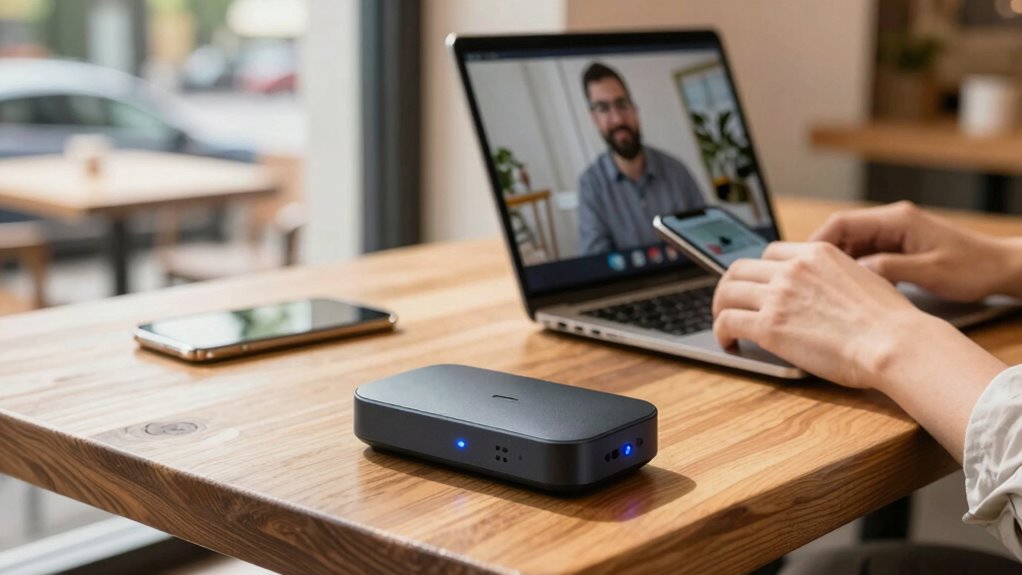
A mobile hotspot device guarantees you stay connected with secure, fast, and stable internet wherever you travel. It creates a personal Wi-Fi network using cellular data, reducing dependence on unreliable hotel or public networks. You can connect multiple devices easily, and the device offers strong security features like WPA3 encryption and VPN support to keep your data safe. For more tips on maximizing your travel connectivity, keep exploring how these devices can make your work smoother.
Key Takeaways
- Provides a secure, dedicated Wi-Fi connection independent of unreliable hotel or public networks.
- Offers customizable data plans to ensure sufficient bandwidth during travel.
- Supports multiple devices simultaneously, enhancing productivity across all work tools.
- Features security protocols like WPA3 and VPN support to protect sensitive data.
- Enables quick setup and portability, allowing reliable internet access in various locations.
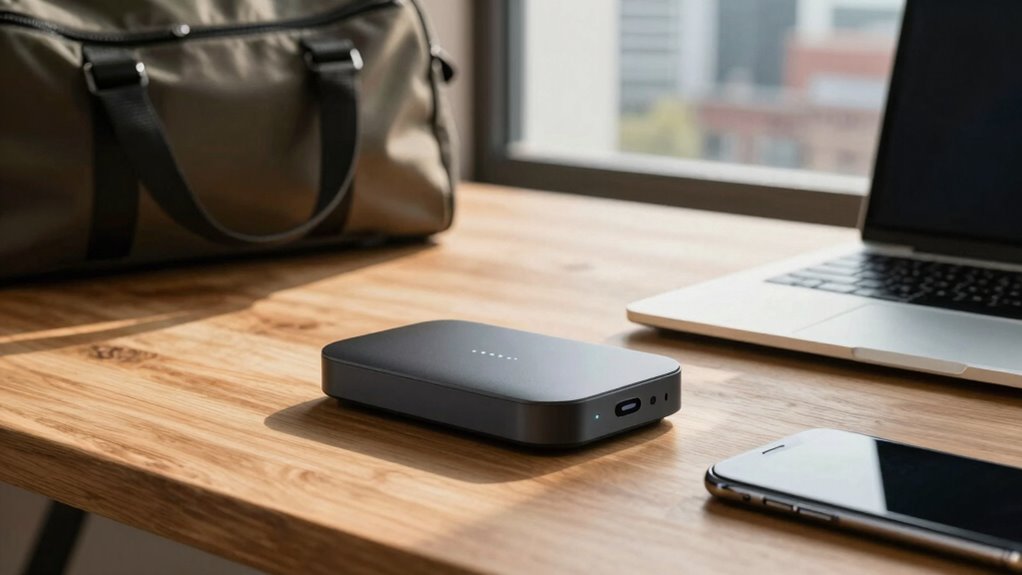
When you’re traveling for work, staying connected is essential, but unreliable Wi-Fi can quickly disrupt your productivity. That’s where a mobile hotspot device becomes a game-changer. With a reliable hotspot, you can access the internet whenever you need it, no matter where your travels take you. This device acts as a portable router, creating a secure Wi-Fi connection using cellular data, so you’re not at the mercy of unpredictable hotel networks or public hotspots. Instead, you control your connection, ensuring it’s fast, stable, and available when you need it most.
To make the most of your hotspot, you should focus on choosing the right travel data plans. These plans are tailored for travelers, offering generous data allowances or unlimited options that let you work without constantly worrying about exceeding limits. Many providers offer flexible plans that you can activate for a day, week, or month, giving you the freedom to customize your connectivity according to your travel schedule. By investing in a suitable travel data plan, you reduce the risk of slow speeds or unexpected overage charges, keeping your work seamless and uninterrupted. Additionally, understanding how coverage area impacts your hotspot’s performance can help you select a provider that ensures reliable connectivity in your travel destinations. Being aware of network compatibility is also crucial to ensure your device works seamlessly with local cellular networks.
Choose flexible, generous travel data plans to stay connected and avoid overage charges during your work trips.
Hotspot security is another critical factor. When you’re working remotely, sensitive information like emails, documents, and client data are at stake. Using a mobile hotspot with built-in security features helps protect that information from potential cyber threats. Look for devices that support WPA3 encryption or other robust security protocols. Additionally, setting a strong, unique password for your hotspot connection minimizes the risk of unauthorized access. Some hotspots also offer VPN support, adding an extra layer of encryption and privacy. Being proactive about hotspot security gives you peace of mind, knowing your work remains confidential and your connection is protected from potential hackers. Moreover, understanding the importance of encryption standards can ensure your data stays protected during transmission.
A mobile hotspot device also offers convenience and flexibility. Instead of hunting for reliable Wi-Fi on the go, you can set up your hotspot in seconds and connect multiple devices simultaneously—laptops, smartphones, tablets—all sharing the same secure network. This means you can work from coffee shops, airports, or hotel rooms without sacrificing connection quality. The portability of a hotspot device ensures you’re not tied down to a single location; it’s an essential tool that adapts to your dynamic schedule.
In short, a mobile hotspot device supports more reliable travel work by providing stable internet access, customizable travel data plans, and strong hotspot security. It empowers you to stay productive, connected, and secure no matter where your job takes you. Additionally, understanding the importance of contrast ratio in your devices can help ensure your work visuals and presentations appear crisp and clear even on the go.

RoamWiFi 4G LTE WiFi Hotspot Router, Portable Mobile Hotspot Device for International Travel, Pocket WiFi No SIM Card Needed, Connect 10 Devices, 10GB Local Data Included, 170+ Countries Coverage
【WiFi Hotspot for Global Travel, 170+ Countries】 RoamWiFi 4G LTE mobile hotspot delivers seamless international connectivity without SIM…
As an affiliate, we earn on qualifying purchases.
As an affiliate, we earn on qualifying purchases.
Frequently Asked Questions
How Secure Is the Data Transmitted Through a Mobile Hotspot?
Your data transmitted through a mobile hotspot is generally secure due to data encryption, which protects your information from unauthorized access. However, privacy concerns can still arise if you connect to unsecured networks or use weak passwords. To enhance security, use strong, unique passwords, enable encryption settings, and avoid public Wi-Fi. Staying vigilant helps guarantee your sensitive data remains private and protected during your travels.
Can Multiple Devices Connect Simultaneously Without Affecting Performance?
Yes, multiple devices can connect simultaneously without substantially affecting performance, thanks to device compatibility and data prioritization features. Your mobile hotspot manages bandwidth effectively, ensuring each device gets sufficient connection quality. Data prioritization allows you to prioritize critical work tasks, preventing slowdowns during busy periods. This setup enables you to stay productive on the go, whether you’re streaming, working, or browsing, without sacrificing speed or reliability.
What Is the Battery Life Expectancy During Continuous Use?
Your mobile hotspot’s battery life during continuous use typically ranges from 8 to 12 hours, depending on the device and usage patterns. To maximize battery longevity, utilize power management features like turning off unused connections and dimming the display. Keeping the device updated and avoiding high-power activities also helps conserve battery life, ensuring reliable connectivity throughout your travels without frequent recharging.
How Does a Mobile Hotspot Perform in Remote or Rural Areas?
You might think remote areas cut you off, but a mobile hotspot with satellite connectivity can surprisingly perform well. Its signal penetration capabilities help you stay connected even where cellular signals are weak or absent. While coverage varies, these devices often connect via satellite networks, ensuring you maintain internet access. This technology challenges the notion that rural locations are unreachable, proving you can work reliably anywhere, even in the most isolated regions.
Are There Any Additional Costs for Data Usage Beyond the Plan?
Yes, there can be additional costs for data usage beyond your plan. If you exceed your allotted data, you’ll face data overage charges, which can substantially increase your expenses. It’s important to monitor your usage closely to avoid unexpected cost implications. Many providers offer alerts or data management tools to help you stay within your plan limits, ensuring you maintain reliable connectivity without incurring extra charges.

TP-Link Roam 6 AX1500 Portable Wi-Fi 6 Travel Router | Easy Public WiFi Sharing | Hotel/RV/Travel Approved | Phone WiFi Tether | USB C Powered | Multi-Mode | Tether App | Durable Design | TL-WR1502X
𝐑𝐨𝐚𝐦 𝟔 𝐀𝐗𝟏𝟓𝟎𝟎 𝐃𝐮𝐚𝐥-𝐁𝐚𝐧𝐝 𝐓𝐫𝐚𝐯𝐞𝐥 𝐑𝐨𝐮𝐭𝐞𝐫 – Delivers fast Wi-Fi 6 speeds (1201 Mbps on 5 GHz, 300…
As an affiliate, we earn on qualifying purchases.
As an affiliate, we earn on qualifying purchases.
Conclusion
A mobile hotspot device is like a trusty lighthouse guiding your work through the foggy seas of travel. It keeps your connection steady and reliable, so you can navigate your tasks without crashing into tech troubles. With this device in your pocket, you’re not just staying connected—you’re steering confidently toward productivity, no matter where your journey takes you. Embrace the hotspot, and let your work shine bright, no matter the storm.
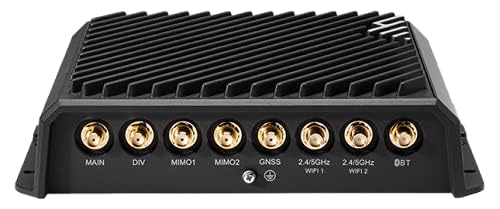
MB01-19005GB-GA – 1-yr NetCloud Mobile Performance Essentials Plan & R1900 Router with WiFi (5G Modem, 4FF SIM Optional but not Included), no AC Power Supply or Antennas, Global
Includes 1-year NetCloud Mobile Performance Essentials Plan with the R1900 Router for global 5G connectivity.
As an affiliate, we earn on qualifying purchases.
As an affiliate, we earn on qualifying purchases.
unlimited data mobile hotspot
As an affiliate, we earn on qualifying purchases.
As an affiliate, we earn on qualifying purchases.