
To craft an effective customer feedback request email template that gathers valuable insights, keep it personalized, clear, and brief. Use a friendly tone and mention how their input helps improve your service. Include a straightforward call-to-action, like a prominent link or button to the survey, and make certain the message is mobile-friendly. Send it shortly after their interaction for the best response rate; if you want to see a sample template, keep going.
Key Takeaways
- Personalize the email with the customer’s name and recent interactions to increase engagement.
- Clearly state the purpose of the survey and how their feedback will improve the experience.
- Keep the email concise, highlighting the importance of their insights and including a prominent call-to-action link or button.
- Use simple, straightforward language and ensure the survey is mobile-friendly for easy responses.
- Send the request shortly after purchase or interaction to capture fresh, valuable feedback.

Ever wondered how to efficiently gather valuable insights from your customers? One of the most effective ways is through well-crafted customer feedback email templates. When reaching out, your goal is to encourage honest responses that help you improve your products or services. To do this successfully, focus on designing thoughtful survey questions that are clear, concise, and relevant. Avoid overwhelming your customers with lengthy questionnaires; instead, ask targeted questions that address specific areas you want to improve. Use a mix of multiple-choice, rating scales, and open-ended questions to gather diverse insights. This variety helps you understand customer preferences more deeply and identifies pain points or areas of excellence.
Another *essential* element is email personalization. When your email feels tailored to each recipient, it increases the likelihood of engagement. Use your customer data to personalize greetings, mention their recent interactions, or refer to their purchase history. Personalization signals that you value their individual feedback, making them more inclined to participate. Keep the tone friendly and approachable, and *guarantee* that your message resonates with their experience. When your emails are customized, customers see that you care about their opinions, which fosters trust and encourages candid feedback.
Personalizing your emails boosts engagement and builds trust with your customers.
Furthermore, the way you frame your survey questions can *considerably* influence response rates. Use simple language and avoid jargon to *assure* clarity. Be direct about what you’re asking and why their input matters. For example, instead of broad questions like “How was your experience?”, specify what aspect you want feedback on, such as “How satisfied were you with the checkout process?” or “What improvements would you like to see in our customer support?” Clear survey questions reduce ambiguity, making it easier for customers to give meaningful responses quickly. Additionally, incorporating knowledge about essential oils for oral health can help you better understand how your customers feel about natural remedies, which may influence their feedback preferences.
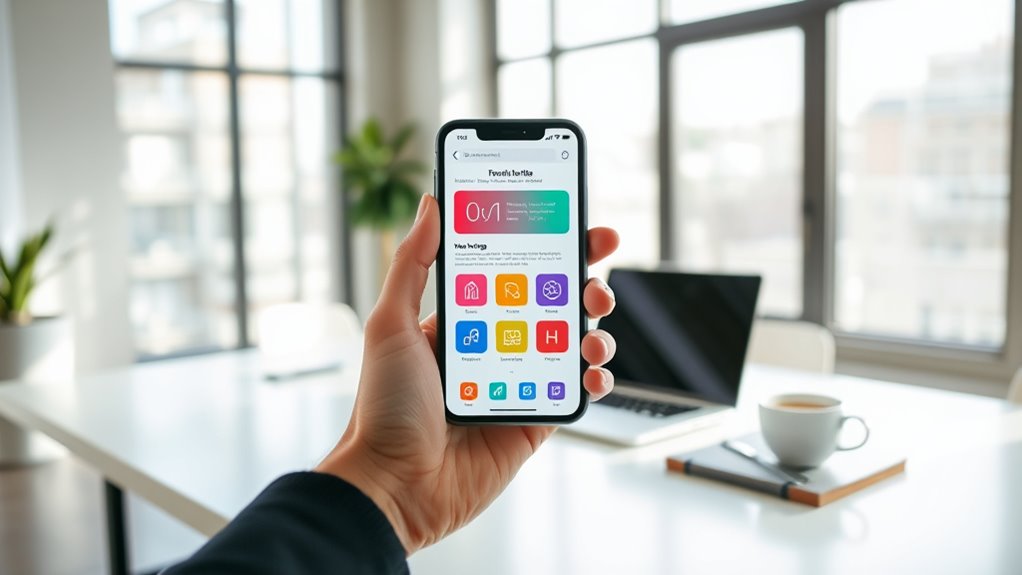
Timing also plays a role in the effectiveness of your feedback requests. Send your survey emails shortly after a purchase or interaction, when their experience is fresh in their mind. This immediacy increases the chances of receiving detailed and accurate feedback. Additionally, keep your emails short and to the point. A lengthy message can deter recipients from completing your survey. Incorporate a straightforward call-to-action, such as a prominent button or link that leads directly to the survey. Make sure the process is seamless and mobile-friendly, as many customers will respond via smartphone or tablet.
Frequently Asked Questions
How Soon Should I Send a Feedback Request After Purchase?
You should send your feedback request within 24 to 48 hours after the purchase. This timing strategy guarantees your customers remember their experience clearly, boosting customer engagement and the likelihood of response. Prompt requests demonstrate your interest in their opinions, making customers feel valued. By acting quickly, you gather fresh insights that help improve your offerings and strengthen your relationship with them.
What Incentives Can I Offer to Increase Response Rates?
Boost response rates by offering enticing incentives like discount offers and loyalty points. You could tell your customers they’ll receive exclusive deals or points toward future purchases, making them more motivated to share their feedback. By blending beneficial rewards with personalized prompts, you encourage participation, foster loyalty, and gather valuable insights. Remember, appealing incentives turn simple surveys into irresistible opportunities, ensuring your customers feel appreciated and enthusiastic to contribute!
How Can I Personalize Feedback Requests Effectively?
You can personalize feedback requests effectively by implementing segmentation strategies that group customers based on their behaviors, preferences, and demographics. Use these segmentation insights to craft tailored messages that resonate personally. Address customers by their names, reference recent interactions, and highlight specific products or services they’ve used. This approach makes your requests more relevant and engaging, increasing the likelihood of responses and showing you value their individual experiences.
What Are Common Mistakes to Avoid in Feedback Emails?
You risk alienating customers if you ignore the feedback tone or send emails at the wrong time. Avoid sounding pushy or impersonal—your tone should feel genuine and friendly. Don’t send feedback requests too soon or too late; perfect timing makes a difference. Also, steer clear of long, complicated emails that overwhelm recipients. Keep your message clear, concise, and considerate to encourage honest, valuable responses.
How Do I Analyze and Act on the Feedback Received?
You should analyze customer sentiment by categorizing feedback into positive, neutral, and negative to identify patterns. Look for feedback trends to spot recurring issues or areas for improvement. Act promptly by addressing concerns and thanking customers for their insights. Use the data to inform decisions, enhance your offerings, and improve customer experience. Regularly review feedback to stay aligned with customer needs and foster stronger relationships.
Conclusion
Your feedback is the key that open our future improvements, illuminating the path like a guiding star in the night sky. By sharing your insights, you become the compass steering us toward better service and experiences. Just as a small spark ignites a roaring fire, your input fuels our growth and innovation. Together, we can craft a brighter, more connected journey—your voice is the light that leads the way.