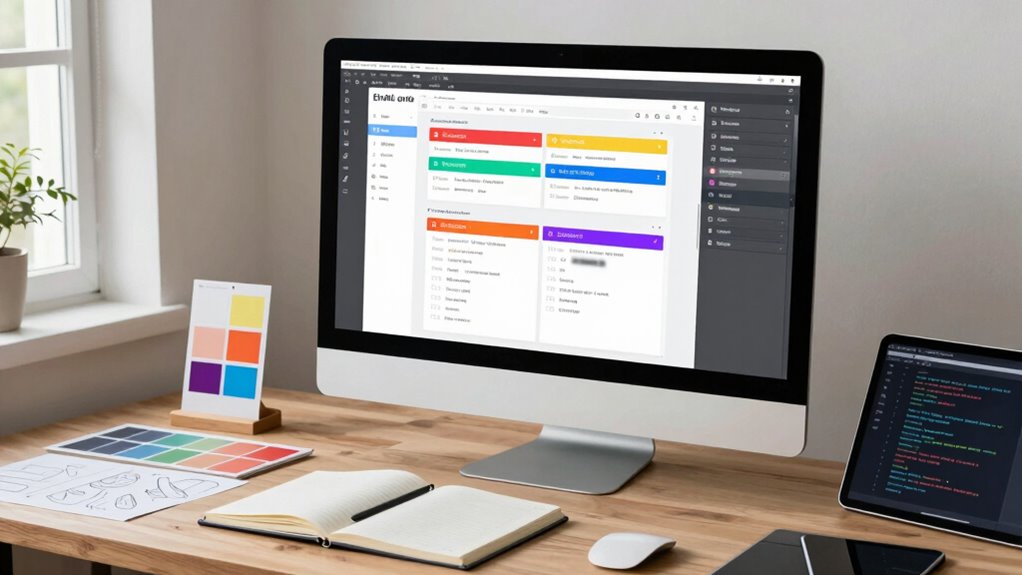

To build a scalable email design system, start with a clear foundation of core colors, typography, and spacing rules to guarantee consistency. Create modular components and templates that are flexible and easy to customize for different campaigns. Focus on accessibility and responsiveness to make sure your designs work on all devices, and document standards to streamline onboarding. Continuously refine your system using best practices and testing—if you want to master this process, you’ll find helpful strategies ahead.

Get business pricing on office and shipping supplies
- Business-only prices and quantity discounts
- Tax-exempt purchasing
- Multiple users, one account, clear invoices
Key Takeaways
- Establish a flexible, modular component library aligned with your brand’s visual language for easy reuse and updates.
- Define clear guidelines for typography, color, spacing, and responsiveness to ensure consistency across campaigns.
- Incorporate accessibility standards and testing early to maintain inclusivity and functionality on all devices.
- Document all design elements and processes to facilitate onboarding and scalable collaboration.
- Continuously analyze performance data and user feedback to refine components and improve the system over time.
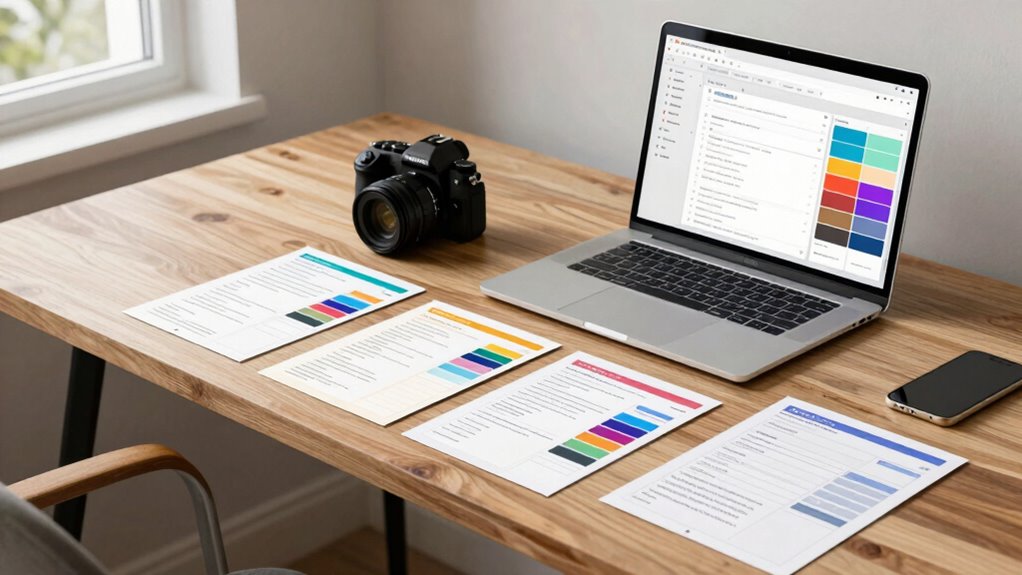
Creating a consistent and efficient email design process starts with building a solid design system. This foundation guarantees your emails stay cohesive, scalable, and easy to update as your needs evolve. To do this effectively, you need to establish clear guidelines for your visuals, typography, and layout components. Start by defining your core color palette, font choices, and spacing rules. These elements form the visual language that makes your brand recognizable across all campaigns. When your design system is well-structured, creating new emails becomes faster, and maintaining consistency across multiple campaigns is straightforward. Incorporating visual hierarchy principles helps prioritize content and guide the reader’s attention effectively. Personalization strategies play an essential role in making your emails resonate with your audience. Incorporate dynamic content blocks that adapt based on user data, such as location, purchase history, or preferences. Your design system should support these personalized elements seamlessly, ensuring they fit within your established layout without sacrificing clarity or visual appeal. For example, create flexible templates with modular sections that can be swapped or customized without disrupting the overall design. This approach saves you time and enhances customer engagement by delivering relevant, targeted content. Accessibility best practices are equally vital in building a scalable email system. You want every recipient, regardless of ability, to experience your emails fully. Use sufficient color contrast between text and backgrounds to guarantee readability. Incorporate large, easy-to-read fonts and avoid relying solely on color to convey information—use clear labels and text descriptions. Your design system should include guidelines for responsive layouts so your emails look great on any device, from desktops to smartphones. Testing your templates with accessibility tools helps identify issues early, saving you from future redesigns and ensuring inclusivity. Additionally, adopting content modularity allows for easier updates and customization without compromising the overall visual consistency. Incorporating insights from vetted best practices in related fields, such as efficient design systems in other digital domains, can further enhance your process. Documentation of your design principles and components is crucial. Create a style guide that details how each element should be used, from buttons to headers. This documentation becomes a reference point for your team, reducing guesswork and making sure everyone works within the same framework. As your email program grows, this structured approach simplifies onboarding new team members and accelerates campaign deployment.
As an affiliate, we earn on qualifying purchases.
Frequently Asked Questions
How Do I Ensure Email Accessibility Across Diverse Devices?
To guarantee email accessibility across diverse devices, prioritize high color contrast between text and backgrounds so everyone can read easily. Use clear, descriptive alt text for images, making sure screen readers can convey your message effectively. Test your emails on various devices and with screen readers to identify issues. Keep fonts legible and sizes consistent, ensuring your content is accessible and user-friendly regardless of the device used.
What Tools Are Best for Managing Email Design Assets?
You should use tools like Figma or Zeplin for asset organization, which help keep all design assets in one place and easily accessible. For version control, consider using Abstract or Dropbox, so you can track changes and collaborate smoothly. These tools streamline managing email design assets, ensuring everything stays organized and up-to-date. With clear asset organization and solid version control, your email design system remains scalable and efficient.
How Can I Keep My Email System Flexible for Future Updates?
To keep your email system flexible for future updates, you should use modular components that allow easy adjustments without overhauling your entire design. Implement version control to track changes and revert if needed, ensuring stability as your system evolves. Regularly review and refine your components, stay adaptable to new trends, and document updates clearly. This approach helps maintain flexibility, making future updates smoother and more manageable.
What Are Common Pitfalls in Scaling Email Design Systems?
When scaling your email design system, watch out for consistency challenges that can cause your emails to look disjointed. Avoid branding conflicts by maintaining uniform styles and messaging rules across templates. If you’re not careful, updates might introduce visual inconsistencies, confusing recipients and diluting your brand identity. Regular audits and clear guidelines help you stay on track, ensuring your system grows seamlessly without sacrificing visual or brand integrity.
How Do I Measure the Success of My Email Design System?
Think of your email design system as a garden; its success blooms through careful metrics tracking and observing user engagement. You measure success by analyzing open rates, click-throughs, and conversions, seeing how well your system nurtures interactions. When engagement grows and metrics improve, your system’s health is thriving. Regularly review these indicators to guarantee your design remains effective, vibrant, and ready to scale with confidence.
Conclusion
Think of your email design system as a well-tuned engine—when each part works seamlessly together, your campaigns run smoothly and efficiently. By establishing clear guidelines and reusable components, you’re building a foundation that grows with your brand. Keep it clean, consistent, and adaptable. With this system in place, you’ll navigate the email landscape with confidence, ensuring your messages always hit their mark like a perfectly aimed arrow in a well-orchestrated bow.
Fall Picks
fall essentials
As an affiliate, we earn on qualifying purchases.