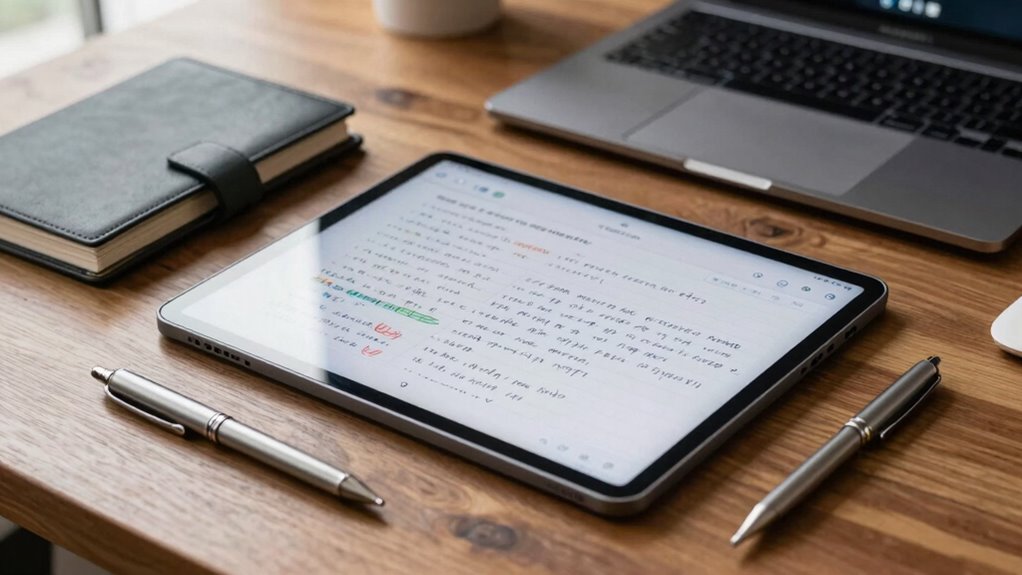

Handwriting tablets enhance your executive and planning workflows by combining natural note-taking with seamless digital integration. You can quickly jot down ideas, organize notes, and create visual diagrams without switching devices. These tablets allow effortless collaboration by sharing notes instantly and connect smoothly with calendars, documents, and productivity tools. They help you stay focused and streamline complex projects. If you want to discover how to optimize your workflow further, you’ll find helpful insights below.
Key Takeaways
- Handwriting tablets enable quick note capture and organization, streamlining executive decision-making and planning processes.
- They facilitate seamless integration with digital tools for calendar management, document annotation, and workflow coordination.
- Visual note-taking features support brainstorming, diagramming, and project mapping for comprehensive planning.
- Real-time sharing and collaboration enhance team alignment and accelerate project execution.
- Tactile interaction promotes focus, deliberate planning, and creative problem-solving in executive workflows.
In today’s fast-paced work environment, handwriting tablets are transforming how you manage tasks and information. These devices enable you to quickly jot down ideas, plans, and reminders without fumbling through cluttered notebooks or digital files. When it comes to digital note organization, handwriting tablets offer a seamless way to keep everything in one place. You can write, sketch, and annotate directly on the screen, then easily categorize and search through your notes later. This integration helps you stay organized and reduces the time spent hunting for important details. With handwriting tablets, your notes become more than just static text; they’re dynamic tools that adapt to your workflow, making information retrieval faster and more intuitive.
Beyond traditional note-taking, these tablets excel at fostering creative brainstorming techniques. Instead of limiting yourself to typed lists, you can sketch diagrams, mind maps, and doodles that capture your ideas more vividly. This freedom encourages spontaneous thinking, helping you connect concepts visually and develop innovative solutions. When you’re in a brainstorming session, the tactile experience of writing or drawing on a handwriting tablet can spark new insights, as it closely mimics the natural flow of your thoughts. Plus, you can instantly share these visual notes with colleagues, making collaboration more fluid and immediate. This real-time exchange of ideas accelerates projects and keeps everyone aligned. Incorporating digital tools integration can further enhance your ability to seamlessly connect your handwritten notes with other productivity platforms. Additionally, research indicates that brainwave patterns can be influenced by different writing techniques, which can enhance focus and creativity during work sessions.
In your planning workflow, handwriting tablets integrate effortlessly with your digital tools. You can mark up calendars, annotate documents, or create to-do lists that sync across devices. This fluidity means you’re not confined to a single platform; instead, you can move freely between handwritten notes and digital applications. The tactile interaction also encourages a more deliberate approach to planning, which can boost productivity and focus. When you’re mapping out complex projects, the ability to draw diagrams or highlight key points directly on your notes gives clarity and precision that typed text often lacks. Additionally, understanding how note organization and management strategies based on these devices can further streamline your work process, especially considering research supporting 16PF for understanding personal strengths and weaknesses.
handwriting tablet for executives
As an affiliate, we earn on qualifying purchases.
As an affiliate, we earn on qualifying purchases.
Frequently Asked Questions
Are Handwriting Tablets Compatible With All Operating Systems?
Handwriting tablets aren’t compatible with all operating systems, but many are designed to work seamlessly with popular ones like Windows, macOS, and Android. You’ll want to check the tablet’s specifications for compatibility. With good stylus precision and screen responsiveness, you can enjoy smooth writing and drawing experiences on supported systems. If you use a less common OS, verify whether the tablet provides drivers or apps that guarantee full functionality.
What Security Features Do Handwriting Tablets Offer for Sensitive Data?
Did you know that 60% of data breaches involve sensitive information? Handwriting tablets offer robust security features like encryption protocols and biometric authentication, ensuring your data stays protected. You can confidently store and share confidential notes, knowing that only authorized users access it. These features make handwriting tablets a reliable choice for executives handling sensitive data, blending convenience with essential security measures to safeguard your information effectively.
Can Handwriting Tablets Integrate With Existing Project Management Tools?
Yes, handwriting tablets can integrate with existing project management tools, enhancing your digital note-taking and creative brainstorming sessions. You can sync your handwritten notes directly to platforms like Asana or Trello, making collaboration seamless. This integration allows you to capture ideas quickly, organize tasks efficiently, and keep your team updated, all while leveraging the natural feel of handwriting. It streamlines workflows, boosts productivity, and supports dynamic project planning.
What Is the Typical Battery Life of a Handwriting Tablet?
Battery life balances brilliance with basic needs. Typically, handwriting tablets offer around 8 to 12 hours of battery efficiency, depending on usage and screen brightness. Power management plays a pivotal role—conserving energy guarantees your device stays productive longer. To maximize longevity, turn off unused features and adjust settings strategically. With smart power management, you can seamlessly sustain your workflow without constant recharging, keeping your ideas flowing freely.
How Durable Are Handwriting Tablets in a Busy Office Environment?
Handwriting tablets are quite durable in a busy office environment thanks to rigorous durability testing and high material quality. You’ll find they withstand daily wear, accidental drops, and frequent handling without issues. Manufacturers use sturdy materials like reinforced glass and shock-absorbing frames, ensuring your device stays functional and intact. This resilience helps you rely on the tablet for consistent performance, even amid the hustle and bustle of a demanding work setting.
Conclusion
So, next time you’re drowning in digital chaos, consider a handwriting tablet—your secret weapon to transforming cluttered screens into a sleek, organized haven. Picture scribbling notes that actually stick, like little paper soldiers standing tall amid a sea of pixelated confusion. With a tablet in hand, you’ll conquer your workflow like a caffeinated maestro, orchestrating brilliance from chaos. Who knew that scribbling on a screen could turn your workday from a disaster to a masterpiece?