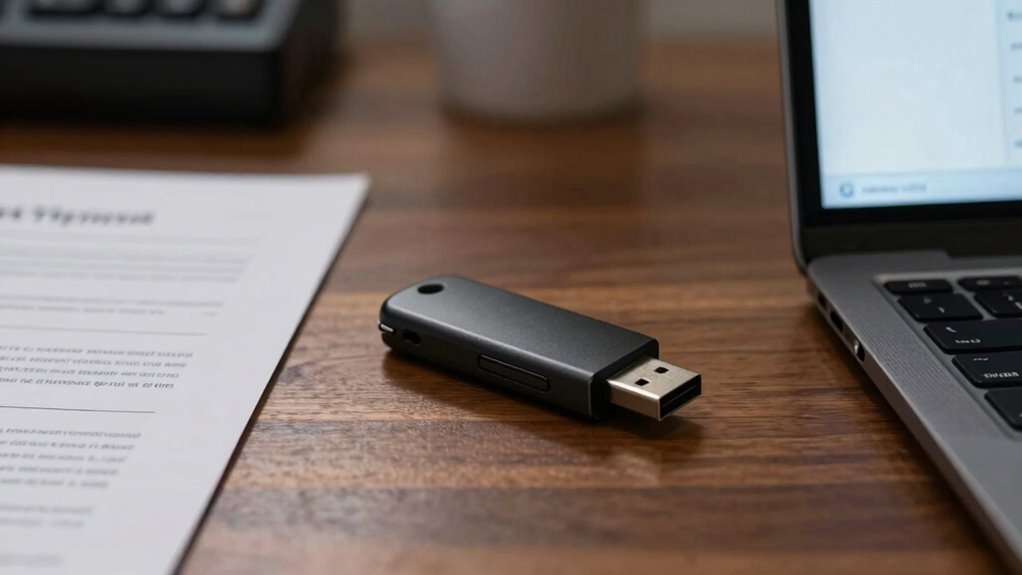

Secure USB drives are crucial in sensitive backup workflows because they protect your data from theft and unauthorized access. They offer features like hardware encryption and tamper resistance that make your backups safer. Relying on convenience alone can leave your data vulnerable to cybercriminals and physical breaches. By choosing secure drives and combining physical and digital safeguards, you strengthen your data security. If you keep exploring, you’ll discover more ways to keep your backups truly protected.
Listen free for 30 days with Audible
Thousands of audiobooks and originals — cancel anytime.
As an affiliate, we earn on qualifying purchases.
Key Takeaways
- They provide essential physical protection against theft, damage, or tampering of sensitive backup data.
- Hardware encryption in secure drives enhances data confidentiality during transfer and storage.
- Secure USB drives help prevent unauthorized access, maintaining compliance with data protection regulations.
- Tamper-evident features alert users to potential security breaches or physical tampering.
- Combining physical safeguards with encryption ensures comprehensive security for critical backup workflows.
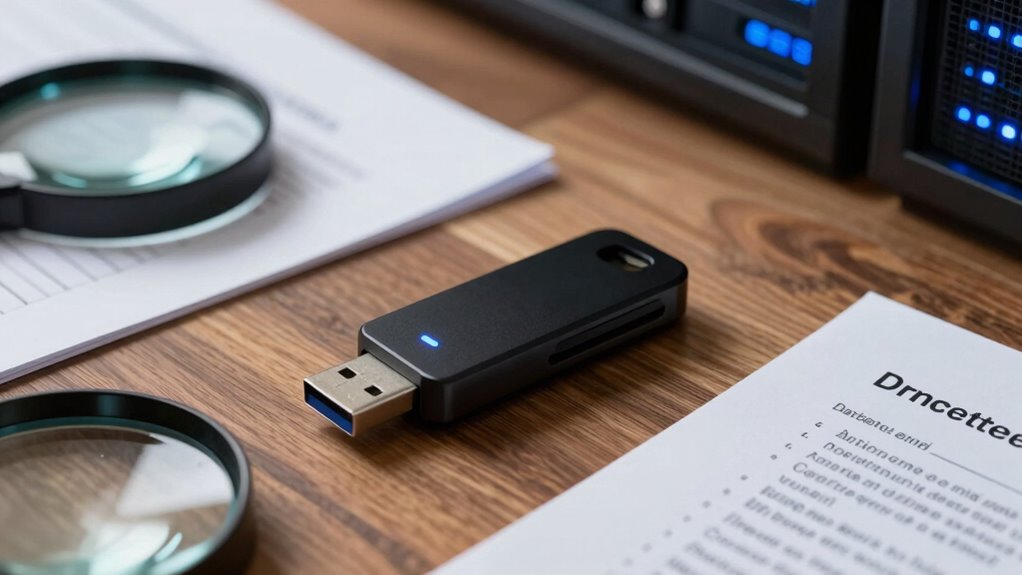
In today’s digital landscape, using USB drives in backup workflows offers convenience and portability, but it also introduces security risks. When you’re transferring or storing sensitive data on USB drives, taking steps to protect that information becomes essential. Data encryption is your first line of defense, ensuring that even if someone gains access to the drive, they can’t easily read or misuse the data. Encrypting files or the entire drive makes it markedly more difficult for unauthorized users to access your backup contents without the proper decryption key. This layer of security is vital, especially when dealing with confidential or proprietary information that could cause harm if exposed.
Encrypt your USB drives to protect sensitive data from unauthorized access and ensure your backups remain secure.
Physical protection plays an equally important role in maintaining the security of your USB drives. No matter how well your data is encrypted, a lost or stolen drive remains a vulnerability if it isn’t physically protected. Using rugged, tamper-resistant, or encrypted drives can help prevent physical damage or theft from compromising your backups. Additionally, storing USB drives in secure locations and employing locking mechanisms or safes can prevent unauthorized access in your workplace or home environment. Remember, the physical integrity of your backup media is just as important as the data stored on it. Secure storage options further enhance protection by reducing the risk of accidental loss or theft. Incorporating hardware encryption into your drives adds an extra layer of security that is resistant to tampering and unauthorized access.
While convenience is a key reason to use USB drives, it can sometimes overshadow security considerations. It’s tempting to quickly copy files onto a portable drive and move on, but neglecting encryption and physical safeguards exposes your data to risks. Cybercriminals and malicious insiders are increasingly targeting removable media, knowing that they’re often less protected than other storage options. By implementing data encryption, you guarantee that even if a drive falls into the wrong hands, your information stays secure. Pairing encryption with proper physical protection creates a thorough security approach that minimizes vulnerabilities.
Furthermore, understanding the security features of your USB drives, such as hardware encryption and tamper-evident designs, can significantly enhance your data protection strategy. In sensitive backup workflows, secure USB drives aren’t just a good idea—they’re a necessity. They protect your data from unauthorized access, theft, or damage, maintaining the confidentiality and integrity of your backups. Additionally, selecting drives with high-quality components can reduce the risk of hardware failure that might compromise your data. You should always consider encrypting your backups and using physically secure storage options, especially when handling sensitive or confidential data. Relying solely on the convenience of portable drives without these safeguards leaves your information exposed to unnecessary risks. Ultimately, investing in secure USB drives and following best practices for physical and data security helps you safeguard your backups, giving you peace of mind that your critical information remains protected in all circumstances.
As an affiliate, we earn on qualifying purchases.
Frequently Asked Questions
Are Secure USB Drives Resistant to Physical Damage?
Secure USB drives often have enhanced physical durability, making them more resistant to drops, shocks, and rough handling. They also feature environmental resistance, protecting against water, dust, and extreme temperatures. While no drive is completely immune to physical damage, these design elements considerably reduce the risk. If you handle them carefully and choose a high-quality secure USB, it’s a reliable choice for safeguarding sensitive data against physical threats.
How Do Secure USB Drives Handle Data Recovery?
Like a vault guarding its treasures, secure USB drives handle data recovery with care. They often have limitations, making data recovery complex or impossible once encrypted or securely erased. While secure data overwriting prevents unauthorized access, it can also hinder recovery if needed. You must balance security and recovery needs, understanding that some data might become unrecoverable, emphasizing the importance of proper backup practices and cautious handling of sensitive info.
Can Secure USB Drives Be Used With Multiple Devices Easily?
Yes, secure USB drives are generally compatible with multiple devices, making them convenient for users like you. They usually support standard interfaces such as USB-A or USB-C, guaranteeing easy connection across various systems. This device compatibility enhances user convenience by allowing quick data transfers without complicated setups. Just make certain the drive’s security features don’t require specific software that might limit compatibility; most secure drives are designed for broad device support.
What Is the Typical Lifespan of a Secure USB Drive?
A secure USB drive typically lasts around 5 to 10 years, depending on usage and build quality. You should consider encryption standards and data encryption methods, as these influence longevity and security. Proper handling, like avoiding extreme temperatures and physical damage, extends lifespan. Regularly updating encryption firmware also helps maintain data security, ensuring your sensitive backups stay protected over time.
Are Secure USB Drives Compatible With All Operating Systems?
Secure USB drives are like universal adapters—they often work across many operating systems, but compatibility isn’t guaranteed. You need to check if they support various encryption protocols and user authentication methods. Many are designed to be cross-platform, but some may require specific drivers or software. Always verify the drive’s specifications before purchasing, ensuring it seamlessly integrates with your operating system for sensitive backups.
Conclusion
So, next time you think a regular USB drive is enough for your sensitive backups, remember—security might just be the last thing on your mind. Ironically, in a world overflowing with cyber threats, it’s those simple, secure drives that keep your data safe, not the flimsy ones. Don’t gamble with your privacy; secure USB drives are your best defense. After all, losing data because of carelessness is the one risk you can definitely prevent.
Fall Picks
fall essentials
As an affiliate, we earn on qualifying purchases.