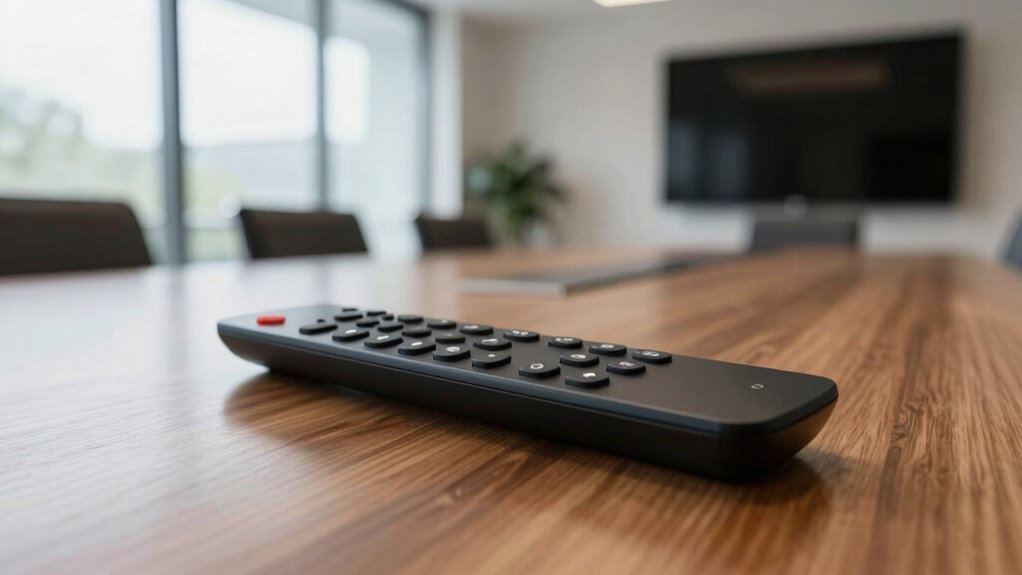

Upgrading your presenter remote with wireless control, ergonomic design, and intuitive buttons instantly makes your training sessions more polished and engaging. Features like laser pointers, customizable controls, and textured grips help you deliver confidently and smoothly, reducing technical glitches and distractions. A durable, compatible remote boosts professionalism and guarantees reliable performance, no matter the environment. Investing in these improvements can transform your presentations—keep exploring to discover how even small upgrades can make a big difference.
Key Takeaways
- Upgrading to a wireless presenter remote enables seamless slide control, enhancing the flow of training sessions.
- Ergonomic design and intuitive buttons improve comfort and confidence during delivery.
- Additional features like laser pointers and customizable buttons increase engagement and professionalism.
- Reliable performance reduces technical glitches, ensuring smooth transitions and audience focus.
- Durable, compatible remotes contribute to a polished appearance and consistent training quality.
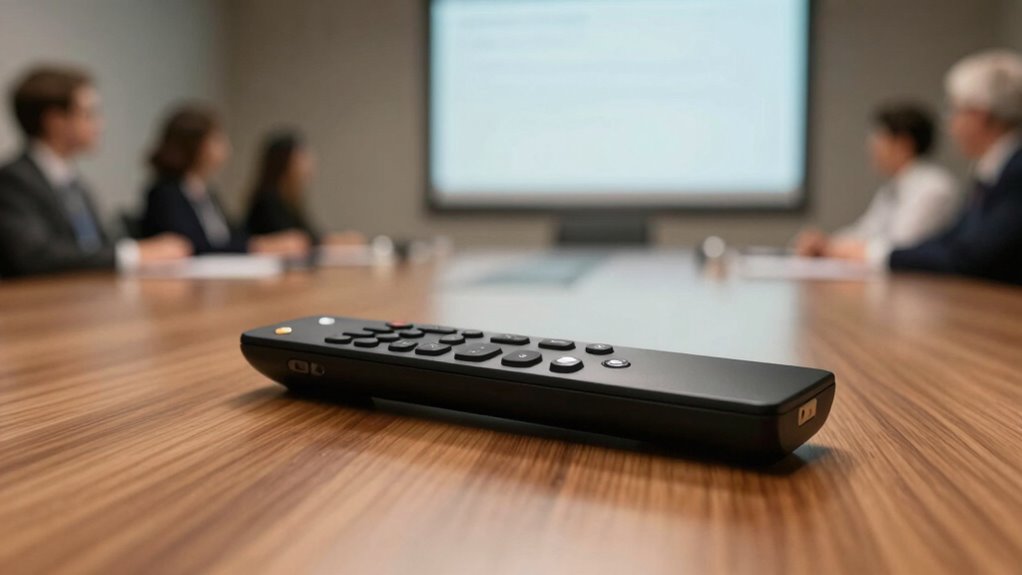
Are you ready to elevate your presentation game? Upgrading your presenter remote can dramatically change how your training sessions flow and how confident you feel delivering your message. The right remote isn’t just about clicking through slides; it’s about seamless wireless connectivity and ergonomic design that keeps you comfortable and focused. The placement of buttons matters, too—easy-to-reach controls mean you don’t have to look down or fumble during important moments. Some remotes even feature textured grips and intuitively placed buttons, so you can operate them smoothly without distraction. This comfort and ease of use translate directly into more natural, confident delivery, making your training sessions feel more polished and engaging. Investing in a remote with wireless connectivity and ergonomic design also means you’re better prepared for any situation. Whether you’re presenting in a small conference room or a large auditorium, a reliable wireless connection ensures your slides change instantly when you press a button, avoiding awkward delays. The ergonomic design helps you maintain good posture and reduces hand fatigue, especially during longer sessions. You’ll appear more confident and professional because you’re not distracted by technical glitches or discomfort. Plus, many upgraded remotes include features like laser pointers, screen magnifiers, or customizable buttons, giving you even more control over your presentation. Additionally, understanding essential safety tips for portable oil radiators can help ensure your equipment setup remains safe during your training sessions. Using the right remote can also help minimize distractions and keep your audience engaged. Incorporating proper backyard design principles can create a more comfortable and inviting environment for informal training or team-building sessions outside the usual setting. Furthermore, selecting a remote with durable construction ensures longevity and reliable performance over time. Ultimately, this upgrade isn’t just about the technology—it’s about how it boosts your confidence and helps you deliver a more compelling and polished training session. When your remote works flawlessly with wireless connectivity and ergonomic design, you can focus entirely on your content and your audience, not on fighting with your tools. It’s a small change that can make a big difference, turning an average presentation into a memorable, professional experience.
wireless presenter remote with laser pointer
As an affiliate, we earn on qualifying purchases.
As an affiliate, we earn on qualifying purchases.
Frequently Asked Questions
Is the Remote Compatible With All Presentation Software?
Yes, the remote is compatible with most presentation software, allowing you to customize your presentation seamlessly. Its remote durability guarantees it withstands frequent use during training sessions, giving you confidence in its longevity. You can easily control slides, annotate, and navigate through your content without compatibility issues. This upgrade simplifies your presentation experience, making your sessions more polished and professional, no matter which software you’re using.
How Long Does the Battery Last on a Single Charge?
The battery life on a single charge typically lasts around 20 to 30 hours of continuous use, depending on how frequently you use the remote’s features. The power duration guarantees you can confidently deliver multiple training sessions without worrying about recharging. Keep in mind that turning off the remote when not in use can help extend its battery life, so you’re always ready for your next presentation.
Can the Remote Control Multiple Devices Simultaneously?
Yes, you can control multiple devices simultaneously with the upgraded remote. Its multi-device functionality allows you to switch effortlessly between projectors, screens, and other peripherals. With simultaneous control, you streamline your presentation, reducing delays and distractions. This feature guarantees you stay focused and confident, managing all your devices smoothly. Whether you’re toggling between slides or adjusting audio, the remote’s multi-device capabilities make your training sessions more polished and professional.
Is There a Warranty or Customer Support for the Upgrade?
Yes, your upgraded presenter remote comes with warranty coverage that safeguards against manufacturing defects. If you encounter any issues, customer support is readily available to assist you. You can reach out through their website or dedicated helpline for troubleshooting, repairs, or replacements. This guarantees your training sessions stay smooth and professional, giving you peace of mind knowing that support is just a call or click away whenever you need it.
Does the Remote Support Bluetooth or Wi-Fi Connectivity?
The upgraded presenter remote supports Bluetooth connectivity, making it easy to connect directly to your device without hassle. It also offers Wi-Fi compatibility, ensuring seamless integration with your existing network for smoother control during presentations. With these features, you can confidently move around the room and manage your slides effortlessly, enhancing the professionalism of your training sessions. This dual connectivity provides flexibility and reliable performance every time you present.
ergonomic presentation remote control
As an affiliate, we earn on qualifying purchases.
As an affiliate, we earn on qualifying purchases.
Conclusion
With this remote upgrade, you’ll command your presentations with confidence, captivate your audience with seamless shifts, and leave a lasting impression with polished professionalism. You’ll feel empowered to deliver engaging content, connect effortlessly with your audience, and elevate every training session. Embrace the upgrade, enhance your skills, and turn ordinary presentations into extraordinary experiences. Because when you have the right tools, your confidence grows, your message shines, and your impact truly resonates.
clicker for PowerPoint with customizable buttons
As an affiliate, we earn on qualifying purchases.
As an affiliate, we earn on qualifying purchases.
durable wireless presenter for large rooms
As an affiliate, we earn on qualifying purchases.
As an affiliate, we earn on qualifying purchases.