

To guarantee your emails reach the inbox and protect your reputation, you need to understand the core authentication protocols: SPF, DKIM, and DMARC. SPF verifies your email source, DKIM guarantees message integrity, and DMARC enforces policies to prevent misuse. Mastering this stack boosts deliverability, builds trust with ISPs, and reduces spam filtering risks. Keep exploring these standards, and you’ll gain the essential knowledge to optimize your email success.

Get business pricing on office and shipping supplies
- Business-only prices and quantity discounts
- Tax-exempt purchasing
- Multiple users, one account, clear invoices
Key Takeaways
- Implement SPF, DKIM, and DMARC to verify sender identity and protect email integrity.
- Properly configure DNS records for accurate and secure authentication standards.
- Use DMARC reporting to monitor email traffic and detect potential security issues.
- Ensure alignment of SPF and DKIM with your domain to maximize inbox placement.
- Regularly review and update authentication protocols to maintain sender reputation and deliverability.
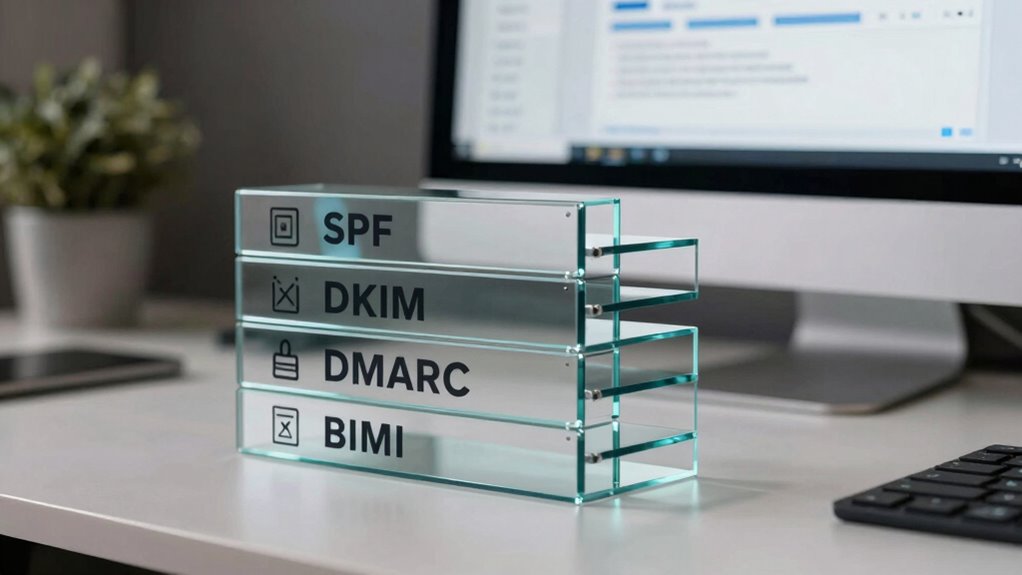
In today’s email landscape, understanding the authentication stack is essential for any serious sender looking to improve deliverability and protect their reputation. Your success hinges on how well your emails are received, and that depends heavily on passing spam filters and ensuring your messages reach the inbox. The core of this process is the authentication stack—a set of standards and protocols that verify your identity as a legitimate sender. Without it, your emails risk being caught in spam filters or blocked altogether, damaging your reputation and reducing engagement.
Understanding the email authentication stack is vital for ensuring your messages reach the inbox and protect your sender reputation.
The first step in the authentication stack is SPF, or Sender Policy Framework. SPF allows you to specify which mail servers are authorized to send emails on your behalf. When an email is received, the recipient’s server checks SPF records to verify that the message originates from an approved source. This helps prevent spoofing and phishing attempts, both of which can trigger spam filtering. If SPF isn’t correctly configured, your emails may be flagged as suspicious or rejected, harming your email deliverability. Proper DNS record management ensures your SPF settings are accurate and up to date. Additionally, understanding how to troubleshoot common issues with SPF can further enhance your email security. Maintaining accurate DNS records is crucial for keeping your email authentication effective and trustworthy.
Next, you need DKIM, or DomainKeys Identified Mail. DKIM adds a digital signature to your emails, which recipients’ servers can verify against your DNS records. This signature confirms that your message hasn’t been altered during transit and genuinely comes from your domain. Proper DKIM implementation boosts your credibility with spam filters, ensuring your emails aren’t marked as suspicious or malicious. It’s a key part of establishing trust, especially when combined with SPF. Moreover, regularly monitoring DKIM signatures can help identify potential security breaches or misconfigurations early.
Finally, DMARC, or Domain-based Message Authentication, Reporting, and Conformance, ties SPF and DKIM together. It tells receiving servers how to handle emails that fail authentication and provides a reporting mechanism so you can monitor your email traffic. Implementing DMARC helps enforce your policies, reducing unauthorized use of your domain and bolstering your reputation. When your authentication protocols are correctly set up, spam filtering systems recognize your emails as trustworthy, increasing your chances of reaching the inbox consistently. Additionally, using professional email authentication practices can further enhance your sender reputation and deliverability.
In essence, mastering your authentication stack isn’t just about technical compliance—it’s about ensuring your emails aren’t mistaken for spam or malicious content. When your SPF, DKIM, and DMARC are properly configured, you improve your email deliverability and build a reputation that ISPs trust. This proactive approach minimizes the risk of your messages being filtered or blocked, keeping your communication channels open. As a serious sender, investing time in understanding and implementing these standards is vital to achieving reliable, high deliverability rates and maintaining a positive sender reputation in today’s competitive email environment.
As an affiliate, we earn on qualifying purchases.
Frequently Asked Questions
How Often Should I Update My Email Authentication Records?
You should update your email authentication records whenever your sending practices change or if you notice issues with your email reputation. Regular updates help maintain your sender credibility, especially when adjusting sending frequency or adding new domains. Staying proactive guarantees your authentication aligns with current standards, preventing delivery problems and protecting your reputation. Check your records at least quarterly, or more often if you experience shifts in your email volume or encounter deliverability issues.
What Are Common Mistakes in Setting up SPF, DKIM, and DMARC?
Setting up SPF, DKIM, and DMARC can be tricky—like walking a tightrope. Common mistakes include misconfigured records, such as incorrect IP addresses or domain names, which leave you vulnerable to email spoofing and phishing attacks. You might also forget to align your policies, reducing their effectiveness. Double-check your records regularly and make certain they’re precise, so your email authentication protects your domain and keeps your recipients safe from threats.
How Does Authentication Impact Email Deliverability Rates?
Authentication directly impacts your email deliverability rates by strengthening your email reputation and reducing the chances of your messages being flagged by spam filtering systems. When you properly set up SPF, DKIM, and DMARC, inbox providers trust your emails more, increasing the likelihood they land in recipients’ inboxes instead of spam folders. This boost in deliverability helps guarantee your messages reach your audience effectively and maintains a positive sender reputation.
Can Multiple Email Domains Share the Same Authentication Setup?
Think of your email setup as a well-coordinated orchestra; multiple domains can share the same authentication setup if properly aligned. You need to guarantee domain alignment and follow authentication best practices like SPF, DKIM, and DMARC for each domain. Sharing settings saves time, but each domain must be correctly configured to avoid deliverability issues. Keep everything synchronized to maintain a harmonious reputation and effective email delivery across all your domains.
What Tools Can Help Monitor My Email Authentication Status?
You can use tools like DMARC, SPF, and DKIM analyzers to monitor your email authentication status. These tools help you track if your email encryption is effective and whether your setup prevents phishing attacks. Regularly checking your reports guarantees your domain stays secure, maintains good deliverability, and protects recipients from malicious emails. Stay proactive by using these tools to identify issues early and strengthen your email defenses.
Conclusion
Understanding the authentication stack isn’t just a good idea—it’s your lifeline in the email world. By mastering SPF, DKIM, DMARC, and BIMI, you’re building an impenetrable fortress that keeps your reputation pristine and your messages trusted. Skipping these steps is like leaving your front door wide open in a storm of spam and scammers. Stay sharp, stay secure, and let your email game be so strong it’s practically unstoppable—because your reputation deserves nothing less.
Fall Picks
fall essentials
As an affiliate, we earn on qualifying purchases.