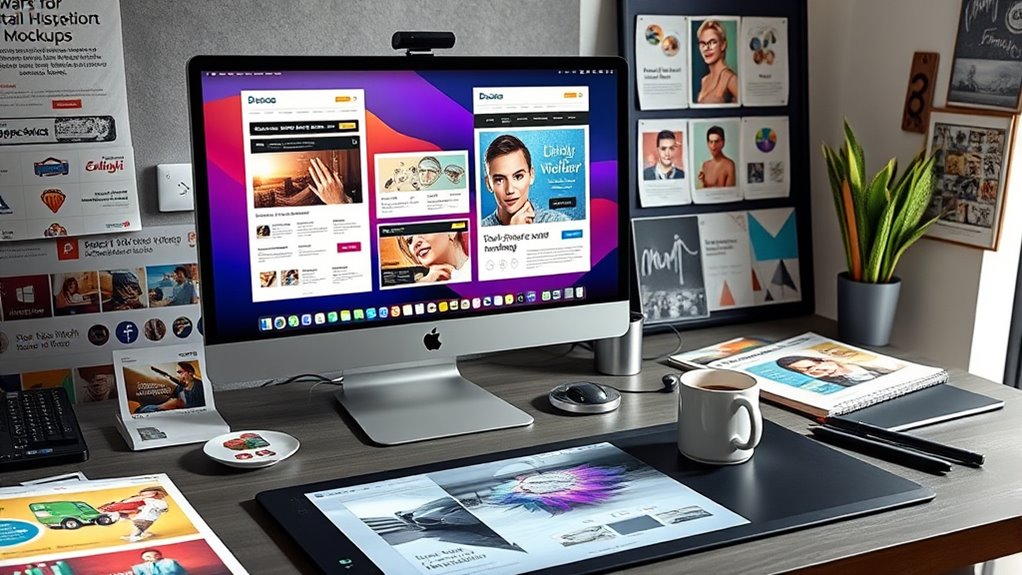

To enhance your email design, use graphic tools that offer high-quality images, customizable icons, and logo creation features. These tools help you craft eye-catching visuals that strengthen your brand identity and improve engagement. Templates and layout options ensure your visuals complement your message without clutter. By consistently integrating appealing images and icons, you build recognition and trust. Keep exploring how these tools can elevate your emails and make your brand stand out even more.
Key Takeaways
- Utilize graphic design tools with customizable templates to easily incorporate images and icons into emails.
- Use drag-and-drop interfaces for effortless editing of visuals, including cropping, resizing, and adding filters.
- Access libraries of high-quality icons and images that match your branding style for visual consistency.
- Plan layouts with visual elements to enhance readability, engagement, and overall email aesthetics.
- Ensure your visuals, including logos and icons, are adaptable for various email platforms and sizes to maintain clarity.
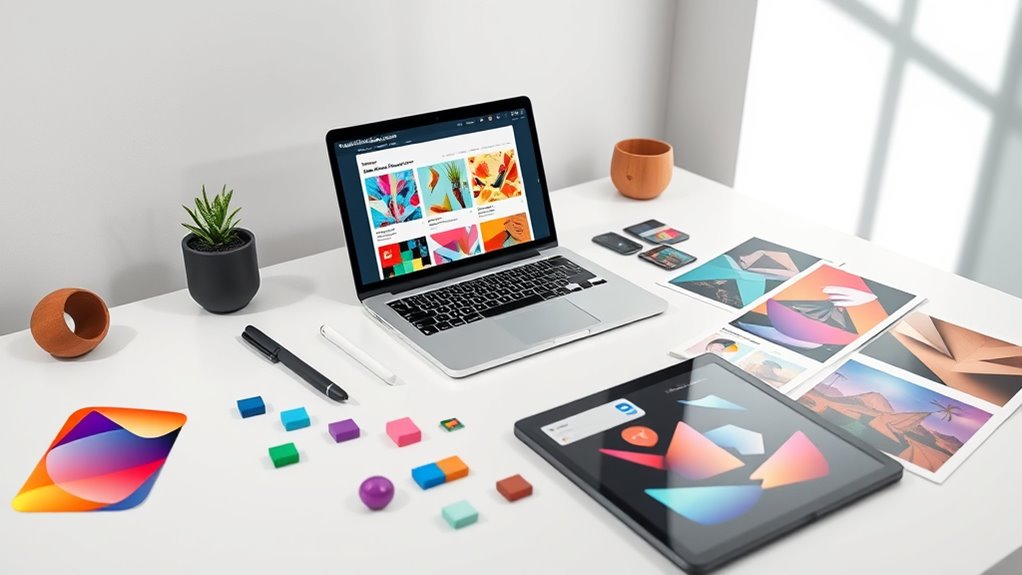
Ever wondered how to create eye-catching emails that grab your audience’s attention? The secret lies in effective graphic design tools that help you craft compelling visuals. From images and icons to logos, these elements play a vital role in boosting your email’s appeal and reinforcing your brand identity. When you focus on visual branding, you’re not just making your email look good—you’re building recognition and trust with your recipients. One of the first steps in establishing a strong visual identity is logo creation. Your logo acts as the face of your brand, so it needs to be clear, memorable, and adaptable to various sizes and backgrounds. Many graphic design tools offer templates and design features specifically for logo creation, making it easier to develop a professional-looking logo without the need for advanced skills. These tools often include drag-and-drop interfaces, customizable fonts, and color palettes that align with your brand’s style. Once you have a logo, integrating it seamlessly into your email design helps maintain consistency across your marketing channels.
Beyond logos, incorporating high-quality images is essential for capturing attention. Use graphic design tools to enhance your images—crop, resize, add filters, or overlay text to make them more engaging. Visuals should complement your message and evoke emotions that encourage recipients to take action. Icons are another powerful element; they simplify complex ideas and add visual interest without cluttering your email. Many design platforms provide a vast library of icons that you can customize in terms of size, color, and style to match your overall branding. When selecting icons, make sure they’re relevant and easy to understand at a glance. Additionally, understanding juice yield and other related concepts can help you select the best visual representations for your content, ensuring clarity and engagement. Furthermore, these tools often come with pre-made templates optimized for email design, allowing you to incorporate your visuals quickly and efficiently. They assist in layout planning, ensuring your images and icons are well-balanced with text, which improves readability and user experience. Consistency in visual branding across all elements—logos, images, icons—reinforces your brand identity and creates a professional appearance. Remember, the goal isn’t just to make your emails look pretty but to communicate your message clearly and inspire trust. By leveraging graphic design tools for visual branding and logo creation, you empower yourself to craft emails that stand out in crowded inboxes, leaving a lasting impression on your audience.

Mr. Pen- House Plan, Interior Design and Furniture Templates, Drafting Tools and Ruler Shapes for Architecture – Set of 3
3 Pc Architect Drawing And Interior Design Template Set (Scale: 1/4 Inch = 1 Ft): House Plan Template,…
As an affiliate, we earn on qualifying purchases.
As an affiliate, we earn on qualifying purchases.
Frequently Asked Questions
How Can I Optimize Images for Faster Email Loading?
To optimize images for faster email loading, start with image compression to reduce file size without compromising quality. Use appropriate formats like JPEG or PNG and resize images to fit your layout. Don’t forget alt text optimization; concise, descriptive alt text helps with accessibility and can improve load times. These steps ensure your emails load quickly and look professional, enhancing user experience and engagement.
What Are the Best Icon Styles for Email Branding?
Choose clean, cohesive icon sets that communicate your brand clearly. Consistent, simple styles work best for email branding, making your message memorable and minimalistic. Flat icons, line icons, or glyphs provide a polished, professional look that complements your branding symbols. Prioritize precision, simplicity, and consistency to craft engaging icons that click with your audience, creating a cohesive, compelling email experience that encourages engagement and reinforces your brand identity.
How Do I Ensure Design Consistency Across Email Campaigns?
To guarantee design consistency across your email campaigns, you should strictly follow your brand guidelines and maintain uniform color schemes. Use a style guide to keep fonts, icon styles, and imagery consistent. Create templates with preset layouts and color palettes, and always double-check that each element aligns with your branding. This approach helps reinforce your brand identity and provides a cohesive, professional look in every email you send.
What Tools Help Create Animated Images for Emails?
Imagine your email coming alive with vibrant animated GIFs and smooth motion graphics—you need the right tools. You can use platforms like Adobe Photoshop and After Effects for creating stunning animations, or online tools like Giphy and Canva for quick, easy animated GIFs. These tools help you craft eye-catching visuals that engage your audience, making your emails memorable and dynamic. With them, your messages won’t just be read—they’ll be experienced.
How Can I Test Email Designs on Different Devices?
You can test your email designs on different devices by using device preview and cross-platform testing tools. These options let you see how your email appears on various smartphones, tablets, and desktops before sending. Simply upload your design to platforms like Litmus or Email on Acid, and they simulate how your email looks across multiple devices, helping you identify and fix any display issues to guarantee a seamless experience for all recipients.
![MixPad Multitrack Recording Software for Sound Mixing and Music Production Free [Mac Download]](https://m.media-amazon.com/images/I/51kaO82jYOL._SL500_.jpg "Graphic Design Tools for Email: Images, Icons, and More 5")
MixPad Multitrack Recording Software for Sound Mixing and Music Production Free [Mac Download]
Mix an audio, music and voice tracks
As an affiliate, we earn on qualifying purchases.
As an affiliate, we earn on qualifying purchases.
Conclusion
Now, armed with these design tools, you might think creating stunning emails is effortless. But beware—the more images and icons you add, the more your inbox might struggle to stay under the email provider’s size limits. Ironically, what’s supposed to make your message pop could turn into a technical headache. So, enjoy the creative chaos, but remember, sometimes less truly is more—unless you want your email to end up in the spam folder!
high-quality icon libraries for email design
As an affiliate, we earn on qualifying purchases.
As an affiliate, we earn on qualifying purchases.

Funny Editor Definition Film Editor in Chief Video Editing T-Shirt
Funny design. Funny Editor Definition Film Editor In Chief Video Editing
As an affiliate, we earn on qualifying purchases.
As an affiliate, we earn on qualifying purchases.