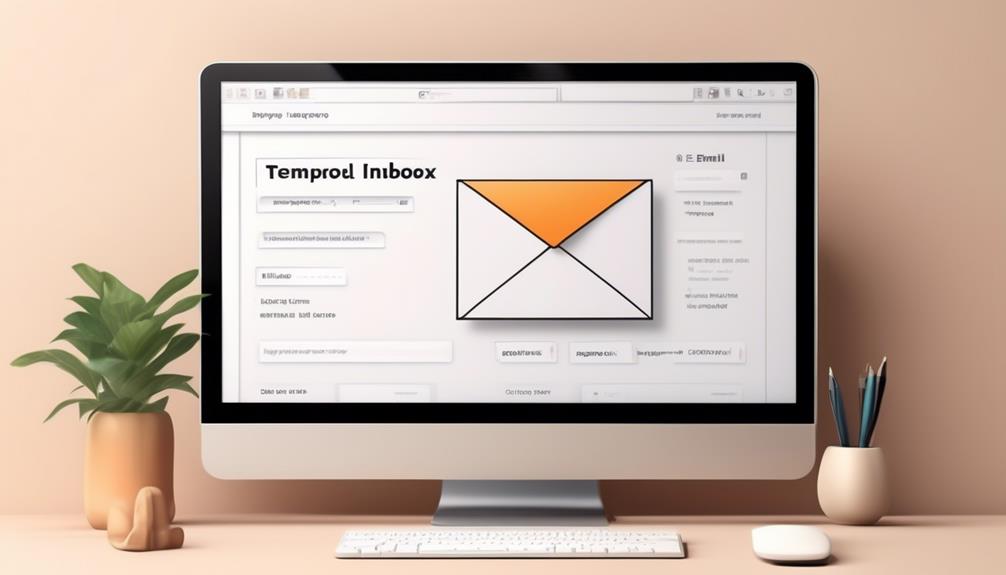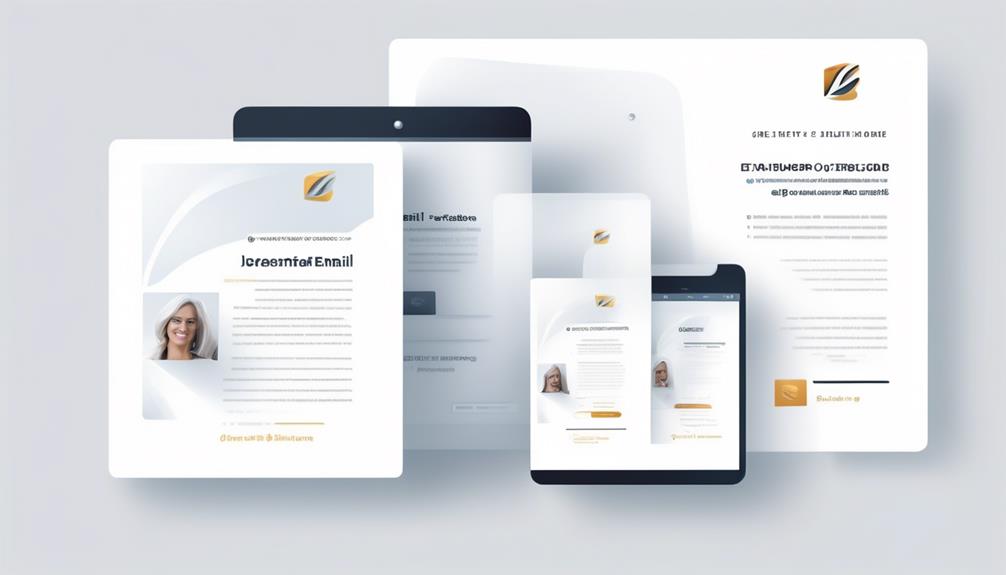

To craft a warm, effective onboarding email, start by addressing your new user by name to make it personal. Welcome them enthusiastically and highlight how your platform aligns with their interests. Include clear, eye-catching call-to-action buttons like “Get Started” or “Explore” to guide them confidently. Use engaging visuals and keep the tone friendly. If you keep these tips in mind, you’ll discover how to make your new users feel valued and keen to engage from the start.
Key Takeaways
- Personalize the greeting with the user’s name and relevant interests to create a welcoming tone.
- Clearly outline next steps with prominent CTA buttons like “Get Started” or “Explore Features.”
- Use a clean, attractive layout with visuals or icons to highlight key benefits.
- Emphasize early platform features and how they add value to encourage engagement.
- Regularly analyze performance metrics and refine content and design for continuous improvement.
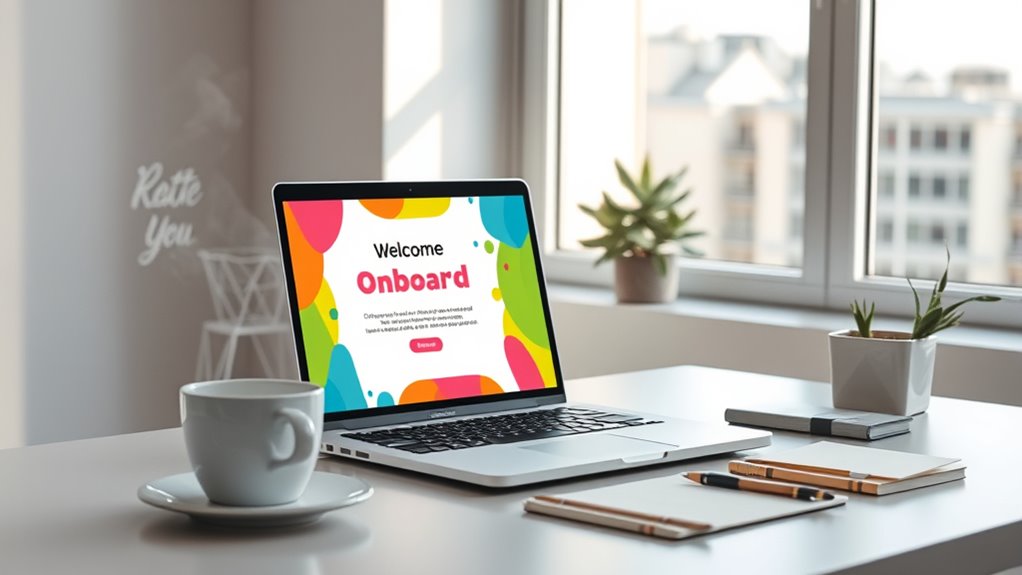
Creating an effective new user onboarding email template is essential for making a strong first impression and guiding new users smoothly into your platform. The moment someone signs up, your goal is to foster a positive user experience that encourages continued engagement. To do this, your email should feel personalized and tailored to each recipient. When you prioritize email personalization, you demonstrate that you understand your users’ needs and preferences, which helps build trust right from the start.
Start your onboarding email by addressing the user by name. This simple step makes your message feel more genuine and welcoming, setting a friendly tone. Use data you already have about your users—like their interests or the features they signed up for—to customize the content. For example, if a user showed interest in a specific feature during sign-up, highlight that feature early in your email. Personalization isn’t just about inserting a name; it’s about making the content relevant and meaningful for each individual. When your email feels tailored, users are more likely to engage with your platform and explore what you offer.
Personalize your onboarding emails by addressing users by name and highlighting features they care about.
Keep your message concise and focused. Clearly state what the user can do next and how it benefits them. For instance, include a call-to-action (CTA) like “Get Started” or “Explore Features,” but make sure it stands out visually. When you guide users with clear instructions, you create a seamless onboarding experience that minimizes confusion and frustration. Including helpful tips or links to tutorials can also enhance user experience by providing additional support without overwhelming the recipient. Additionally, incorporating family photoshoot fails or related humorous anecdotes can make your communication more relatable and memorable, especially if your platform involves community or social elements.
Design matters just as much as content. Use a clean, attractive layout that aligns with your brand. Break up text with images or icons that visually represent key points. When your email looks professional and easy to scan, users are more likely to read and act on it. Remember, the goal is to make users feel welcomed and confident about using your platform. Personal touches, combined with a clear and user-friendly design, show that you care about their experience from the very first contact.
Finally, test and optimize your onboarding email template regularly. Pay attention to open rates, click-through rates, and user feedback. Small adjustments—like refining your personalization tactics or tweaking your CTA—can markedly improve user engagement over time. When you focus on creating personalized, well-designed emails that enhance the user experience, you set the stage for long-term loyalty and success.
Frequently Asked Questions
How Can I Personalize the Onboarding Email for Different User Segments?
You can personalize your onboarding email by leveraging user segmentation to tailor content based on user interests, behaviors, or demographics. Implement personalization strategies like dynamic content blocks, customized greetings, and relevant suggestions to make each user feel valued. By analyzing user data early, you guarantee your message resonates, increasing engagement and fostering a warm connection right from the start. This targeted approach boosts satisfaction and encourages long-term loyalty.
What Are the Best Practices for Timing the Onboarding Email?
You should send your onboarding email at the ideal time to boost user engagement. Typically, timing your email within the first 24 hours after sign-up captures interest when it’s freshest. Avoid delays that might cause users to lose enthusiasm. Test different times, like mornings or early afternoons, to see when your users are most responsive. Consistent, well-timed emails help build a connection and encourage ongoing interaction.
How Do I Measure the Success of My Onboarding Email?
You can measure the success of your onboarding email by analyzing email open rates and click-through metrics. Higher open rates indicate your subject line and timing are effective, while strong click-through rates show engagement with your content. Regularly track these metrics, compare them over time, and modify your messaging or timing to improve user interaction. This data-driven approach helps guarantee your onboarding email effectively welcomes and engages new users.
What Common Mistakes Should I Avoid in Onboarding Email Templates?
Did you know that 75% of recipients consider overly generic messaging a turn-off? To avoid common mistakes, steer clear of email jargon that confuses your audience and focus on clear, personalized content. Don’t rely on generic messaging; instead, craft tailored messages that resonate. Avoid overly promotional language and guarantee your CTA is straightforward. Personalization and clarity boost engagement, making your onboarding emails more effective and warmly received.
How Can I Incorporate User Feedback Into the Onboarding Process?
You can incorporate user feedback into your onboarding process by actively using feedback integration and survey strategies. Regularly collect insights through quick surveys after key interactions, then analyze responses to identify pain points or preferences. Apply this data to refine your onboarding emails, making them more personalized and relevant. Show users you value their input by implementing changes, which boosts engagement and trust, creating a smoother, more effective onboarding experience.
Conclusion
Remember, a warm welcome sets the tone for a lasting relationship. Did you know that onboarding emails have a 40% higher open rate when they include a friendly, personalized message? By making your new users feel valued right from the start, you increase engagement and build trust. Keep your tone inviting, and watch your community grow. A simple, genuine welcome can turn a first-time user into a loyal supporter — so make it count!