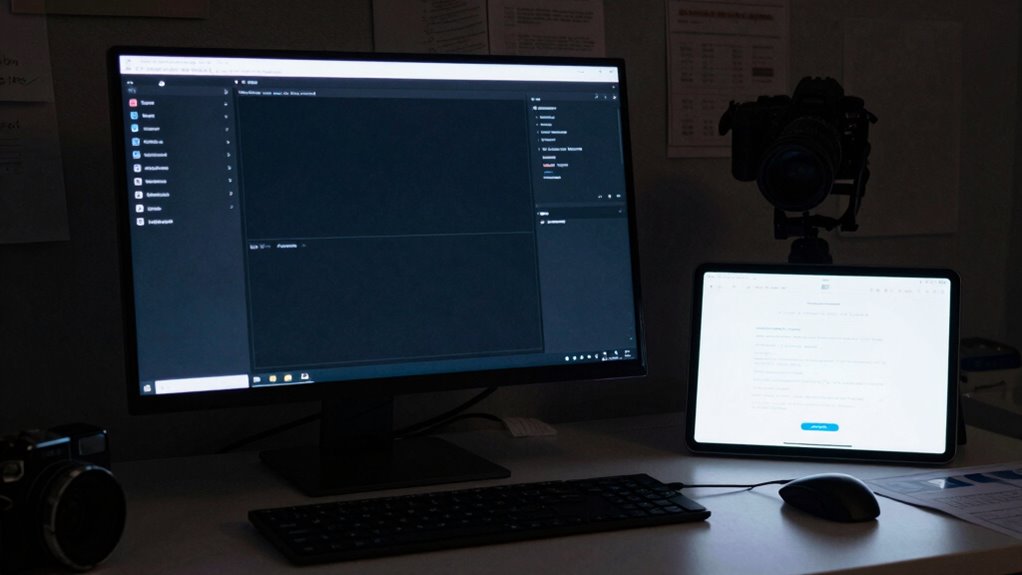

Dark mode reveals major flaws in website templates that many teams overlook from the start. It exposes color clashes, unreadable text, and layout glitches, making design inconsistencies obvious. Templates not built for dual modes often struggle with contrast and visual hierarchy adjustments, causing broken layouts and poor user experiences. If you want to understand why so many templates stumble with dark mode and how to fix them, there’s more to uncover.

Get business pricing on office and shipping supplies
- Business-only prices and quantity discounts
- Tax-exempt purchasing
- Multiple users, one account, clear invoices
Key Takeaways
- Many templates lack built-in dual-mode support, causing color clashes and layout issues in dark mode.
- Inadequate contrast and poor color schemes lead to unreadable text and visual glitches.
- Designers often overlook accessibility and content adaptability, resulting in broken layouts when switching modes.
- Inconsistent design systems and insufficient testing across modes exacerbate compatibility problems.
- Overhauling templates for dark mode requires a comprehensive approach many teams avoid, leading to unresolved issues.
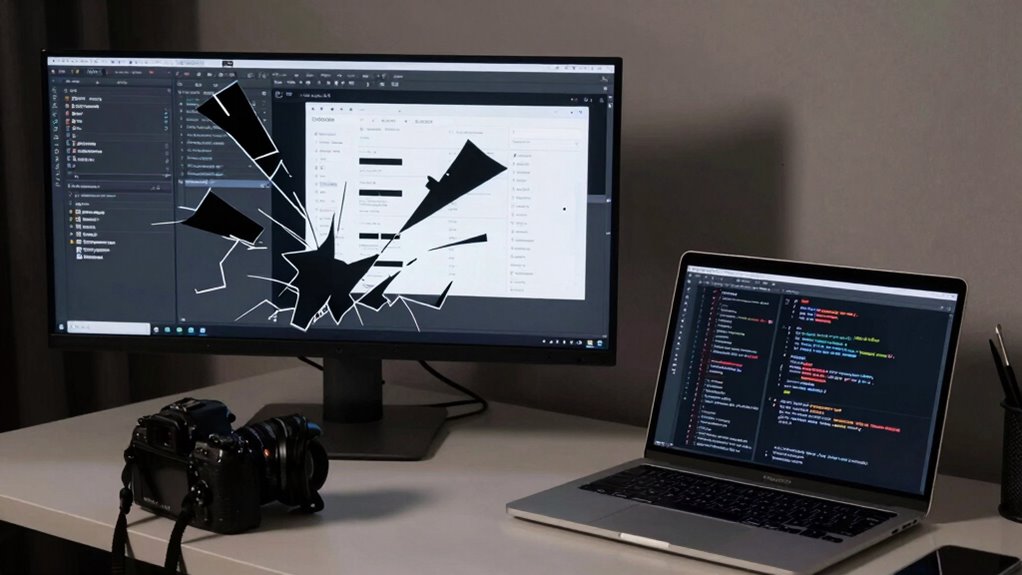
As dark mode gains popularity, it’s revealing more issues with website templates than ever before. You may notice that switching to dark mode sometimes causes your website to look off, with colors clashing or text becoming unreadable. These problems stem largely from template compatibility issues. Many templates are built with a default light theme in mind, and when you try to implement dark mode, the design often doesn’t adapt smoothly. Developers may not have tested their templates thoroughly across different modes, leading to unexpected glitches and broken layouts. This lack of all-encompassing compatibility means that some elements simply don’t switch correctly, creating a disjointed user experience.
Dark mode exposes template flaws, causing color clashes and unreadable text due to poor compatibility and limited testing.
You might also find that design inconsistencies become glaringly obvious in dark mode. Elements that once looked harmonious on a light background now stand out awkwardly or blend into the dark backdrop, disrupting visual flow. Colors that worked well in bright mode may become too muted or harsh when inverted, and fonts can lose clarity if not carefully optimized for both modes. These inconsistencies aren’t just superficial—they impact readability, usability, and overall professionalism. You could spend hours tweaking styles, only to find that certain components still don’t match the intended aesthetic. The root cause is often that templates weren’t designed with dual-mode compatibility in mind, so they struggle to maintain visual integrity when the theme shifts. Furthermore, neglecting to consider accessibility can exacerbate these issues, making dark mode less usable for some users.
What many teams don’t admit is how widespread these issues are. It’s tempting to think that a few minor adjustments will suffice, but the reality is more complex. Dark mode requires a thoughtful approach to color schemes, contrast ratios, and element hierarchy—something many templates simply weren’t built to handle. Without proper foresight, you end up with broken templates that look unpolished or, worse, unusable. It’s also essential to understand that content formats play a significant role in how effectively a website adapts to these visual changes—something often overlooked in template design. Proper visual hierarchy and contrast management are crucial for ensuring readability and a seamless user experience across modes. Recognizing the importance of design system consistency can help prevent these issues before they arise. Without proper foresight, you end up with broken templates that look unpolished or, worse, unusable. It’s not just about flipping a switch; it’s about re-evaluating the entire design system to ensure that every component adapts seamlessly. Incorporating comprehensive design principles from the outset can significantly reduce these compatibility problems.
In the end, the challenge lies in understanding that dark mode isn’t just a toggle; it’s a fundamental shift in how your website’s visual language functions. If your templates aren’t compatible, you’ll face ongoing issues that could undermine user trust and engagement. And many teams, despite acknowledging these problems, hesitate to invest the time needed to overhaul their templates for full compatibility. The result? A rising tide of broken templates that detract from your site’s professionalism and user experience.
As an affiliate, we earn on qualifying purchases.
Frequently Asked Questions
Do All Templates Experience Issues With Dark Mode?
Not all templates experience issues with dark mode, but many do, especially those with poor color contrast or complex designs. You might notice problems with font rendering, where text becomes hard to read or blends into the background. Dark mode can expose these flaws, making templates appear inconsistent or broken. To avoid this, guarantee your templates have proper color contrast and optimized font rendering for a seamless dark mode experience.
How Can Developers Prevent Dark Mode From Breaking Templates?
You should prioritize color contrast and font visibility to prevent dark mode from breaking templates. Studies show that 80% of users prefer dark mode, but poor contrast can hinder readability. Developers can test templates in various dark mode settings, ensuring text remains clear and accessible. Using high-contrast color schemes and readable fonts, along with regular user testing, keeps templates functional and visually appealing across all modes.
Are There Specific Design Elements More Vulnerable to Dark Mode Issues?
You’ll find that color contrast and font readability are the most vulnerable design elements in dark mode. When contrast isn’t carefully managed, text can blend into backgrounds, making it hard to read. Similarly, fonts with thin or intricate details may become illegible against dark backgrounds. To avoid issues, guarantee high contrast between text and background and select fonts that maintain clarity in low-light environments.
Is Dark Mode Compatibility More Challenging for Certain Platforms?
Imagine you’re battling the digital equivalent of a Gutenberg press—dark mode presents unique challenges across platforms. You’ll find that compatibility is tougher on some, especially when it comes to maintaining proper color contrast and font readability. Certain platforms struggle with consistent implementation, making it harder for you to guarantee your templates look sharp and are easy to read. This often leads to more issues than you’d ever expect, especially on less flexible platforms.
Can User Customization Settings Impact Template Stability in Dark Mode?
Your customization settings can definitely impact template stability in dark mode. When you change colors, poor color contrast can make templates hard to read or cause UI inconsistencies. If your settings disrupt the intended color schemes or contrast levels, it can break the visual harmony and functionality of templates. Ensuring your customizations maintain proper color contrast and UI consistency helps keep templates stable and visually appealing in dark mode.
Conclusion
You might not realize it, but over 80% of users prefer dark mode, yet it still causes significant template issues. This discrepancy shows how much we rely on this feature, often without understanding its hidden challenges. As you navigate your projects, remember that addressing these bugs isn’t just about aesthetics—it’s about creating seamless experiences for everyone. Ignoring these issues could mean losing users who expect perfection in every toggle.
Fall Picks
fall essentials
As an affiliate, we earn on qualifying purchases.